Struggling to pair your phone with Googlebook? Google says a fix is rolling out now
You might need to wait a couple of days to see this fix, but I can confirm that it works.
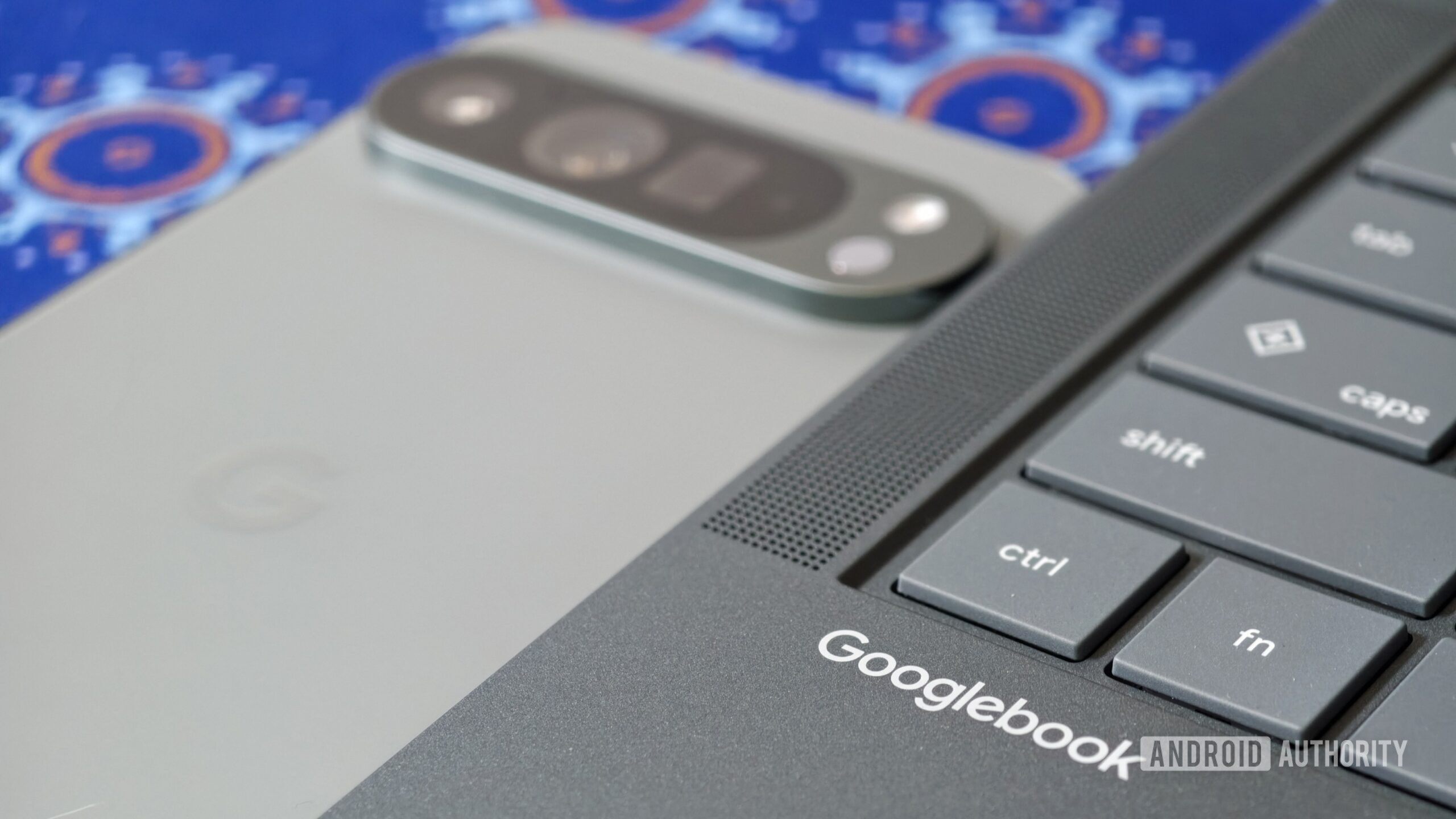
Google has acknowledged a "known first-time setup timing issue" that is preventing some Pixel phone owners from connecting their devices to Googlebooks. The problem lies with the taskbar's QR code remaining on screen during the pairing process. To resolve this issue, Googlebook users are advised to tap the phone icon on the laptop's taskbar and then scan the QR code that appears, which will take them to the cross-device services toggles on their phones.
However, the QR code screen remains visible on some laptops, and the cross-device features do not work as expected. Google has started rolling out a Google Play Services app update to address this timing issue.
Written by urgent.news from Android Authority's reporting — not their text. Machine-written — may contain errors; check the original before relying on it.
This story
This is one outlet's version. Read the fullest account.