How to blur your house on Apple Maps — and why you should do it right now
Learn how to blur your house on Apple Maps to keep nosy eyes off your driveway, plus the alternative method if the feature isn't available for you.
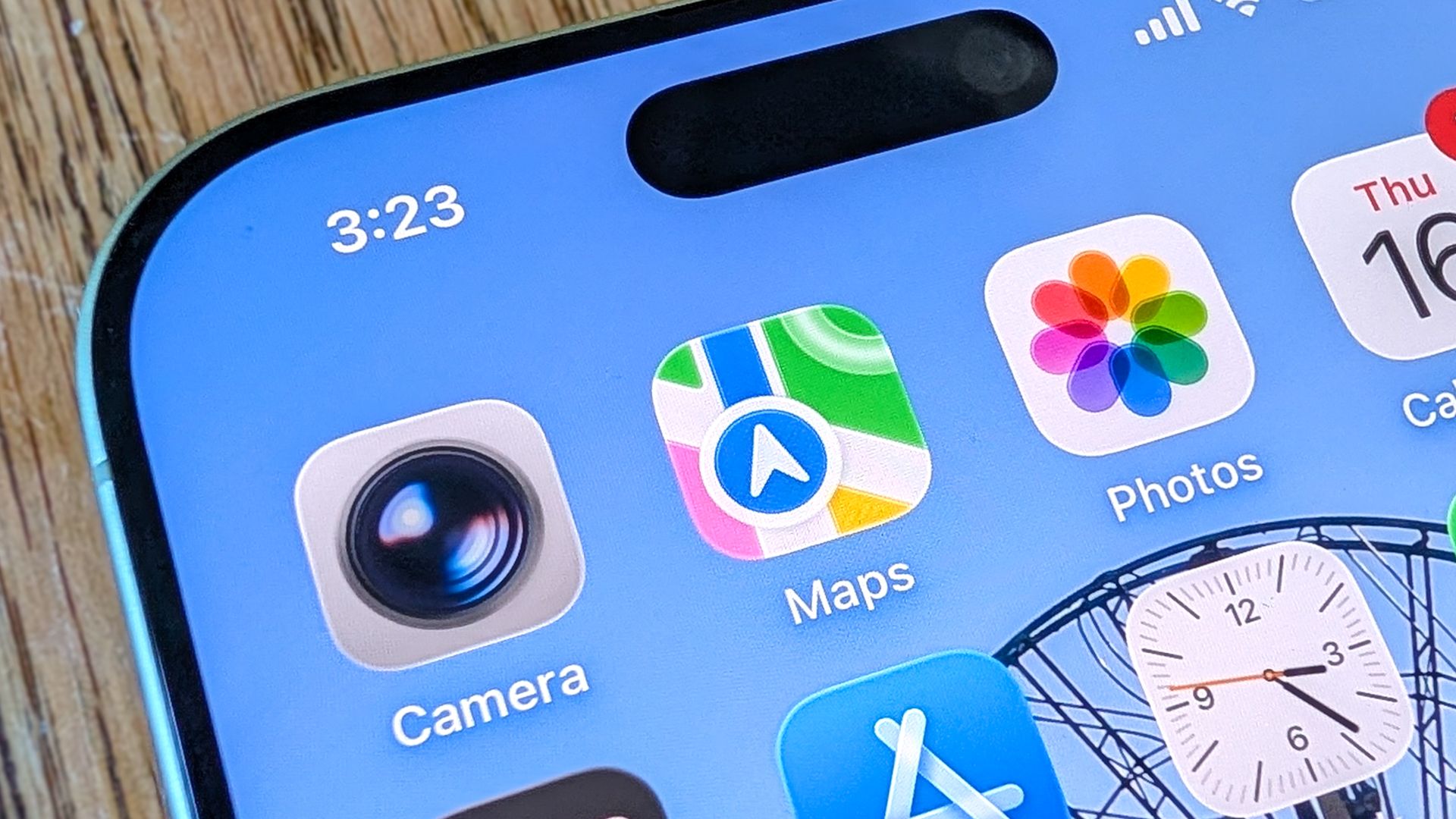
Keeping strangers from viewing your home on Apple Maps involves a simple process. The digital mapping service often captures high-resolution images of properties, which can reveal entry points, security features, and personal belongings. To remove your residence from Apple Maps, begin by searching for your address within the application.
Locate the binoculars icon on the location card or map, which indicates street-level view availability. If it’s not present, Apple’s Look Around feature hasn't captured imagery of your area yet, meaning your home won't be viewable through street view. To proceed, swipe up on the screen to access the menu options and select Report an Issue.
For Mac or desktop users, click the three-dot menu icon at the top corner to find the same option. In the report window, a preview of the stored imagery will appear alongside category options. Tap Privacy Concerns and then choose Obscure imagery of my home. Double-check that the displayed street address is correct and enter your primary email address, or allow auto-population if you’re signed into your Apple ID.
Apple will then manually review and process your request, sending follow-up emails for verification and confirmation once your property has been successfully obscured. An alternative method involves emailing mapsimagecollection@apple.com with your full name, address, and a property description or screenshot from Apple Maps. This route is useful if the in-app reporting feature isn’t functioning or if you are using a non-Apple device.
Written by urgent.news from Tom's Guide's reporting — not their text. Machine-written — may contain errors; check the original before relying on it.