My Samsung phone was full of screenshots. This quick trick fixed it
It should be possible to do this natively.
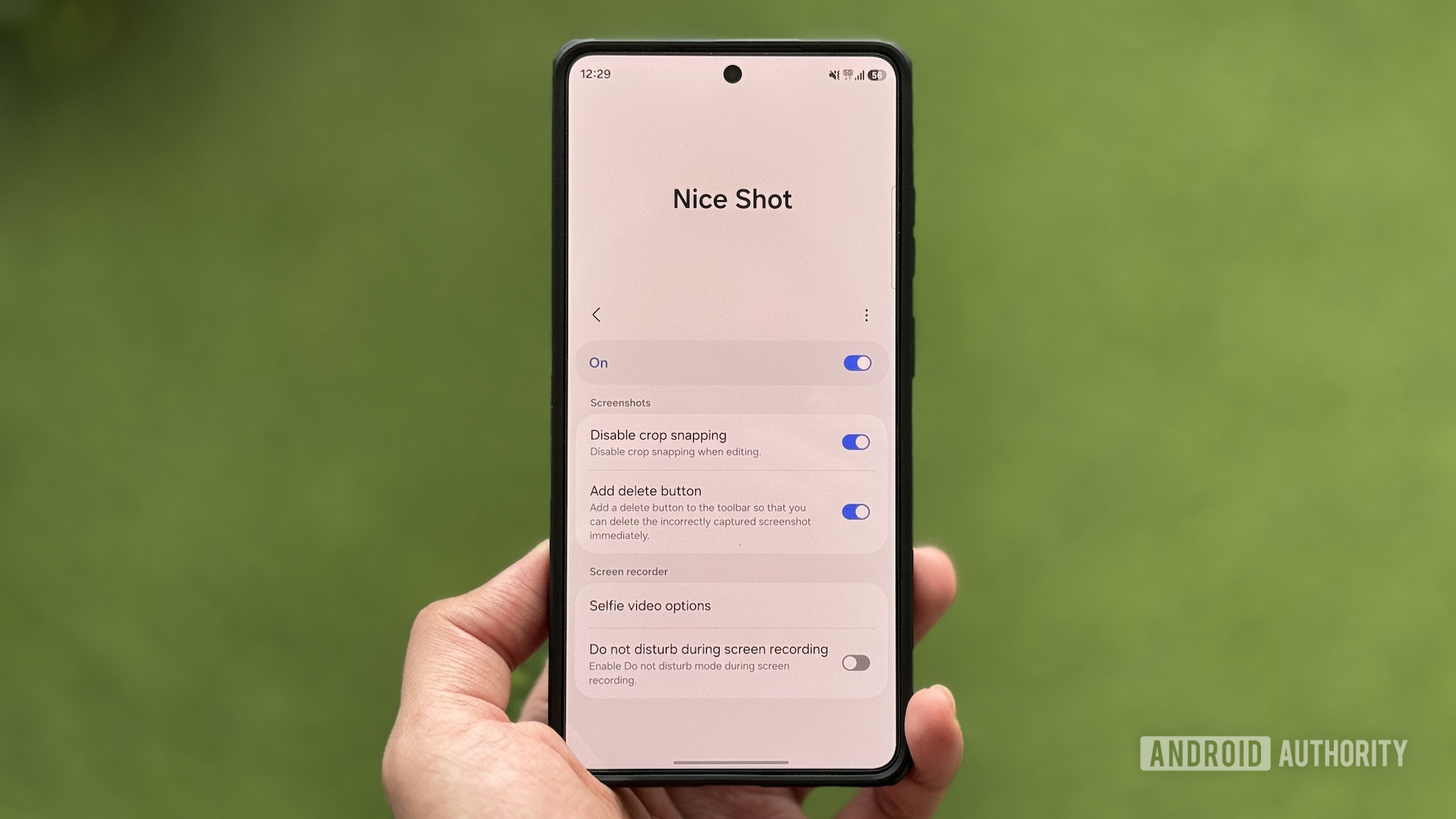
Samsung phones often accumulate unwanted screenshots in the gallery due to accidental triggers of the Back-Tap action feature. This quick trick can help resolve the issue. The Good Lock app includes a module called Nice Shot that enhances screenshot and screen recording management. One of its features is the "Add delete button" option, which adds a trash icon to the floating toolbar that appears immediately after a screenshot is taken.
This enables immediate deletion of accidentally captured screenshots. Another useful option in Nice Shot is "Disable crop snapping," which prevents the crop tool from automatically adjusting your selection when cropping screenshots, providing precise control over the editing process. The module also offers customization options for selfie videos during screen recordings, such as adjusting the size and transparency of the video feed and the background color.
Additionally, Nice Shot automatically activates Do Not Disturb mode during screen recordings to block incoming notifications, preventing distractions without the need for manual intervention. By enabling these options in Nice Shot, users can maintain a clutter-free gallery and have greater control over their screenshot experiences.
Written by urgent.news from Android Authority's reporting — not their text. Machine-written — may contain errors; check the original before relying on it.