What happens to your iPhone photos when you die?
What happens to your iPhone photos when you die? Whilst it may seem like a grim topic, a quick setting change can help pass them on. The post What happens to your iPhone photos when you die? appeared first on Amateur Photographer .
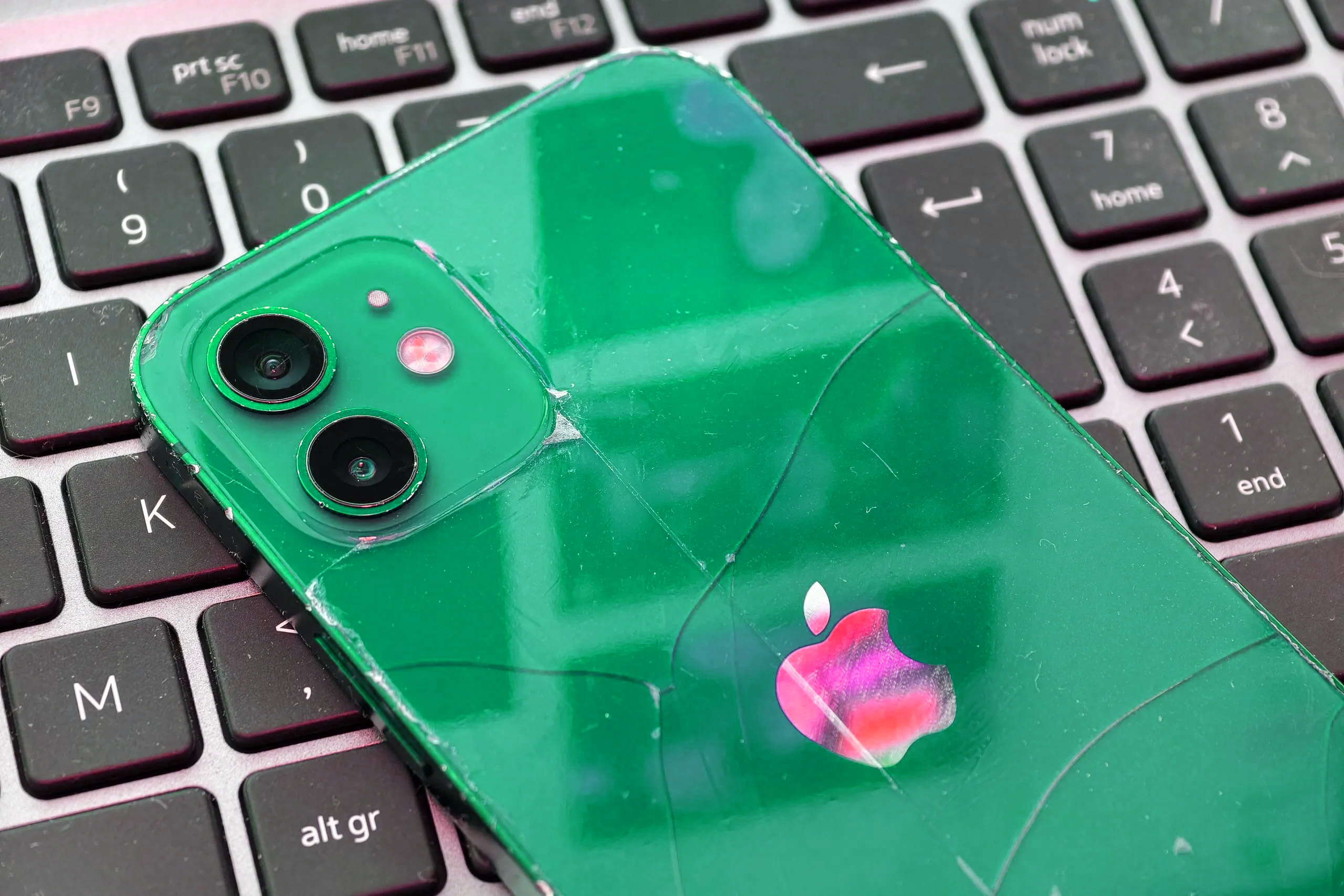
When a person passes away, their iPhone photos can become inaccessible if they're not properly prepared. The widower who couldn't access his late wife's iPhone wedding photos serves as a reminder of the importance of safeguarding digital memories. Most family photos are likely taken on smartphones, making it crucial to ensure they remain accessible to loved ones when needed.
There are several ways to preserve iPhone photos after death. Firstly, sharing phone passwords and login details with a trusted individual can help them access the data. Another approach is leaving instructions in a will, but this requires updating the passwords upon any changes. Additionally, keeping a written record of passwords in a secure location is beneficial. Regularly updating passwords can ensure their validity.
Setting up a "Legacy Contact" on your Apple device is an effective method. This allows a trusted person to access certain aspects of your device post-death, provided they possess the corresponding code and a copy of your death certificate. This feature is available on both iOS and Mac devices. To set it up, navigate to Settings > Apple Account > Sign In & Security > Legacy Contact on your iPhone.
For Google Photos users, activating the Inactive Account Manager is recommended. By doing so, a designated contact can download photos from your Android phone if your account remains inactive for a specified period. It's advisable to set this up, as Google may delete inactive accounts and their data after two years of inactivity, which could lead to the loss of cherished memories.
Written by urgent.news from Amateur Photographer's reporting — not their text. Machine-written — may contain errors; check the original before relying on it.