Good Lock, bad lock screen: Weird bug messes with clock placement following One UI 9 update
Good Lock isn't doing enough locking for some users, but Samsung is on the case.
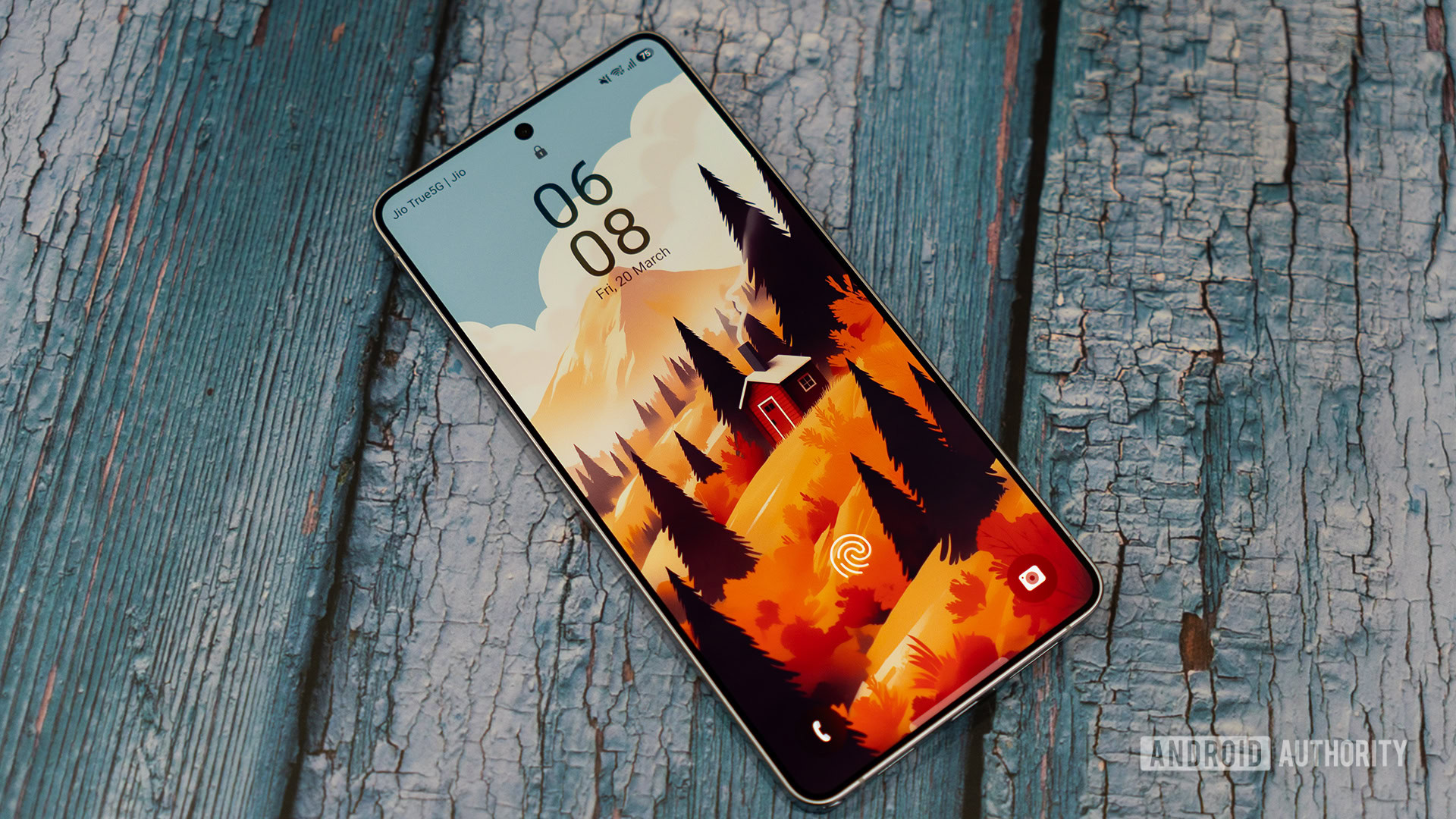
Samsung has acknowledged an issue with the Good Lock ClockFace feature after users updated to One UI 9. A Galaxy S26 Ultra owner reported that their carefully arranged lock screen clocks began to relocate themselves to a different position on the screen following the update. The problem was initially observed on the Korean Community forum, where the user posted screenshots showing the time and date being positioned closely together in LockStar, but the actual lock screen and Always-On Display showing the clocks much farther apart, with the clock itself seemingly floating near the top of the display.
Samsung is currently investigating the issue and has recommended using a default clock style as a temporary workaround until the problem is resolved.
Written by urgent.news from Android Authority's reporting — not their text. Machine-written — may contain errors; check the original before relying on it.