Most iPhone users don’t know this simple trick for better photos
Learning how to shoot raw on your iPhone is a simple tweak that can give you much better shots and more creative options. Find out more here! The post Most iPhone users don’t know this simple trick for better photos appeared first on Amateur Photographer .
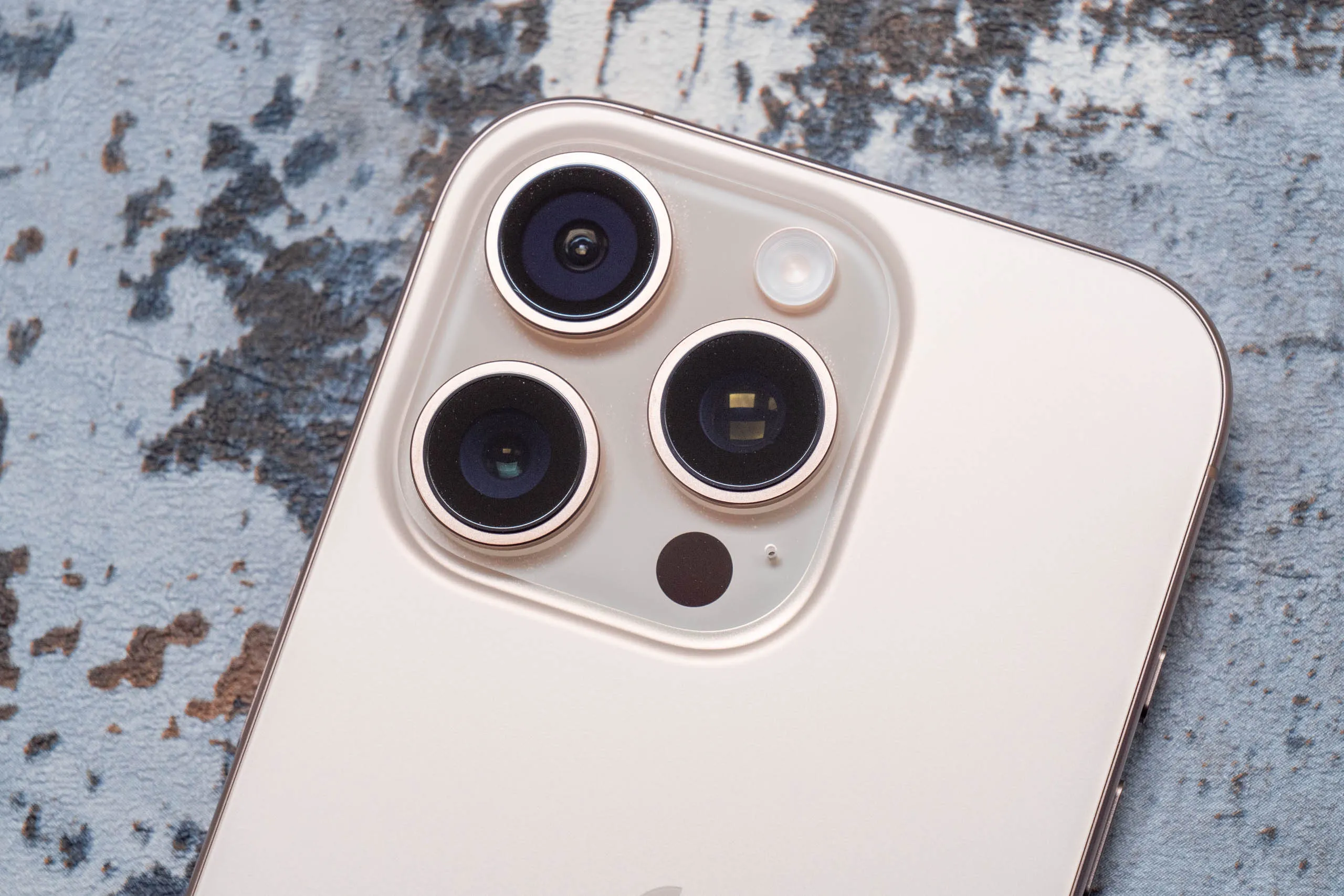
Most iPhone users are unaware of a simple technique that can significantly enhance the quality of their photos. Renowned iPhone photographer Zach Leon explains how shooting in raw mode offers greater control over the final image. By capturing the original 'raw' image without additional processing, photographers can make more creative decisions during post-processing.
Zach Leon, a successful iPhone photographer and influencer, prefers to shoot raw as it better aligns with his vision for each shot. To enable raw shooting on an iPhone, users must navigate to Settings > Camera Formats and turn on Apple ProRAW or ProRAW & Resolution Control. Lightroom Mobile is recommended for editing raw photos on an iPhone, as it allows for easy adjustments to exposure, white balance, and other settings.
Written by urgent.news from Amateur Photographer's reporting — not their text. Machine-written — may contain errors; check the original before relying on it.