Gemini overlay gets bubble minimization and multitasking on Android
The Gemini overlay on Android now has a multitasking option that gives you a floating bubble shortcut when you Minimize. more…
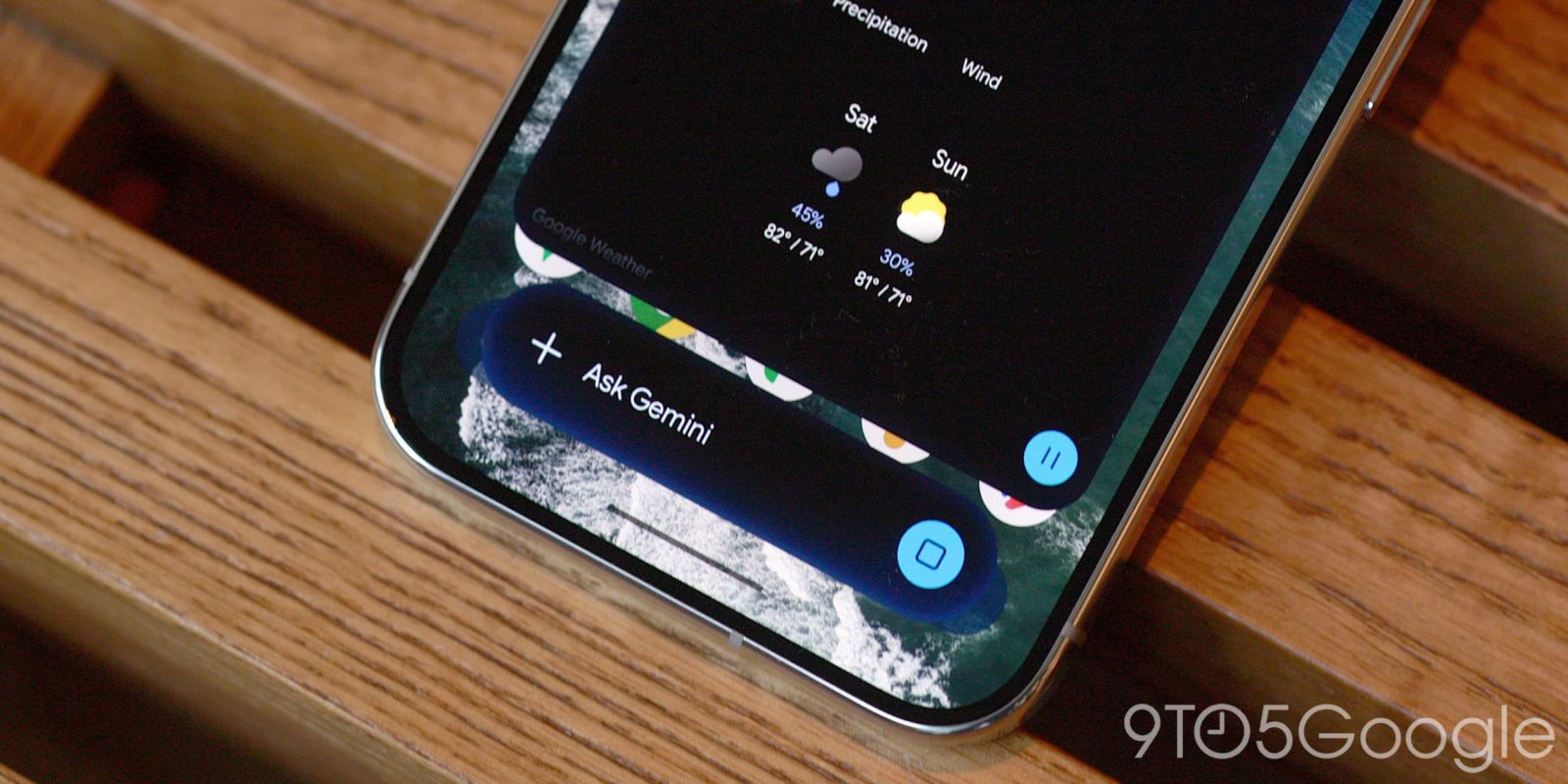
Google has rolled out an update to the Gemini overlay on Android, introducing multitasking capabilities and a convenient bubble minimization feature. When you minimize the Gemini overlay, a floating bubble shortcut appears, allowing users to quickly access and interact with the AI-powered assistant. The overlay displays a "Minimize" button above the container, which centers itself immediately after entering a prompt. The pill-shaped container containing the response follows after the response is generated.
By tapping the bubble, users can expand the Gemini overlay and either drag it to move or dismiss it as needed. The Gemini bubble is fixed to one of six predetermined positions and cannot be placed anywhere else. This positioning may cause a bug that resets the bubble to the bottom-right corner after every minimization.
Once the response has loaded, users can tap outside the sheet to return to the bubble. Additionally, users can employ the system back gesture to close the entire overlay or simply drag to dismiss it. This multitasking feature is faster than opening the Gemini app and then accessing the side panel to return to a conversation. Alternatively, users can use the Gemini app along with Android 17's system Bubble option for a more comprehensive experience.
The Minimize button and Gemini bubble are set to roll out to all Android devices in the near future. For more news on this development, check out 9to5Google on YouTube.
Written by urgent.news from 9to5Google's reporting — not their text. Machine-written — may contain errors; check the original before relying on it.