How to install a PS5 SSD in 2026
Learn how to install an M.2 NVMe SSD in your PlayStation 5, PlayStation 5 Slim, or PlayStation 5 Pro in under five minutes.
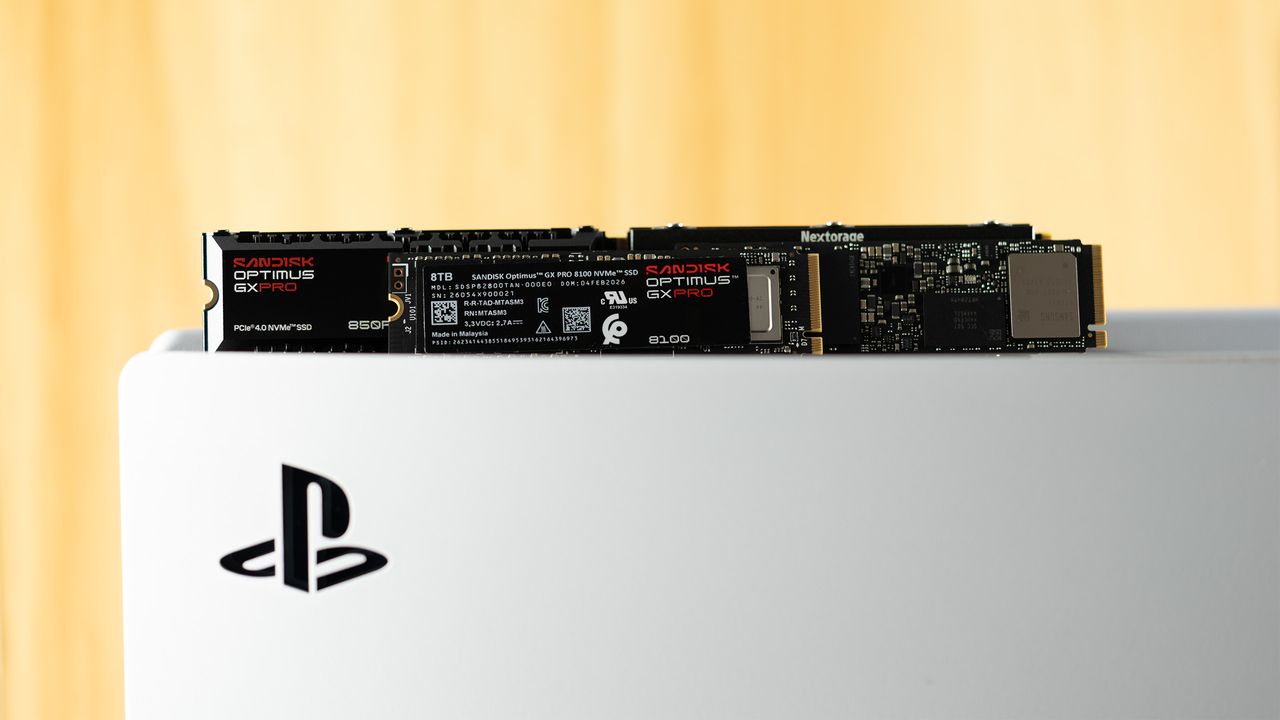
To upgrade your PlayStation 5 with a new M.2 SSD in 2026, you'll need a few essential tools and a compatible drive. Begin by disconnecting the console from its stand, HDMI cable, and power source. Place the PlayStation 5 horizontally on a flat, stable surface and avoid using soft materials that may cause static electricity buildup. To ensure safety, touch a grounded metal object before handling the console.
Next, carefully lift and remove the top cover of the PlayStation 5, then remove the smaller cover in the right-bottom corner. Using a #1 Phillips screwdriver, take out the screw securing the expansion slot cover and lift it to expose the M.2 SSD slot. Now, remove the screw and spacer from the expansion slot, and confirm the form factor of your SSD (2230, 2242, 2260, 2280, or 22110). Place the spacer in the correct position within the slot that matches your SSD's length.
Align the notches on your M.2 SSD with the connector in the slot, and gently insert the drive at a 30-degree angle. Press the SSD down with your thumb to secure it, and fasten it using the previously removed screw. Ensure you do not overtighten the screw to prevent any damage to the drive or the expansion slot. Remember, the WD Black SN850X, Samsung 990 Pro, and WD Blue SN5100 are all excellent options for your PlayStation 5 upgrade.
Written by urgent.news from Tom's Hardware's reporting — not their text. Machine-written — may contain errors; check the original before relying on it.