Here’s how both Claude and you can use the same computer simultaneously
You can now multitask with an AI agent in the background.
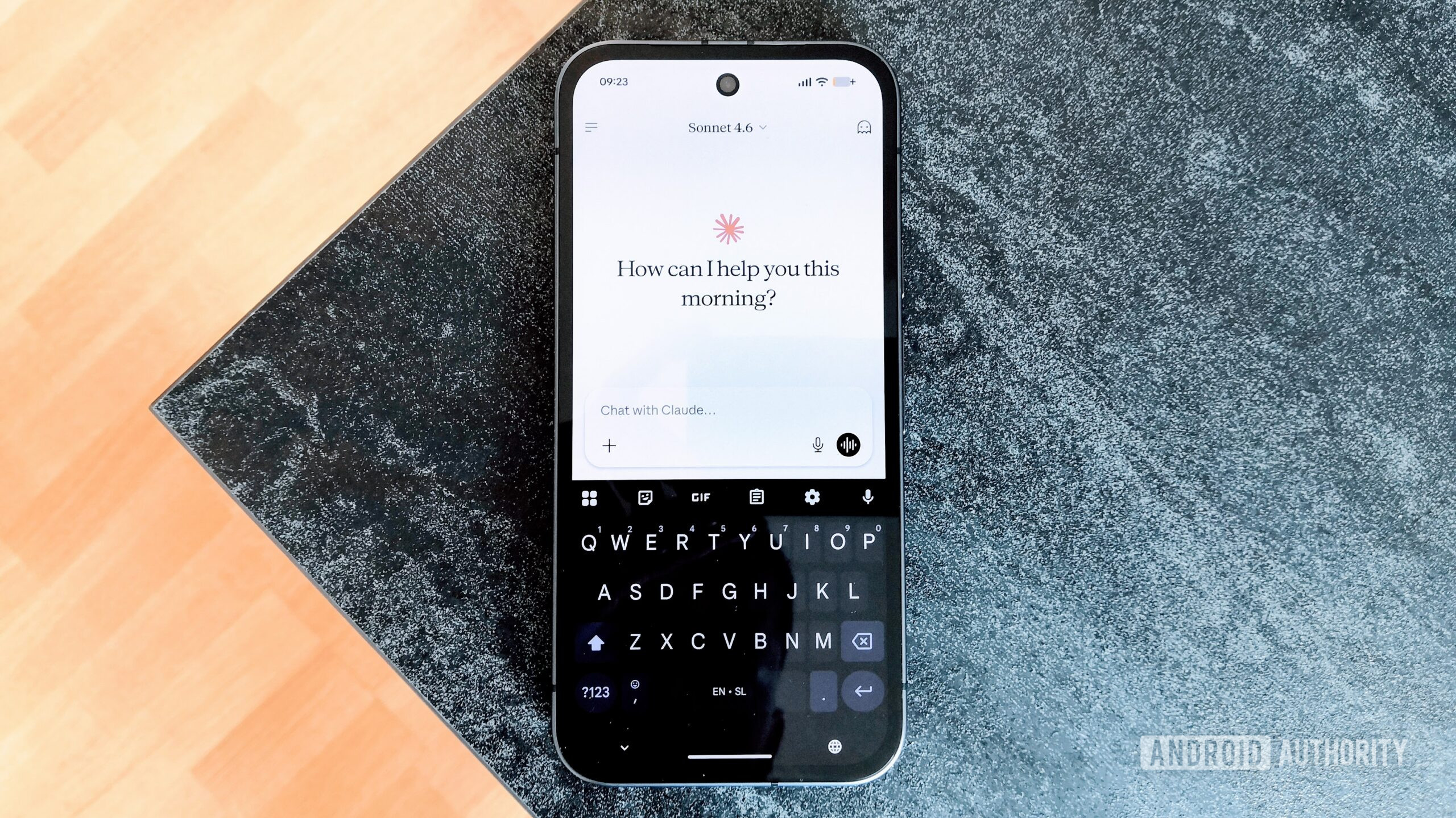
Anthropic has introduced a practical update to Claude Cowork and Claude Code. These enhancements allow Claude to operate in the background on a Mac while you work on other tasks. Instead of taking over your display, Claude now runs in a separate window. This means you can continue browsing, writing, or coding without interruption.
Claude won't interfere with your mouse or keyboard, and it will wait if you're in the middle of typing. The only time it will interrupt you is when a task requires full-screen access. When this happens, Claude will ask for your permission once during the session.
Before acting, Claude checks if a connector like Gmail, Google Drive, or Slack can handle the task, as this is typically the quickest method. If no connector is available, Claude will attempt to use your browser, either the built-in Claude Desktop browser or your own Chrome browser through Claude in Chrome. As a last resort, Claude will navigate your screen directly, which is helpful for internal dashboards or specialized work tools that lack a proper connector.
With Claude handling background tasks, you can delegate various activities. For example, Claude could compile a competitive analysis from your files and connected tools, then format the results into a report. Alternatively, Claude could open your phone simulator, examine the app you're developing, and identify any UX issues. The utility of Claude's background capabilities extends to tasks that depend on a physical machine, as it will continue working even after you've left your desk, provided your computer remains powered on.
This feature is currently in beta for Pro and Max plans and can be enabled in Cowork and Claude Code on both macOS and Windows. To turn it on, navigate to Settings > General > Computer use. Before allowing Claude unrestricted access to your desktop, it is recommended to review the guidelines for using Cowork safely. If you had been relying on Google's AI Mode for tasks such as researching products, you may want to verify the prices, as researchers from Product Rise found that prices in AI Mode were, on average, 21.6% higher compared to traditional Google Search results.
This discrepancy is particularly relevant when the same product appeared in both AI Mode and Google Search. Additionally, researchers at Product Rise discovered that phishing messages, pretending to be from Amazon, have become sophisticated enough to fool even cautious users. Amazon reported fielding questions from 360,000 customers annually about the authenticity of such messages.
Starting today, however, you can avoid the uncertainty by asking Alexa for Shopping assistance. Creating marketing graphics or editing PDFs is now as simple as sending a Slack message. Adobe for Slack now enables you to produce polished images, videos, and documents directly from everyday conversations, shared files, and project briefs within your Slack workspace, all without leaving the platform.
Written by urgent.news from Digital Trends's reporting — not their text. Machine-written — may contain errors; check the original before relying on it.
This story
This is one outlet's version. Read the fullest account.
- Claude can now use your computer while you get other things done digitaltrends.com