Windows 11 finally lets you opt out of OneDrive during setup instead of just reminding you in three days
It's about time.
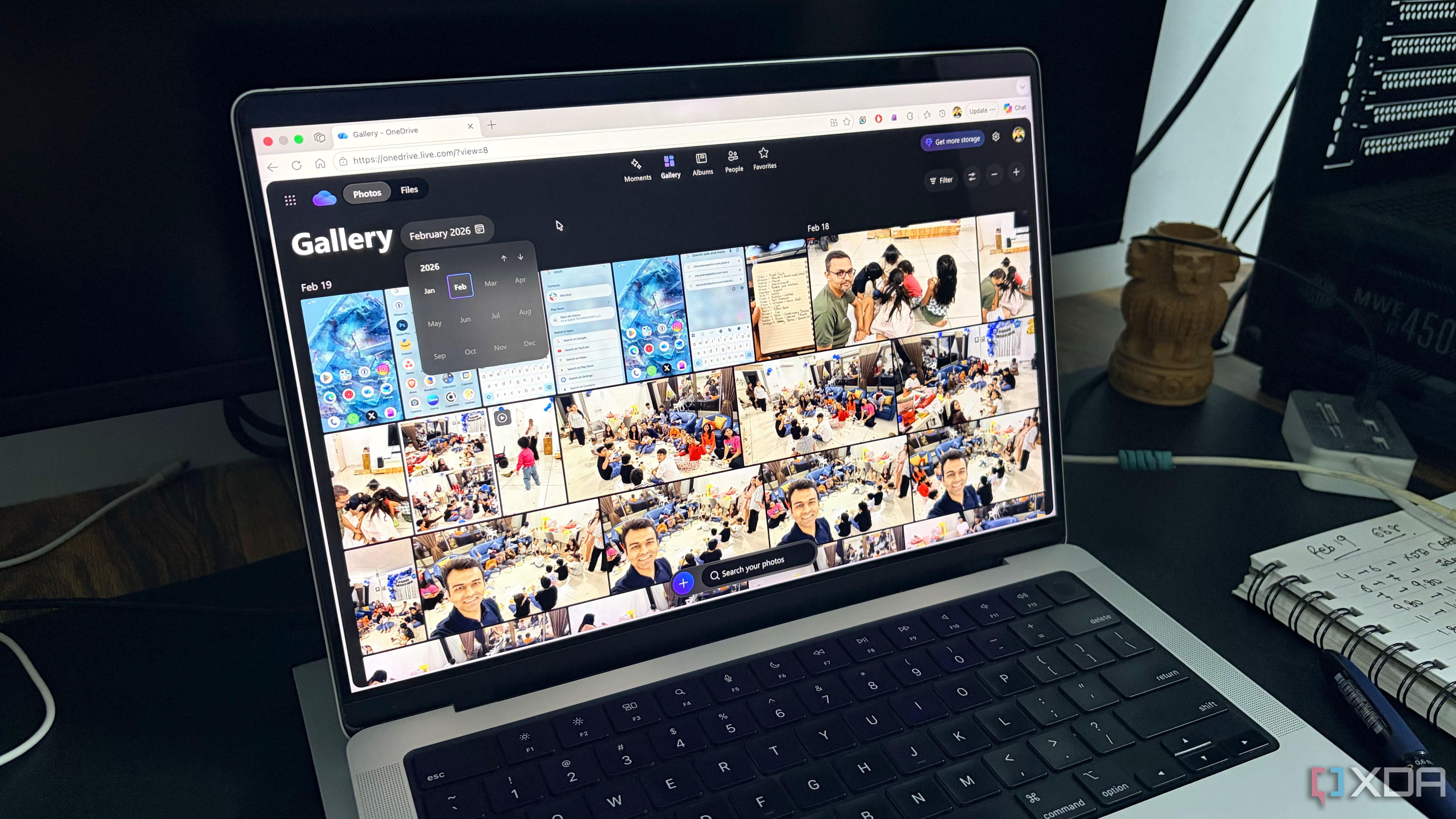
Microsoft has given Windows 11 users a reason to rejoice, as the company has finally provided a way to permanently opt out of OneDrive backup prompts. The Windows 11 full-screen backup prompt now includes an "Opt out of backup" button. Two PCs running stable Windows 11 25H2 builds were tested, and neither had the OneDrive sync client installed, even though Windows was set to back up files, folders, settings, and credentials.
Users previously faced two options: proceeding with OneDrive backup or setting a reminder to reconsider in three days. The new button is designed to indicate that users do not want files pushed into OneDrive, without uninstalling OneDrive or altering synchronization settings. The change appears to be connected to the latest stable Windows 11 25H2 build, though Microsoft has not confirmed the rollout or specific update responsible.
This update is separate from the File Explorer reminder and tackles the more intrusive full-screen interruption caused by OneDrive prompts after updates or restarts. Microsoft has not mentioned the button in the August 27 update notes, so it may be rolling out independently or as part of a server-side configuration. Nonetheless, providing a clear "no" option instead of the endless postponement of a "yes" is progress for Windows 11 users.
Written by urgent.news from TechSpot's reporting — not their text. Machine-written — may contain errors; check the original before relying on it.