Python Strings Explained: A Practical Guide for Beginners
Learn Python strings through practical examples covering indexing, slicing, string methods, formatting, searching, immutability, and everyday text processing.
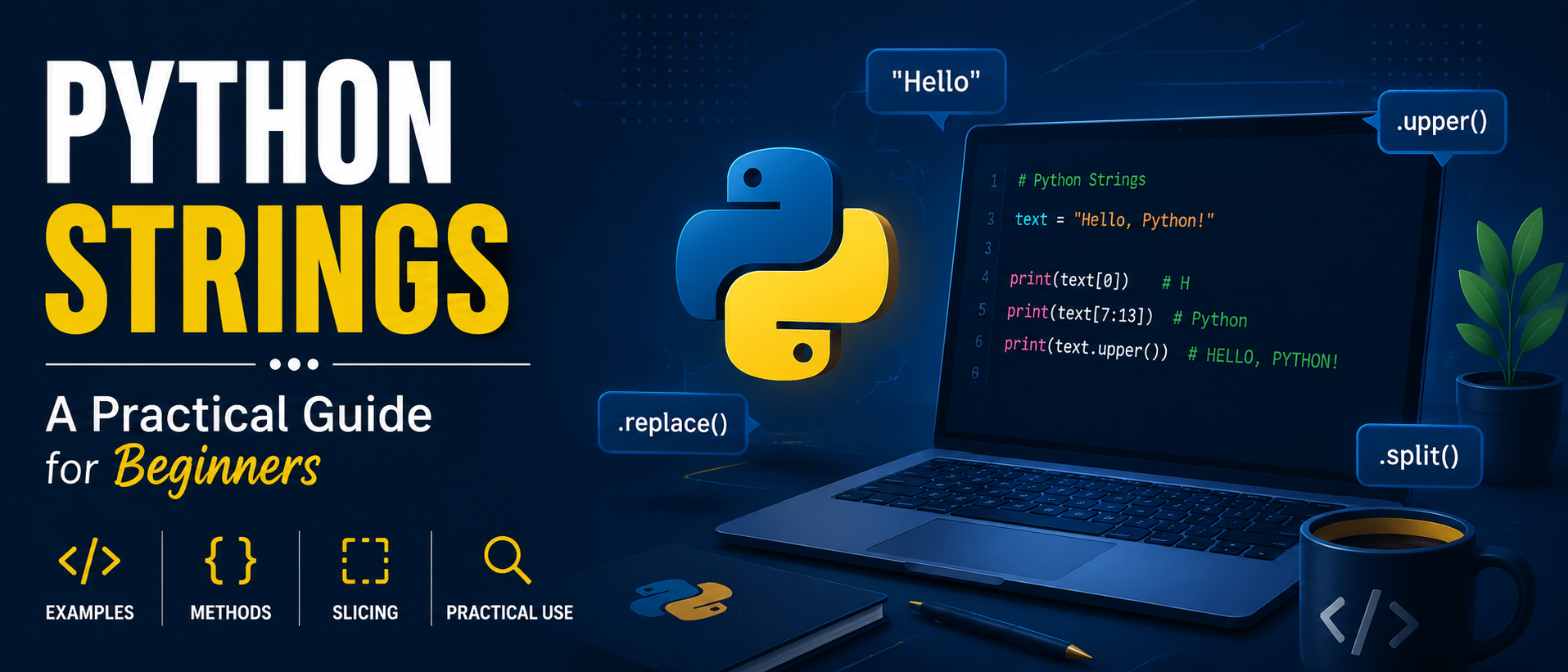
Python strings are a fundamental concept in the programming language Python. At first glance, they may seem straightforward, but they play a crucial role in various aspects of programming due to the abundance of text-based data like usernames, passwords, emails, URLs, messages, file contents, search queries, and API responses. Python simplifies working with these strings once you grasp a few basic concepts.
A string is essentially text stored within a Python program. You can create a string using either single quotes or double quotes, and the choice between them doesn't have much practical difference. For more complex strings that span several lines, you can use triple quotes.
Strings are more than just words; they're sequences of characters. Each character within a string has a position that starts counting from zero. This concept might seem counterintuitive initially, as humans typically start counting from one, but it becomes natural with practice. Negative indexing allows you to count from the end of the string, making it convenient to access the last character without knowing the exact length of the string.
If you don't want the entire string, you can use slicing to extract a portion of it. The general pattern for slicing is string[start:end], where the end position is not included. You can also omit one side to get everything before or after a specific position. Slicing is particularly useful when dealing with filenames, URLs, IDs, dates, or text that follows a predictable format.
Python offers numerous methods for manipulating strings that you'll likely use frequently. Changing letter case is one such method, with functions like upper() and lower() converting text to uppercase or lowercase, respectively. The title() method changes the first character of each word to uppercase while making the rest lowercase.
Removing unwanted spaces from user input is another common task. The strip() method eliminates leading and trailing whitespace, while lstrip() and rstrip() remove whitespace from one side only. Replacing text within a string is also straightforward using the replace() method. For instance, you can replace "Java" with "Python" in the message "I am learning Java" to get "I am learning Python".
Splitting text into individual pieces is another useful method, known as splitting. Given the sentence "Python is easy to learn", you can convert it into separate words using the split() method. This results in a list of individual words, which can be particularly helpful when processing sentences, reading text files, or handling data separated by spaces or other characters. You can specify what separates the values when splitting.
In Python, strings are immutable, meaning once a string has been created, you cannot change its characters directly. If you attempt to modify a string, you'll need to create a new string instead. This immutability is an essential concept to understand when working with more complex Python programs.
An example that brings everything together might look like this:
name = "Rachit"
age = 20
message = f"My name is {name} and I am {age} years old."
print(message)
This example demonstrates how you can combine variables with text using f-strings, a modern and clean approach in Python programming.
Written by urgent.news from HackerNoon's reporting — not their text. Machine-written — may contain errors; check the original before relying on it.