How to self-host Docker apps
Learn to self-host Docker apps using any Linux-based server. We’ll cover server configuration, Docker Engine installation, writing a compose.yaml file, and launching your containers using SSH.
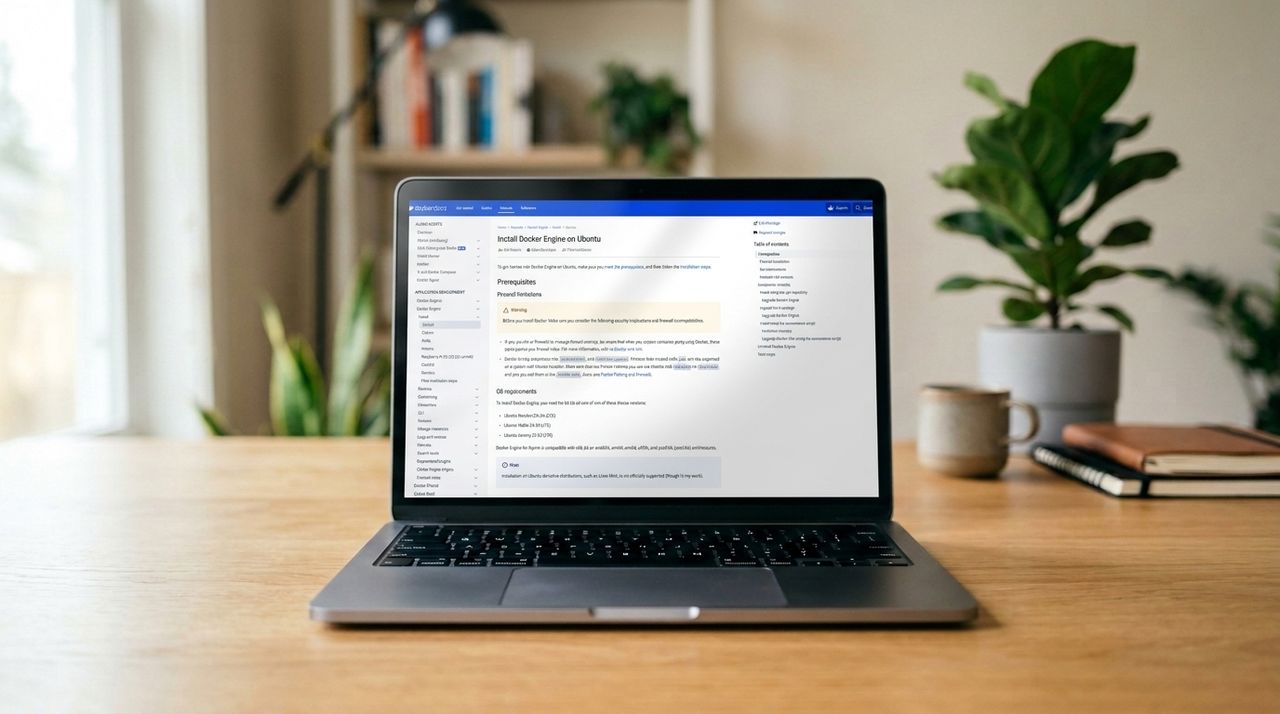
Self-hosting Docker apps offers a cost-effective alternative to using paid services, utilizing partitioned resources on a standard web server or local workstation. Docker simplifies the process by packaging applications into separate containers with their own resources, preventing interference between applications. To self-host Docker apps, begin by installing Docker Engine and Docker Compose on a Linux-based workstation or VPS server.
Docker Engine isolates applications, while images, Docker Hub, and Docker Compose provide project libraries, centralized libraries of images, and the ability to launch multiple containers simultaneously. To self-host a Docker app, follow these steps:
1. Connect to your server via SSH, updating your server's libraries and packages.
2. Install Docker Engine from its official repository using certificates, Docker's GPG key, and Docker's sources list.
3. Verify Docker and Compose installations by checking their version.
4. Set up a project directory for your self-hosted app.
Remember, Docker apps require specific dependencies like databases and programming languages, which are installed through Docker to prevent conflicts. Docker Compose simplifies running complex applications by allowing multiple containers to be launched at once.
Written by urgent.news from TechRadar's reporting — not their text. Machine-written — may contain errors; check the original before relying on it.