E-Paper Works Best When Almost Nothing Is Happening
E-paper is unusual because its strength shows up in moments when a screen can stay still. A phone display is built to refresh constantly, while E-paper is happy holding the same image until someone asks for another one. That makes it well-suited for reading and other tasks where movement doesn’t add much value. The Page […]
E-paper technology thrives when a screen remains static, as its strength lies in maintaining a consistent image until instructed to change. This feature makes e-paper ideal for reading, writing, and annotation tasks where movement is not essential. The display works by suspending microscopic capsules containing charged black-and-white particles in fluid, which rearrange under electrical fields to create words and images.
Once the image is set, the screen retains it without consistently using power, resulting in long battery life. E-paper reflects ambient light, enhancing visibility outdoors, but may struggle in complete darkness, requiring external lighting. Its slow refresh rate, due to physical movement of particles, can lead to rough animation, ghosting, and difficulties with smooth video.
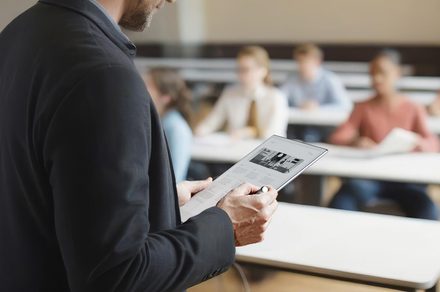
However, these limitations do not deter many users, as tasks like reading a novel, writing a handwritten note, or displaying a store price remain unaltered. E-paper's applications extend beyond e-readers, with uses in retail for electronic shelf labels, transit systems for low-power signage, and digital tablets for writing and document review.
The latest e-paper tablets bridge the gap between notebooks and conventional tablets, focusing on writing, reading, and annotation with low-latency stylus input. Manufacturers are increasingly adding software capabilities while maintaining the display's static nature, making it a more versatile productivity tool. Despite its limitations, e-paper remains best at holding information, accepting handwritten input, and conserving power, distinguishing itself from modern screens designed to handle various tasks.
Written by urgent.news from Digital Trends's reporting — not their text. Machine-written — may contain errors; check the original before relying on it.