Say goodbye to Chronicle. ChatGPT’s new Computer History feature does it better
ChatGPT's desktop app now has Computer History, a more private, screenshot-free upgrade to Chronicle that turns your daily activity into a searchable timeline.
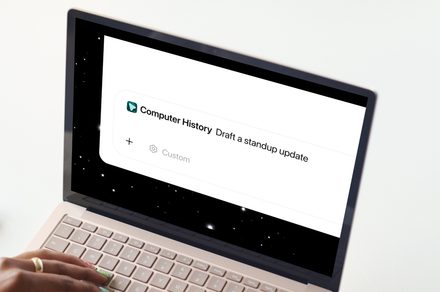
OpenAI has introduced a new Computer History feature in the ChatGPT desktop app, offering an alternative to Chronicle. Instead of taking screenshots, Computer History monitors your clicks, keystrokes, and app switches via macOS's accessibility system. This data is then transformed into text summaries and a scrollable timeline for future reference.
Users can inquire about their previous activities, such as the work they were engaged in prior to a break or the location of a specific document. The feature can also identify recurring tasks and propose automation. By default, Computer History is inactive, but users can activate it in the Settings > Integrations menu. They must enable Memories for ChatGPT to utilize this context across chats, and only the apps and websites deemed safe are permitted to contribute.
Users can pause collection, delete their history, or adjust settings for specific apps. This feature represents a privacy-focused enhancement over Chronicle, providing users with greater control over what is saved.
Written by urgent.news from Digital Trends's reporting — not their text. Machine-written — may contain errors; check the original before relying on it.