ChatGPT subscribers can now open and edit Google Drive files from inside the chat
ChatGPT is rolling out a deeper integration with Google Drive, allowing users to add Google Drive files to their ChatGPT Library and edit documents without leaving the chat. Here are the details.
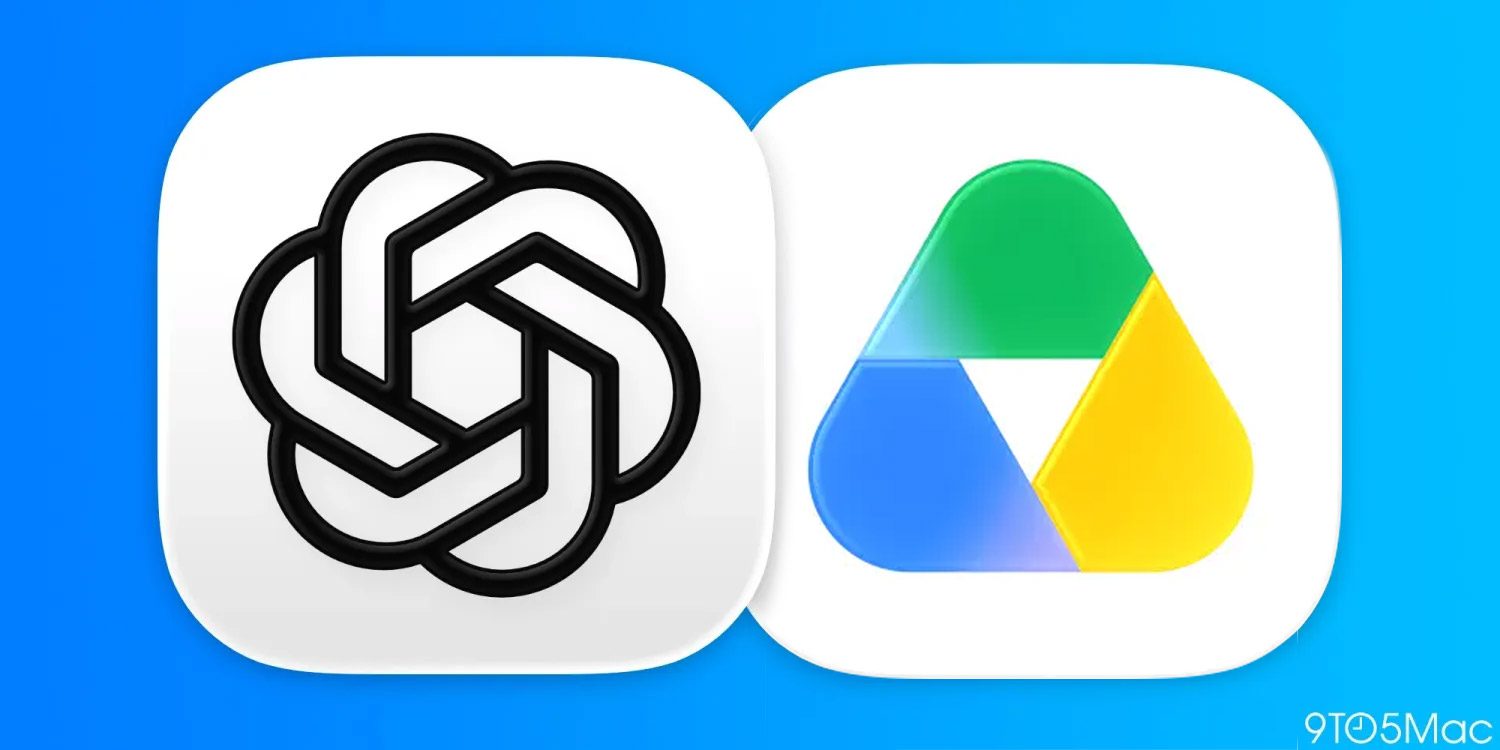
ChatGPT has introduced enhanced integration with Google Drive, enabling paid subscribers to open and edit files within the chat interface. Adam Fry, ChatGPT Consumer Product Lead, announced this update on X, elaborating that users can add Google Drive files to their ChatGPT Library through a "+ button" on the left side of the prompt field.
This allows for direct interaction with the documents, such as querying ChatGPT about their contents, without the need to exit the chat. Fry clarified that paid users have the option to open Google Drive files in their respective applications like Google Docs or Sheets, but the edits made by ChatGPT are applied to the original file in Google Drive, not a duplicate.
Furthermore, Fry mentioned three other features introduced this week: a new quiz tool for interactive tests, Yelp integration for booking and waitlisting, and personalized suggestions on ChatGPT’s homepage for premium users. These updates aim to streamline workflow and improve user experience by providing seamless access to and manipulation of Google Drive documents directly within ChatGPT.
Written by urgent.news from 9to5Mac's reporting — not their text. Machine-written — may contain errors; check the original before relying on it.
Also reported by 1 other outlet
- Inside Google’s frantic push to close the AI gap techcentral.co.za