The Content Creator's Toolkit: Your Phone Needs These 7 Apps
Content creation today involves far more than filming and posting. Between recording, editing, designing thumbnails, writing captions, scheduling posts, and tracking what actually works, most creators end up juggling several apps just to get one piece of content out the door. For anyone trying to build an audience while holding down a full-time job or studies, having the right set of tools can be…
Creating content in the modern era requires a multifaceted approach that goes beyond merely filming and sharing. Content creators often find themselves using a variety of applications to handle tasks such as recording, editing, designing thumbnails, composing captions, organizing posting schedules, and monitoring content performance.
For individuals who are striving to grow an audience while also juggling full-time employment or studies, possessing the appropriate set of tools can be the determining factor between succumbing to burnout within a month or maintaining consistency over the long term. This article will provide an overview of the essential applications that span every step of a creator's workflow, from initial recording to final analytics reporting.
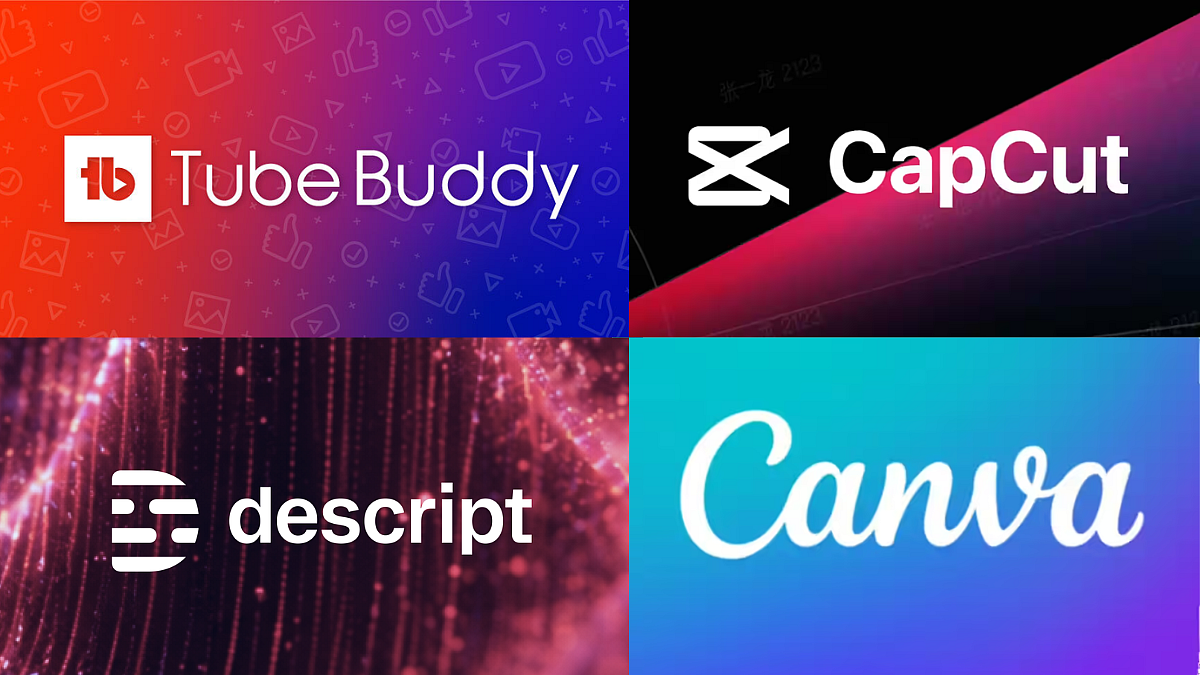
1. CapCut has become the go-to video editing application for short-form content creators due to its free availability, phone compatibility, and specialized features for platforms like Reels, Shorts, and TikTok. The app offers automatic captioning, trendy templates, and effects specifically designed for vertical videos, enabling creators to transform raw footage into a finalized, ready-to-publish clip without the need for a computer.
For those who produce daily or near-daily short-form content, CapCut is typically the quickest means to achieve a high-quality edit.
2. Descript serves a different purpose for creators who focus on voiceovers, podcasts, or extended video formats. Unlike conventional timeline editors, Descript transcribes audio and video, allowing users to edit by simply modifying or rearranging the text. The software adjusts the corresponding footage automatically. This feature proves invaluable for channels that rely solely on narration, as it ensures the audio is clean and well-paced, regardless of the visual elements.
Additionally, Descript includes AI voice tools that can correct minor recording errors without necessitating a complete re-recording.
3. Canva has emerged as a critical resource for creators who have a basic understanding of design but lack formal graphic design training. With its intuitive drag-and-drop interface, Canva provides templates for creating thumbnails for YouTube and Instagram, carousel posts, channel banners, and highlight covers. The brand kit feature enables creators to maintain uniform fonts, colors, and logos across all their posts.
For channels still in the process of establishing a distinct visual identity, Canva often provides the design capabilities that would otherwise require hiring a separate graphic designer.
4. Notion goes beyond mere editing tools by offering a streamlined solution for channel organization. It functions effectively as a lightweight content calendar and brainstorming platform where creators can monitor the status of their filmed content, the projects in the editing phase, and the scheduled releases, all within a single interface.
For creators managing multiple platforms with varying posting schedules, a unified dashboard to plan ahead helps avoid the last-minute rush that commonly results in inconsistent upload patterns.
5. Scheduling tools like Buffer and Later address the time-consuming aspect of manually posting content across various platforms. Both platforms enable creators to arrange their social media posts in advance for Instagram, YouTube, and other services. The free versions of these tools are sufficient for basic functions before creators consider upgrading to a paid plan.
Notably, Later features a visual calendar tailored for Instagram-focused creators, while Buffer is favored by those with a more straightforward posting schedule.
6. Grammarly plays a crucial role in the textual elements of a creator's content, including captions, video descriptions, and pinned comments. The tool checks for grammatical errors, spelling mistakes, and tone appropriateness across all written content, such as captions, YouTube descriptions, or brand outreach. Its browser extension seamlessly integrates with most applications creators already use, eliminating the need for an additional step in the writing process.
7. For those creators who specialize in YouTube, TubeBuddy provides an optimization layer that extends beyond the functionalities of editing and scheduling apps. The platform assists with keyword research for titles and tags, monitors performance metrics against comparable channels, and highlights opportunities to enhance click-through rates on thumbnails and titles.
This optimization is particularly significant for channels that have amassed some content and are focusing on expanding discoverability through search rather than relying exclusively on their existing audience.
Written by urgent.news from Free Press Journal's reporting — not their text. Machine-written — may contain errors; check the original before relying on it.