I found 3 ChatGPT features that turned out to be way more useful than I expected
I found three ChatGPT features that made my everyday workflow much easier, and I think you’ll want to try them too.
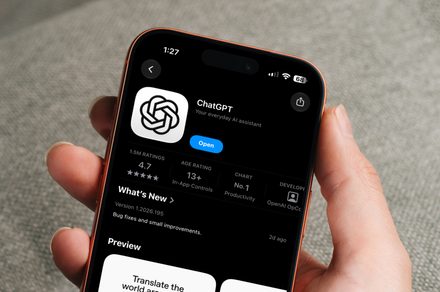
As a daily user of ChatGPT, I've recently discovered three features that have significantly enhanced my experience with the platform. The first feature I've started relying on heavily is scheduled tasks. ChatGPT can now generate daily work briefs automatically, eliminating the need to remember to ask it the same question every morning.
I've connected both Slack and Gmail to mine, allowing it to pull together relevant information from those sources and create a concise brief. This daily brief helps me quickly identify the most critical items that require my attention, enabling me to tackle urgent tasks first and plan the rest of my day accordingly. The best part is that I can even ask ChatGPT to send the brief when there are no urgent items, which has become my favorite version of the daily summary.
The second feature that has proven incredibly useful is the ability to import context from Claude, my previous AI assistant. This feature has made the switch to ChatGPT much smoother, as I can bring my existing Claude data over and provide ChatGPT with a much better starting point. This import process helped me avoid the daunting task of rebuilding my entire context from scratch, as ChatGPT now has access to my preferences, habits, and previous interactions with the AI.
This feature is particularly beneficial when I've already built up a significant amount of context with another AI assistant, as it allows me to seamlessly transition to ChatGPT without starting with a completely blank slate.
Lastly, the third feature that has impressed me is the ability to download work created within ChatGPT. This feature may seem basic at first, but it becomes extremely valuable when you need to move content out of the AI platform. I often find myself working on projects, such as brainstorming ideas, organizing research, or cleaning up notes for my psychology thesis, all within ChatGPT.
Once I'm satisfied with the result, I can download the finished work as a Markdown file, PDF, or Microsoft Word document and continue working on it in my preferred application. This feature streamlines the process of transferring content between platforms, saving me time and frustration compared to the alternative method of manually copying and pasting the content and fixing any formatting issues that may arise.
Written by urgent.news from Digital Trends's reporting — not their text. Machine-written — may contain errors; check the original before relying on it.