Docker For beginners
In the world of software development, deploying applications can be complex. Before the era of Docker, companies often struggled with ensuring that their applications would run consistently across different environments. Virtual machines can't solve the problem of applications running in every environment. That's why Docker comes in role. Introduction of Docker. Docker is an open -source platform…
Deploying software applications can prove challenging when consistency across environments is desired. Prior to Docker's emergence, businesses faced difficulties ensuring their applications operated uniformly in various settings. Virtual machines failed to address this issue effectively.
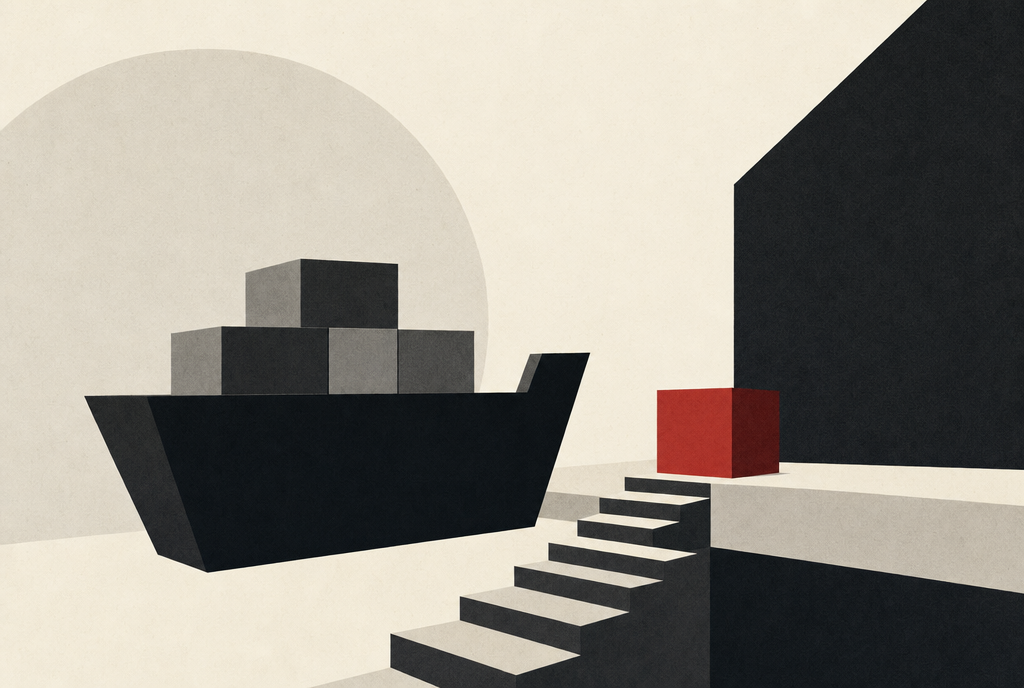
Enter Docker, an open-source platform enabling the creation, distribution, and execution of applications within containers. Containers function akin to digital shipping boxes for software components. Much like a box safeguards a car or piano during transit, a container encapsulates essential elements of an application, guaranteeing seamless functionality across different environments.
Embarking on the Docker journey, one must grasp the concept of Docker images. Images function as blueprints for generating containers. Immutable by nature, alterations necessitate the creation of new images rather than modifying existing ones. This immutability fosters consistency and reproducibility throughout development, testing, and production phases.
Docker images are regarded as versioned deployment artifacts. Constructed within CI/CD pipelines, they undergo security scans, receive immutable tags (e.g., Git commit SHAs or semantic versions), are stored in container registries (e.g., Docker Hub, Amazon ECR), and promoted across environments sans re-building. This "build once, deploy anywhere" paradigm ensures uniformity, traceability, and repeatable deployments, all while mitigating configuration discrepancies.
To build a Docker image, employ commands such as `docker build -t application:v1 .`. A Dockerfile serves as the foundation for image creation. Core instructions include:
- `FROM`: designates the base image to extend.
- `WORKDIR`: establishes the working directory for file copying and command execution.
- `COPY`: instructs the builder to transfer files from the host to the container image.
- `RUN`: triggers specified commands during the build process.
- `ENV`: sets environment variables accessible to running containers.
- `EXPOSE`: designates ports for container exposure.
- `USER`: specifies the default user for all subsequent instructions.
- `CMD`: designates the default command when a container using this image is launched.
Consider the following Dockerfile example:
```
FROM golang:1.26
WORKDIR /app
COPY . .
RUN go mod download
RUN go build -o app
EXPOSE 8080
CMD ["./app"]
```
Executing `docker build -t go-web-app:v1 .` constructs the Docker image. Subsequently, containers can be instantiated using `docker run -d -p 8080:80 go-web-app:v1`.
Written by urgent.news from Dev.to's reporting — not their text. Machine-written — may contain errors; check the original before relying on it.