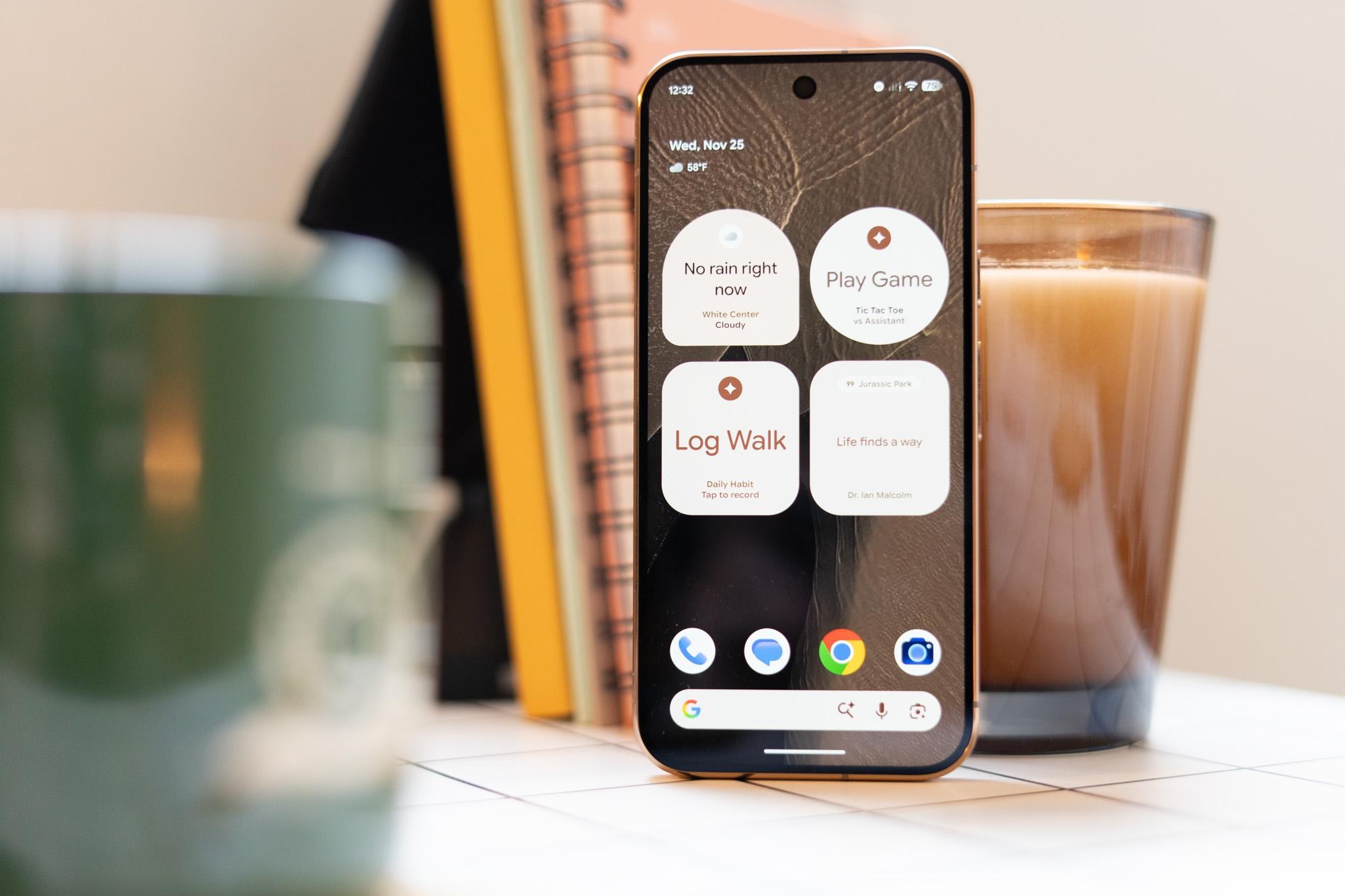
These 6 Android Auto habits are quietly ruining your driving experience
Make these changes today for an instantly improved experience
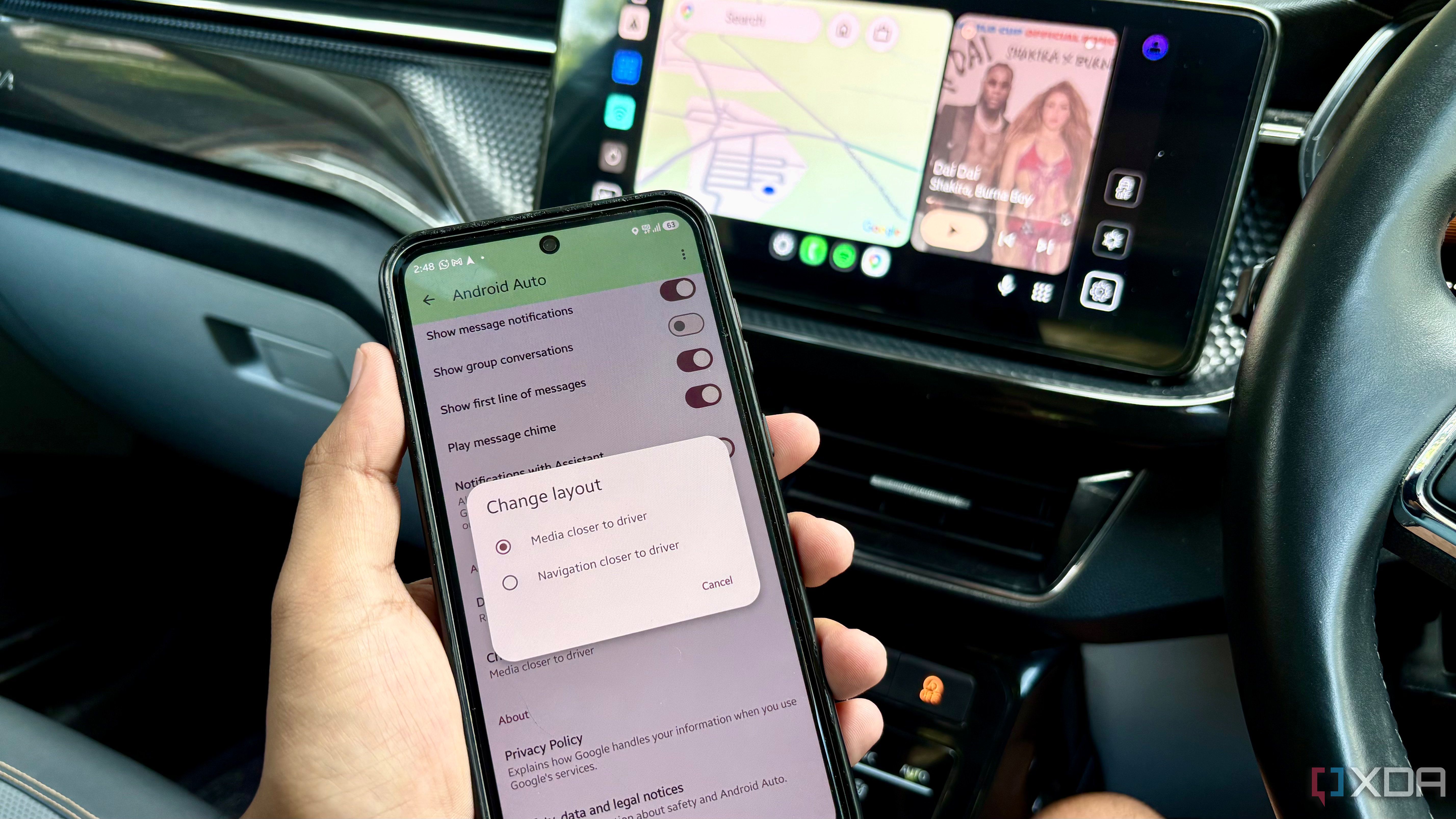
Android Auto is a popular infotainment platform that enhances the driving experience by mirroring your smartphone's settings and apps. However, some users may unknowingly sabotage their experience with certain habits.
To improve your Android Auto journey, consider these tips. Firstly, use a wired connection for long drives to maintain a stable connection. Download offline maps before embarking on your journey to avoid frustrating connectivity issues. While Google Maps offers offline navigation, Organic Maps, a community-driven alternative, may be more convenient.
Android Auto relies on your phone's network and battery, which can cause disruptions. Disable "Switch to better Wi-Fi networks" and "background restrictions" in your Wi-Fi settings to ensure uninterrupted navigation and media playback. Make Android Auto your default app by disabling background restrictions and enabling automatic startup.
Wireless connections are convenient but may cause disconnections during longer drives. Stick to a wired connection when reliability matters. Keep a high-quality USB cable in your car for dependable connectivity. Configure Gemini Actions to automate tasks like setting navigation, checking calendar events, and starting music. Customize the split-screen layout to keep your preferred apps, like Maps and music, visible without constant switching.
By tweaking these settings and habits, you can significantly enhance your Android Auto experience and enjoy a more seamless and enjoyable drive.
Rewritten by urgent.news; may contain errors — check the original.
Source: xda-developers.com