I replaced Google Drive and iCloud with a self-hosted Vaultwarden and Immich stack, and my monthly SaaS bill dropped to zero
The subscription fatigue was real.
Google Drive and iCloud subscriptions can quickly become costly. A 2TB Google One plan at $9.99 per month combined with a 2TB iCloud Plus tier at $9.99 per month amounts to $20 per month, or $240 per year, solely for photo syncing and device accessibility, without factoring in optional Bitwarden Premium subscriptions. Tired of this subscription fatigue, I opted for a self-hosted Vaultwarden and Immich stack.
Immich manages mobile camera roll backups, media indexing, and shared albums, replacing Google Photos and iCloud Photos. Vaultwarden handles credential management, TOTP 2FA codes, and secure file attachments, replacing iCloud Keychain, Google Password Manager, and Bitwarden Premium. By deploying these tools as containerized services via Docker Compose on a local NAS, I eliminated my Google Photos and iCloud subscriptions, resulting in a monthly SaaS bill of zero.
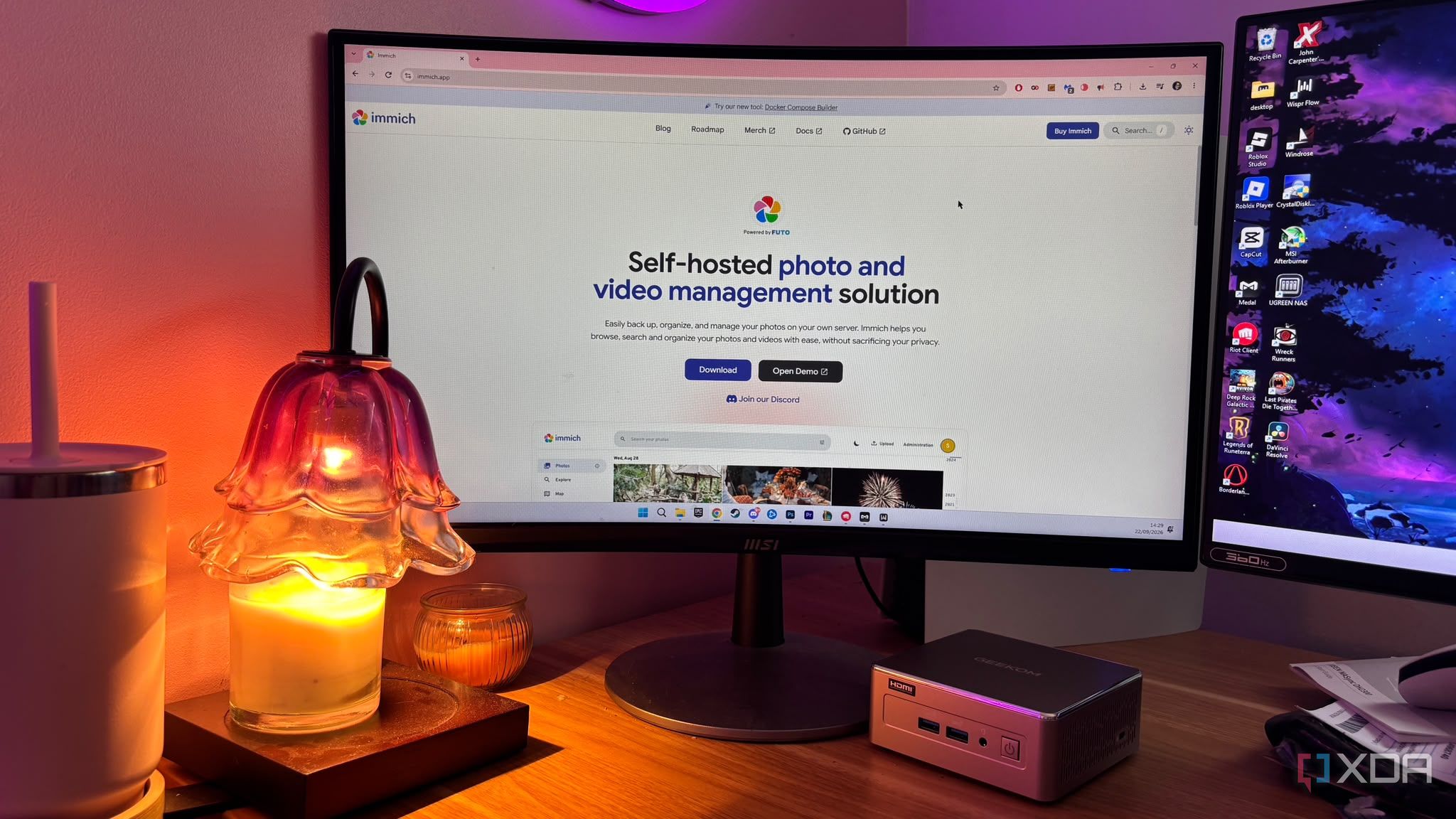
Immich, a self-hosted open-source photo and video management platform, offers a privacy-focused alternative to Google Photos and iCloud subscriptions. It provides seamless synchronization, robust filtering, AI-driven features like facial recognition, object detection, and semantic search, and works both via mobile app and web interface.
Initial hardware sizing and resource consumption are crucial. Idle RAM usage is manageable, but the initial library ingestion can spike CPU and memory usage. However, once past this, the system runs smoothly. Migrating everything was straightforward, involving Google Takeout and Apple's Privacy Portal exports, which were uploaded using Immich-Go.
This process preserved timestamps, GPS coordinates, and album structures without creating duplicates. A minor inconvenience was occasional background sync throttling on iOS due to Apple's task limits. The next container, Vaultwarden, managed password management, providing features like TOTP authenticator code generation, encrypted file attachments, emergency access, vault health reports, and multi-user organizations, typically locked behind Bitwarden's premium, all available for free.
Essential setup steps for Vaultwarden include HTTPS/TLS, using the Web Crypto API for secure authentication, and restricting access to prevent public exposure. Using a reverse proxy with TLS certificates, even on a local network, ensures security. For remote access, options include a reverse proxy with public domain or a private WireGuard/Tailscale mesh VPN.
Implementing a 3-2-1 backup method is also recommended, ensuring three copies of data on two media types, including an off-site backup, to safeguard against data loss. While self-hosting Vaultwarden and Immich eliminates Google and Apple, a comprehensive data backup strategy remains essential. Personally, I found Immich ideal as a photo/video platform, but for managing diverse files, tools like Nextcloud, OwnCloud, or Syncthing might be necessary.
The initial home lab hardware cost can be significant, including the NAS and hard drives, with ongoing electricity expenses. My break-even point was 14 months, making it a cost-effective long-term solution. Self-hosting Vaultwarden and Immich offers improved data ownership, privacy, and cost control, provided you have a robust backup routine and maintain a home server.
Rewritten by urgent.news; may contain errors — check the original.
Source: xda-developers.com