I gave each Docker container its own Tailscale address, and stopped exposing ports on my home server
Old port forwarding vanished as each container gained a stable Tailscale address, making remote access feel invisible.
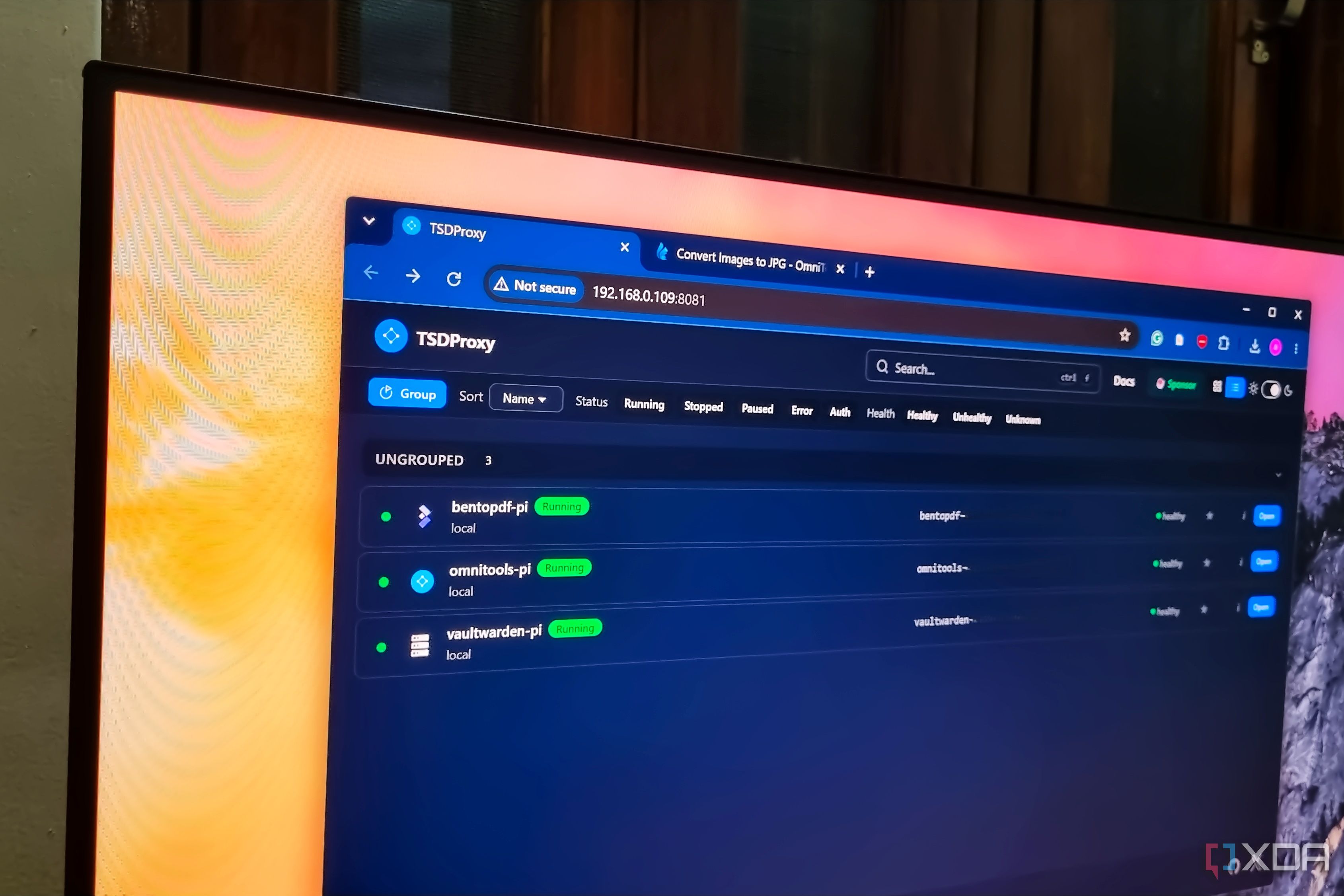
Docker containers are valuable for self-hosting tools, providing isolation and reliability. Traditionally, accessing a container's web portal required publishing an external port, making it cumbersome to manage multiple ports. Tailscale, a staple tool on home servers, offers Tailscale Sidecars to give each container a unique identity, IP address, and hostname, eliminating the need for port publishing.
However, deploying individual sidecars, managing authentication, and configuring HTTPS support can be time-consuming. TSDProxy simplifies this process by functioning as a separate container, managing Tailscale proxy identities and enabling HTTPS support for each Docker container. The setup involves generating a Tailscale authentication key, configuring configuration and compose files, and deploying the TSDProxy container.
After deployment, containers become accessible on the Tailnet without needing to publish ports or configure HTTPS certificates individually. TSDProxy streamlines remote access and simplifies management of Tailscale identities for multiple Docker containers.
Rewritten by urgent.news; may contain errors — check the original.
Source: xda-developers.com