I built my own Android Help Center with Gemini Notebook; here's how it went
How I created a mini Android encyclopedia
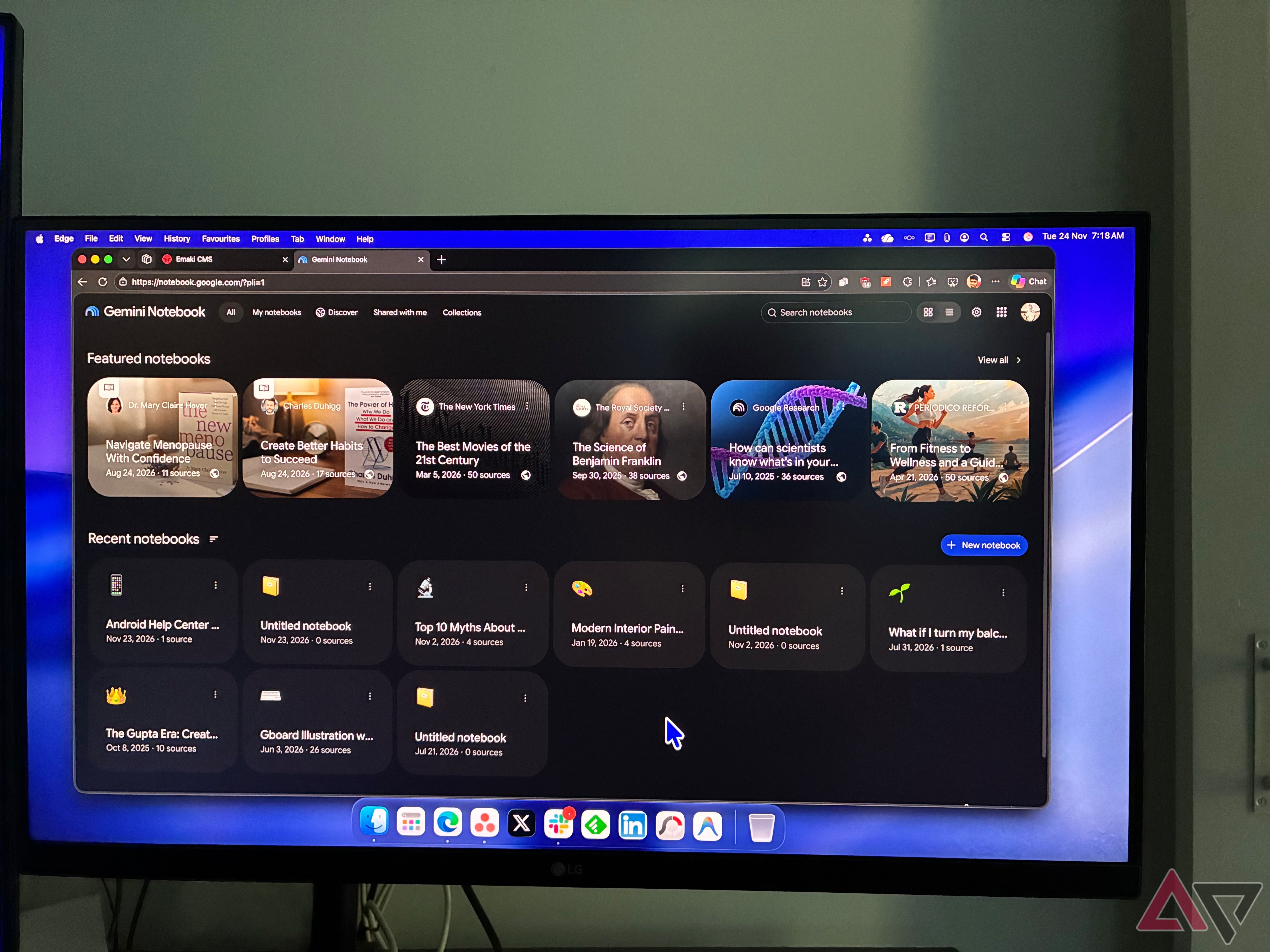
Google Gemini Notebook has changed the way users work, motivating people to give it a try. Since its launch, several features have been added, but many of those have lost their charm over time. However, the website builder in Gemini Notebook has proven to be a valuable tool for the author, who built an Android Help Center using the platform.
To create the website, the author added sources and wrote a simple prompt. After a few minutes, a fully functional website was ready, even though the time it takes may vary depending on the number of sources. The author created ten websites using the same prompt, with impressive organization of information.
The Android Help Center has a clean, simple design, which makes it easy for users to consume information quickly. The author appreciates the readability and the dark mode switch, which is particularly useful during nighttime usage. The website also includes filters for easy navigation and "Common escalation cases" for popular Android phone brands, helping users identify whether their issue is widespread.
The website functions as a mini encyclopedia, with sources added by the user to provide solutions to common Android issues. However, it does not conduct its own research. The author emphasizes that the website is not a traditional webpage with links opening new tabs, but rather a single-page website with shortcuts to important sections. This design choice caters to users with laptops that have limited battery life, as it allows them to stay on the current tab throughout their web session.
Rewritten by urgent.news; may contain errors — check the original.
Source: androidpolice.com