Gmail is losing key email features in 2027, so I'm switching to Thunderbird and Outlook
My Gmail alternatives for 2027
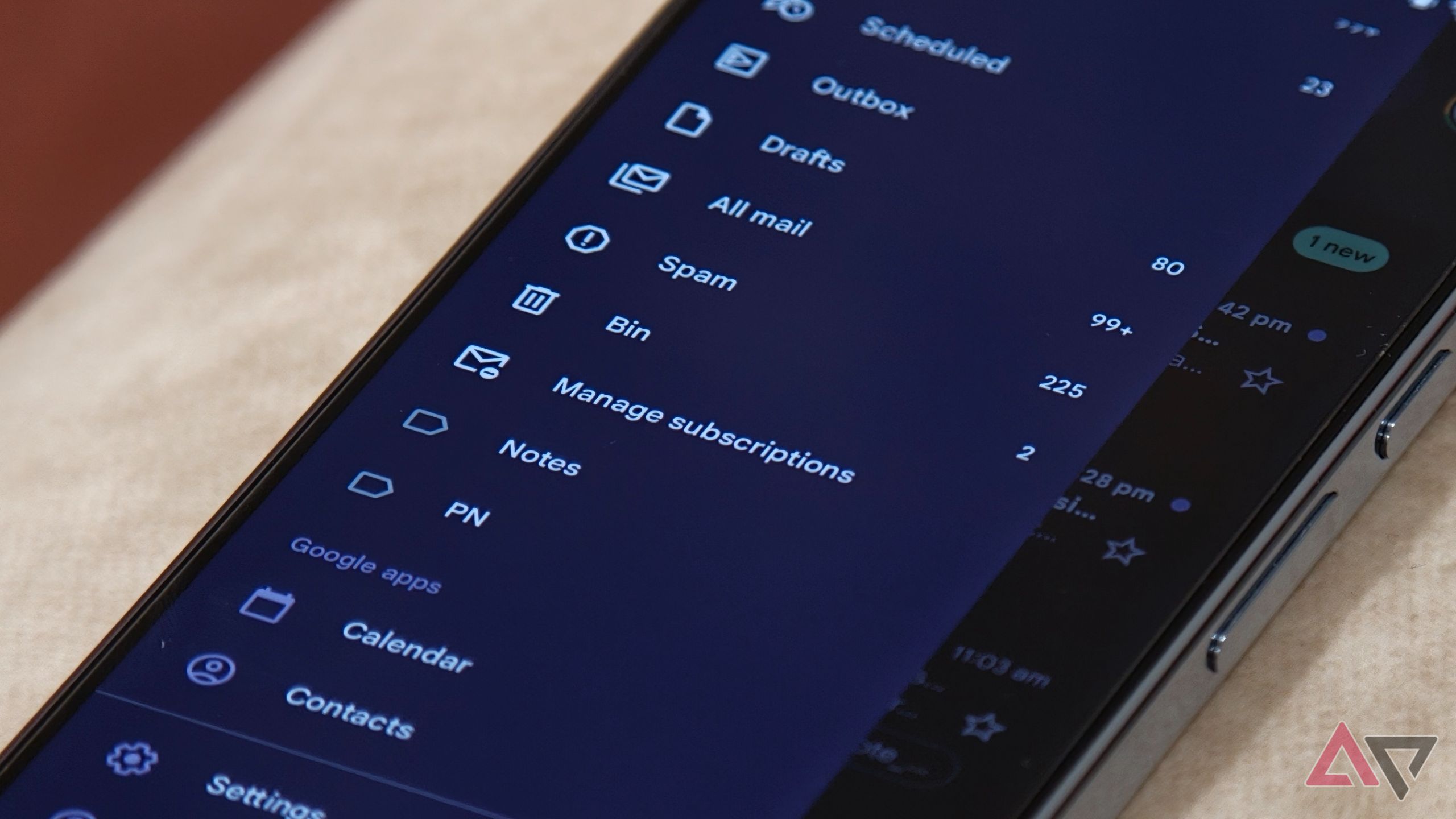
Beginning in January 2027, Gmail will no longer support the ability to receive emails from other services via POP on the web, nor will it allow users to send emails from third-party addresses. This change will impact individuals who utilize the Gmail web interface to manage multiple email accounts. To maintain ease of use, the author has transitioned to Mozilla Thunderbird and Microsoft Outlook on their mobile devices for email management.
Thunderbird and Outlook are both installed on the author's phone, allowing them to send messages, manage email accounts, and view incoming messages from all accounts in a single location. Gmail's ability to handle multiple email addresses without opening multiple apps is lost, as Google is eliminating certain tools that facilitate this functionality.
Gmail's POP access to other accounts will be disabled on the web in January 2027, preventing the retrieval of emails from other providers into the web inbox. Additionally, the "Send as" feature for third-party accounts will no longer be supported, which enables users to send emails through Yahoo, Outlook.com, or a custom-domain mailbox using their primary Gmail address.
The feature known as Gmailify, which adds Gmail features to third-party accounts, will also be discontinued. While Gmail users on Android devices will still be able to use the Gmail mobile app to access third-party accounts, they will not be able to send emails from a different address using the "Send as" option on the web or their phone.
Gmail aliases and the Google Workspace "Send as" option will continue to function as usual. To adapt to these changes, the author has set up Thunderbird and Outlook on their Android device. Thunderbird, an open-source and free email app, supports various email providers, including Gmail and others that use standard email protocols.
After setting up the email accounts, the author appreciates the stress-free process of adding new addresses and accessing messages from all accounts in one place. Thunderbird's Unified Inbox consolidates messages from multiple accounts, eliminating the need to check each account individually for new messages. The app allows for sending emails from the associated email addresses and provides push notifications for new messages in chosen IMAP folders.
Outlook, another email client installed on the author's device, also supports multiple email accounts, including Gmail and other IMAP-compatible services. Similar to Thunderbird, Outlook enables users to send emails from associated email addresses, and messages can be organized using different identities. Notifications for new emails can be customized in the app's settings.
By utilizing both Thunderbird and Outlook, the author retains the convenience of managing multiple email addresses in a single app while gaining additional options and features.
Rewritten by urgent.news; may contain errors — check the original.
Source: androidpolice.com