6 simple tweaks I use to get two days of battery from my Galaxy Watch 9
Battery life continues to be a struggle for Galaxy Watch owners.
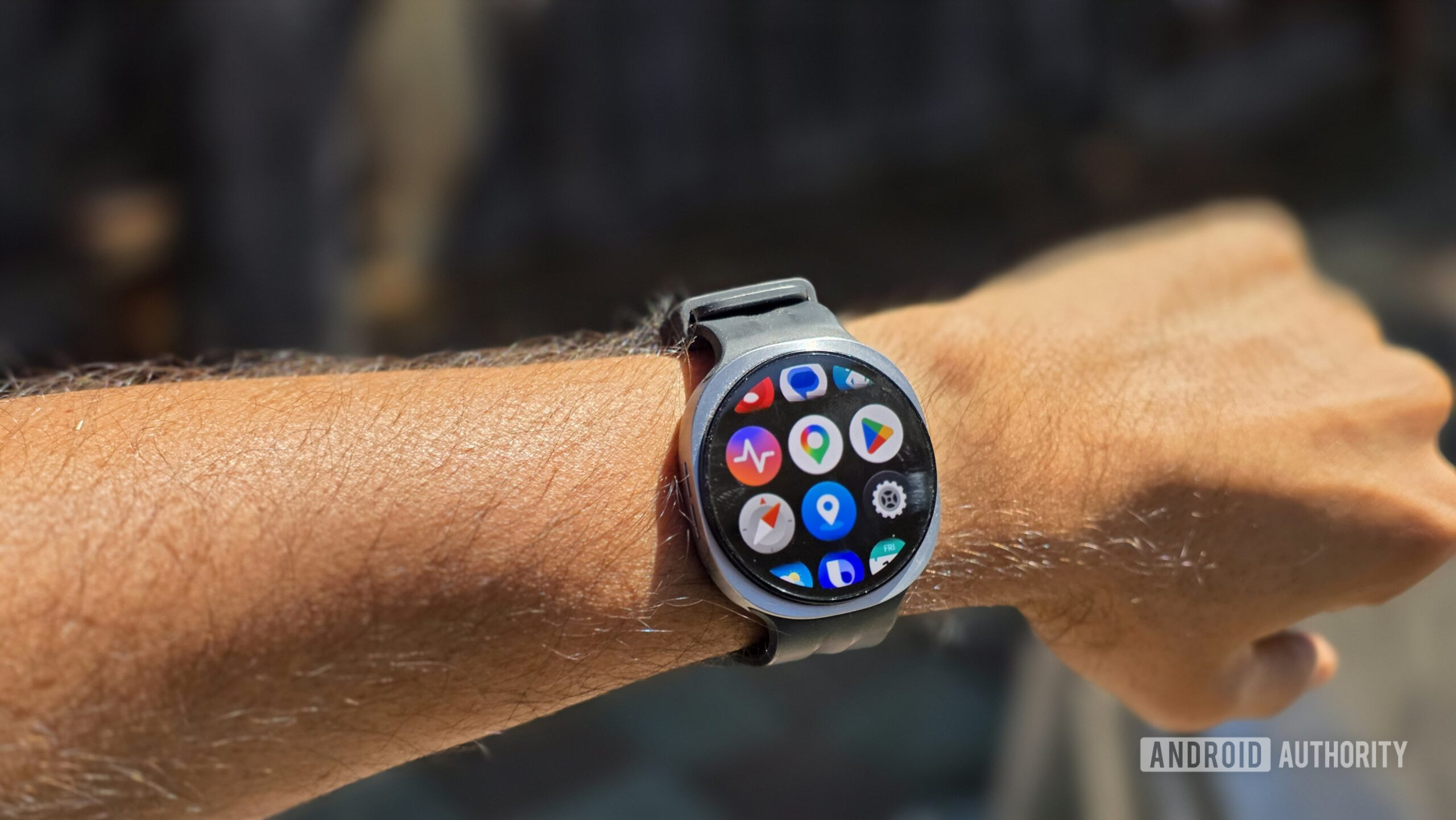
Samsung's Galaxy Watch 9 boasts a larger battery, but users may find that it doesn't last any longer than previous models. To maximize battery life, I implemented a few modifications that gave me an additional two days of usage without sacrificing essential health features. The Always On Display (AOD) is the most battery-intensive feature, and disabling it can yield a significant improvement in battery longevity.
Even after enabling AOD for under 30 minutes, it consumes 0.9% of the watch's battery. Conversely, Samsung Health alone used 4.3% of the battery after nearly 22 hours without charging. Disabling the Always On Display proved to be the most effective tweak.
Additionally, limiting notifications and managing which apps can send alerts on the watch reduces background activity and prevents the screen from waking unnecessarily. By selecting specific apps such as Slack, WhatsApp, Samsung Health, Google Calendar, and Google Messages, I minimized unnecessary notifications and background syncing. I also managed notifications within each app to ensure I only receive alerts from relevant channels or individuals. This approach significantly reduced battery drain.
Another critical adjustment involves monitoring apps using the Galaxy Wearable's Battery menu. This menu allows users to identify which apps consume the most power, helping them eliminate unused or inefficient applications. Native watch faces can be resource-intensive, especially those with live wallpapers or animated visuals, as they can drain more battery power than simpler static designs.
For instance, switching from a Photos watch face with a light photo of my cats to a darker one enhanced battery life by around four to five hours. Darker backgrounds also contribute to better battery efficiency. Finally, turning off features like Raise wrist to wake can add extra hours to the watch's battery life, although it may feel inconvenient for those who rely on this capability.
Rewritten by urgent.news; may contain errors — check the original.
Source: androidauthority.com