5 ways to make sure your console isn't holding back your GTA 6 performance
GTA 6 pulled a lot of tricks to run on current consoles, so you should make sure you're getting the best performance available.
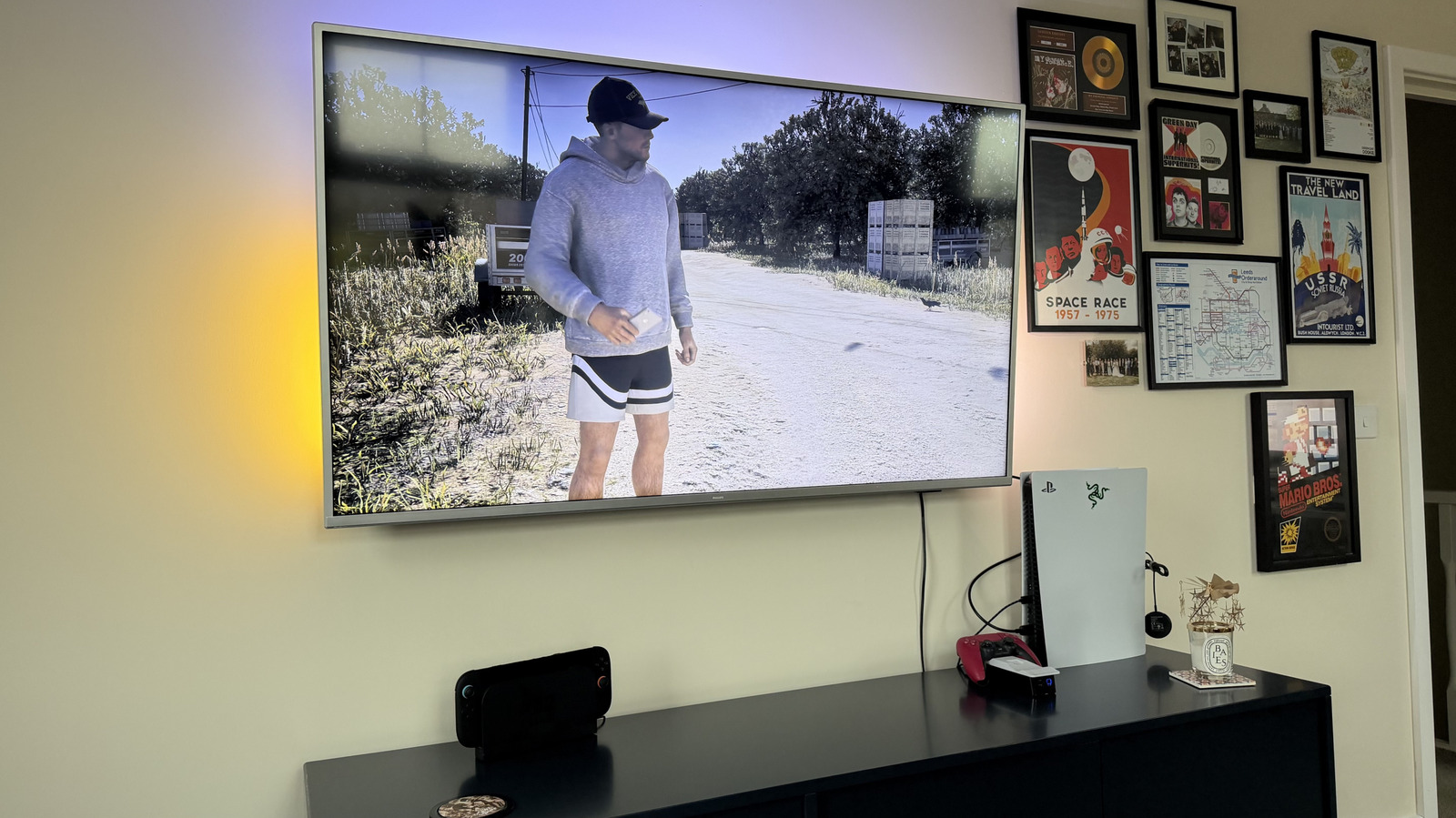
GTA 6 is a demanding game that pushes even high-end consoles to their limits, but some owners may notice a lackluster performance. Here are five ways to ensure your console is not holding back your GTA 6 experience:
1. Check if your console is up to date. Both PS5 and Xbox have patches that address bugs and crashes. Find the update option in the console's settings and install the latest version.
2. Clear your console's storage space. GTA 6's base game is 212GB, and the update requires even more space. Ensure you have ample storage available, as a cluttered system can cause installation issues.
3. Monitor your frame rate. While consoles don't have built-in frame rate counters, you can still check for stuttering during gameplay. If the action becomes choppy, particularly during intense scenes, your console may not be delivering the optimal performance.
4. Understand the role of Quick Resume. This feature, present on Xbox Series X and S, can cause the frame rate cap to be removed. However, it may also lead to crashes and bugs. To avoid this issue, manually close GTA 6 through the console's main menu or power off the console completely.
5. Consider the console's hardware limitations. GTA 6's uncapped Series X only managed 36 fps on average, while the Series S struggled to even maintain 25 fps in most scenarios. If your console falls in this category, you may not be able to achieve higher frame rates despite the tricks mentioned above.
Rewritten by urgent.news; may contain errors — check the original.
Source: engadget.com