5 locked Windows 11 Pro features, and the free fixes that bring them to Home
There's a lot about the Pro versions of Windows that's worth paying for, but you can gain most of it back without spending a dime
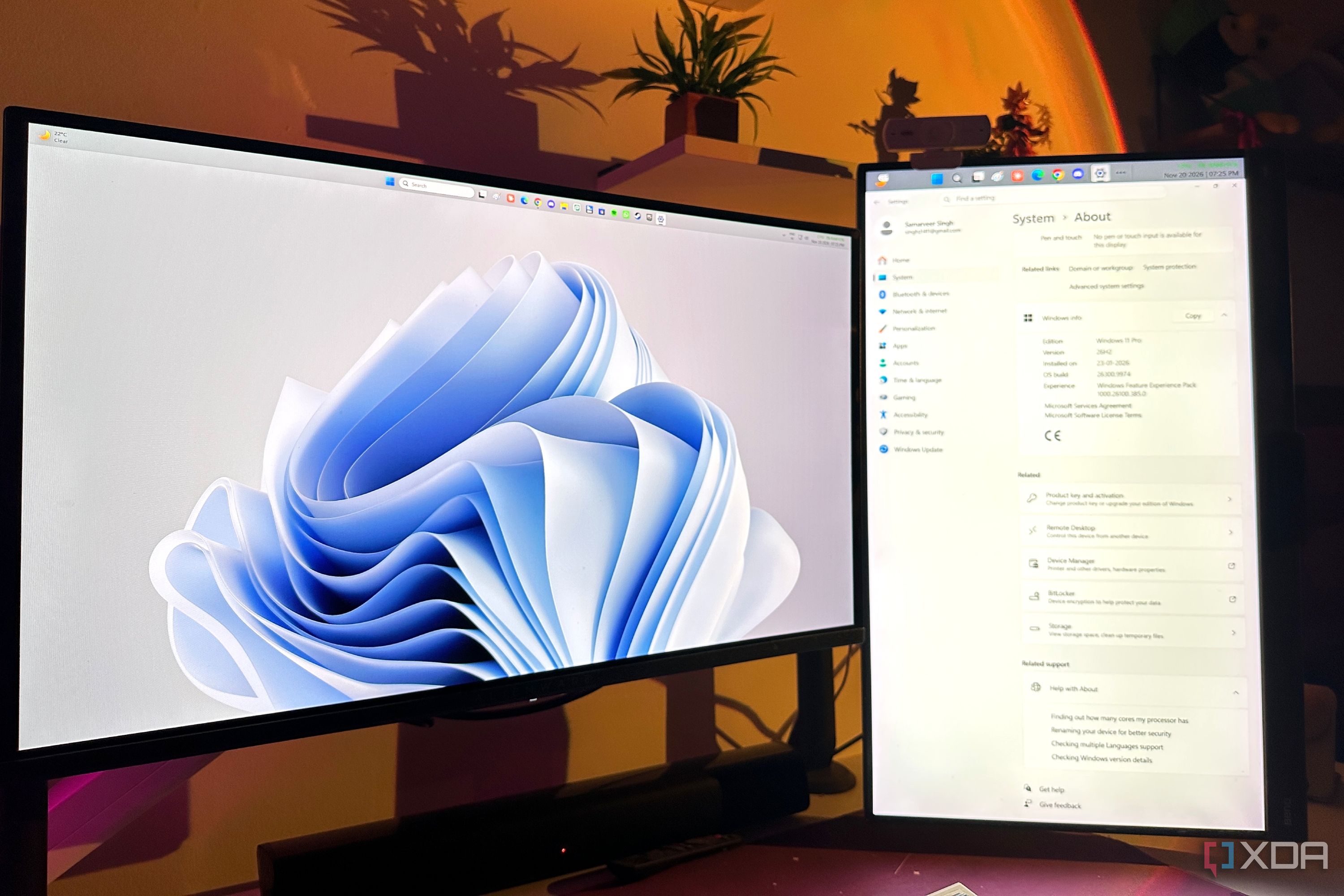
The Windows operating system has long featured certain premium functionalities reserved for Windows 11 Pro and Enterprise editions, while Home users have had to make do with fewer capabilities. To gauge the extent of the disparity, one can identify the features exclusive to Pro that Home users find missing but can potentially fill with free software alternatives.
One such missing feature is the Group Policy Editor, known as gpedit.msc. Policy Plus, a free, open-source alternative, serves as a viable replacement for it. Operating as a mirror of gpedit, Policy Plus offers users the convenience of downloading Microsoft's full set of policy definitions upon initial launch. In practice, I demonstrated how Policy Plus could be used to disable Storage Sense, a feature under Computer Administrative Templates System Storage Sense.
When toggled to Disabled, Policy Plus successfully wrote the policy file and applied the change to the Registry. It is important to note that Policy Plus requires manual registry editing due to the absence of Group Policy in Home editions.
Another Pro-exclusive feature is the ability to remove preinstalled Store apps. On Home editions, users are limited to using the built-in lusrmgr.msc snap-in, which, ironically, cannot be utilized on Home editions of Windows 10. The net user and net localgroup commands, along with PowerShell cmdlets like Get-LocalUser and Get-LocalGroupMember, provide similar functionality for managing accounts and groups.
The classic netplwiz dialog allows users to add and remove users while switching between standard and administrator roles. To create a test account, I utilized the net user command, which successfully added a user to the Users group.
Hyper-V, Pro's built-in hypervisor for running virtual machines, is another feature absent from Home editions. A free replacement on Home is VMware Workstation Pro, which Broadcom now offers for free to commercial users. Although downloading it requires a Broadcom account and navigating their website may be challenging, alternatives like VirtualBox are also available.
Both options result in losing Hyper-V's Windows integration, such as Quick Create and PowerShell management. For connecting to other PCs via Remote Desktop, Home users have several options, including RustDesk, a free, open-source solution that can use public relay servers or a self-hosted mesh VPN for direct connections. Power users can opt for additional solutions like Tailscale or NetBird for remote gaming purposes.
Lastly, BitLocker encryption, a Pro-exclusive feature, is present on Home editions through a simplified form. Device encryption automatically encrypts internal drives, unlocking them silently with the TPM and requiring a Microsoft or work account for activation. While this encryption method lacks the advanced control offered by BitLocker, it still provides a level of protection for Home users.
Rewritten by urgent.news; may contain errors — check the original.
Source: xda-developers.com