One UI 9.5 brings these smaller upgrades everyone's sleeping on
The best One UI 9.5 ugrades aren't the obvious ones.
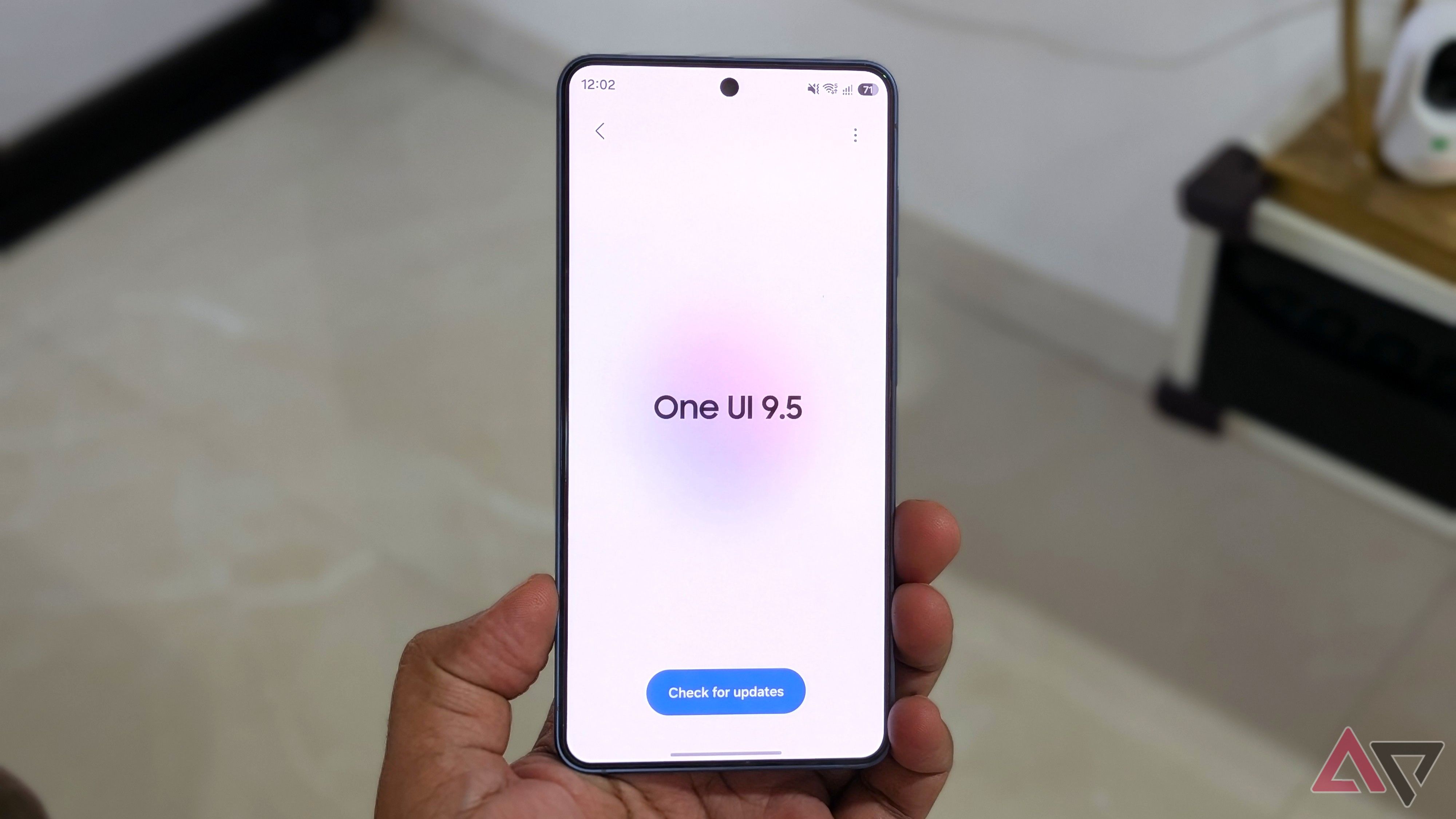
Samsung's One UI 9.5 has arrived, bringing a host of smaller upgrades that have caught the attention of users. While the flashy headline features are noteworthy, this update also includes a range of minor improvements that enhance the overall user experience on Galaxy devices. One feature that stands out is the enhanced Quick Settings panel.
Users can now resize the volume and brightness sliders, and even flip them vertically, according to their preferences. Additionally, a search bar has been added to the panel, allowing users to quickly find and add the toggle they need, eliminating the need to scroll through a long list every time.
Another significant change introduced in One UI 9.5 is the simultaneous support for both fingerprint and face unlock on Galaxy phones. This eliminates the inconvenience of manually selecting the preferred unlocking method, as both options can now work at the same time. This is particularly useful for unlocking banking and messaging apps, as the app will usually unlock faster when using face recognition after the initial fingerprint unlock.
One UI 9.5 also brings native support for Office files in Samsung's My Files. Users can now open and print DOCX and PPTX files directly, without the need for additional apps. Furthermore, a "Free up storage" option has been added to the Manage storage menu, suggesting actions like emptying the Recycle Bin, deleting pre-edit backups, clearing temporary trash data, and deleting app caches. This feature can be particularly handy for users looking to optimize their device's storage.
The ringtone menu in One UI 9.5 has also been updated, now featuring a download button that allows users to access older versions of Samsung's Over the Horizon ringtone, dating back to 2011. Additionally, a floating shortcut for accessibility options has been introduced, providing quick access to shortcuts like screenshots, volume controls, and Live Caption. This floating shortcut can be customized and placed anywhere on the screen, offering a more convenient way to access accessibility features.
Rewritten by urgent.news; may contain errors — check the original.
Source: androidpolice.com