I switched from Samsung Calendar to Google Calendar because of Gemini
Gemini works with Samsung Calendar on Galaxy phones, but it can't edit everything. Here's what I tested and why I moved to Google Calendar.
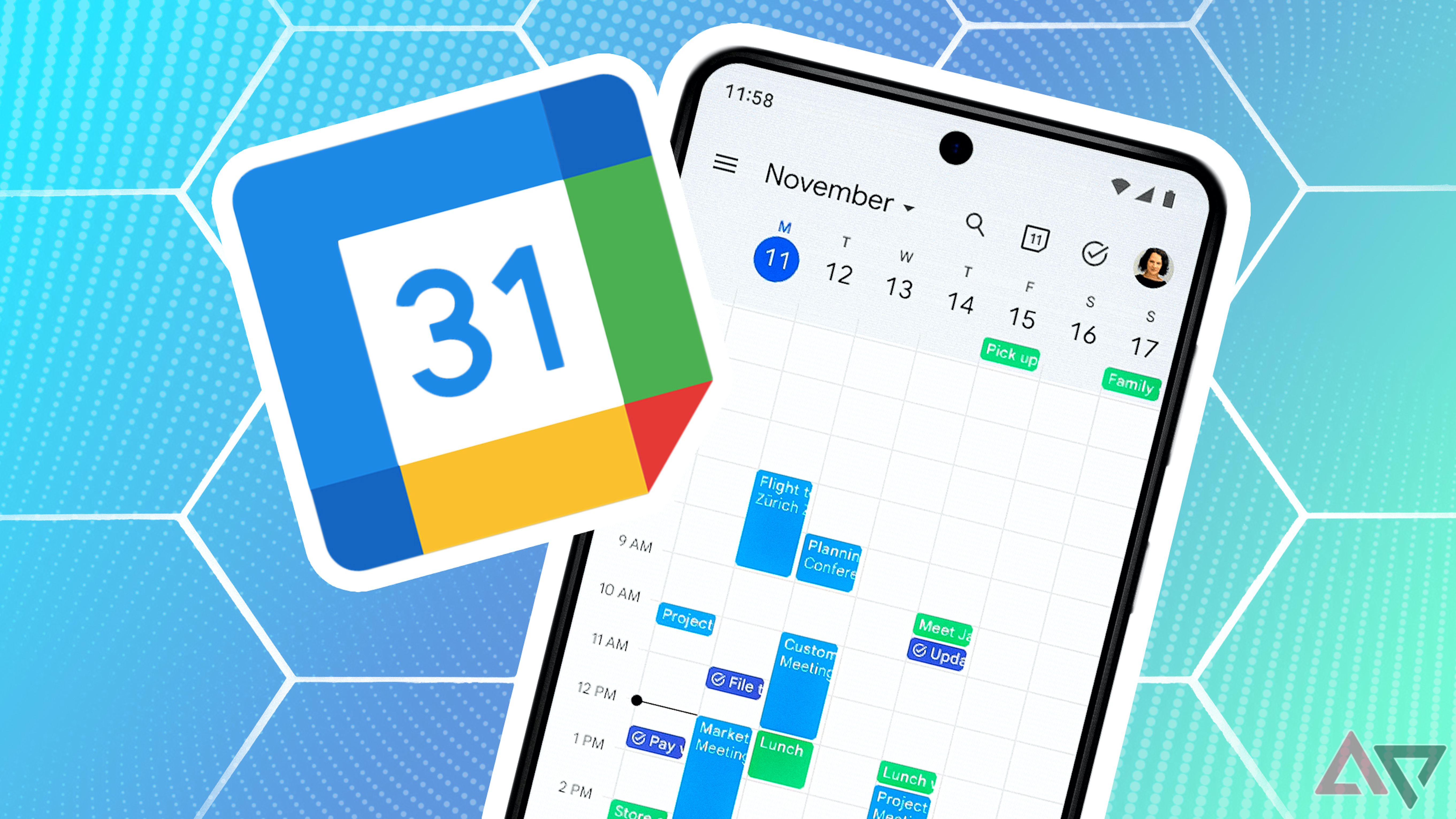
Samsung Galaxy devices come with Samsung Calendar preinstalled, seamlessly syncing with Google accounts for a unified event view. Many users, myself included, rely on Samsung Calendar for scheduling events. However, when it malfunctioned, I was forced to install Google Calendar. After thoroughly examining both Gemini and Samsung Calendar, I discovered that the integration was less fluid than anticipated.
While Gemini excelled at adding, modifying, and deleting events in Samsung Calendar, it struggled with editing event locations directly. For instance, when I asked Gemini to add a dentist appointment to my Samsung Calendar for December 3 at 2 p.m., the event appeared immediately. Yet, when I requested the location, Gemini reported that Samsung Calendar didn't support editing the location of existing events.
To ensure these issues were specific to the Gemini-Samsung Calendar combination, I tested similar requests on Gemini directed at Google Calendar. The event creation process was smooth, and when I added a haircut event for December 2 at 11 a.m. at a specific location, Gemini executed the task flawlessly. Similarly, when I included an event flyer, Gemini incorporated all the details, including the title, date, time, location, and entry fee.
However, changing the haircut's location proved challenging for Gemini in both Samsung Calendar and Google Calendar. Additionally, Gemini failed to manage reminders effectively in either app, offering manual steps instead. For example, when I asked Gemini to adjust the haircut's notification to an hour before, it provided manual instructions for Google Calendar or Samsung Reminder, resulting in separate reminders from the main event.
Samsung's Reminder app was slightly more user-friendly, as reminders appeared alongside calendar events in Samsung Calendar. Nevertheless, they remained separate, necessitating manual adjustment when moving events. When I attempted to replicate the failed editing problem using Bixby, the Gemini integration proved superior. Bixby successfully created the dentist appointment and added the location, unlike Gemini.
It also successfully rescheduled the event without issues. This confirmed that the integration problems were primarily due to Gemini's interaction with Samsung Calendar. In the past, I had favored Samsung Calendar for its compatibility with Google accounts and preference for its interface. However, as Gemini became more integral to my workflow and I disliked maintaining two identical apps, I decided to switch to Google Calendar.
Rewritten by urgent.news; may contain errors — check the original.
Source: androidpolice.com