Here’s how to get app lock on your Android phone right now
You don't need to upgrade your phone to get the latest Samsung security feature.
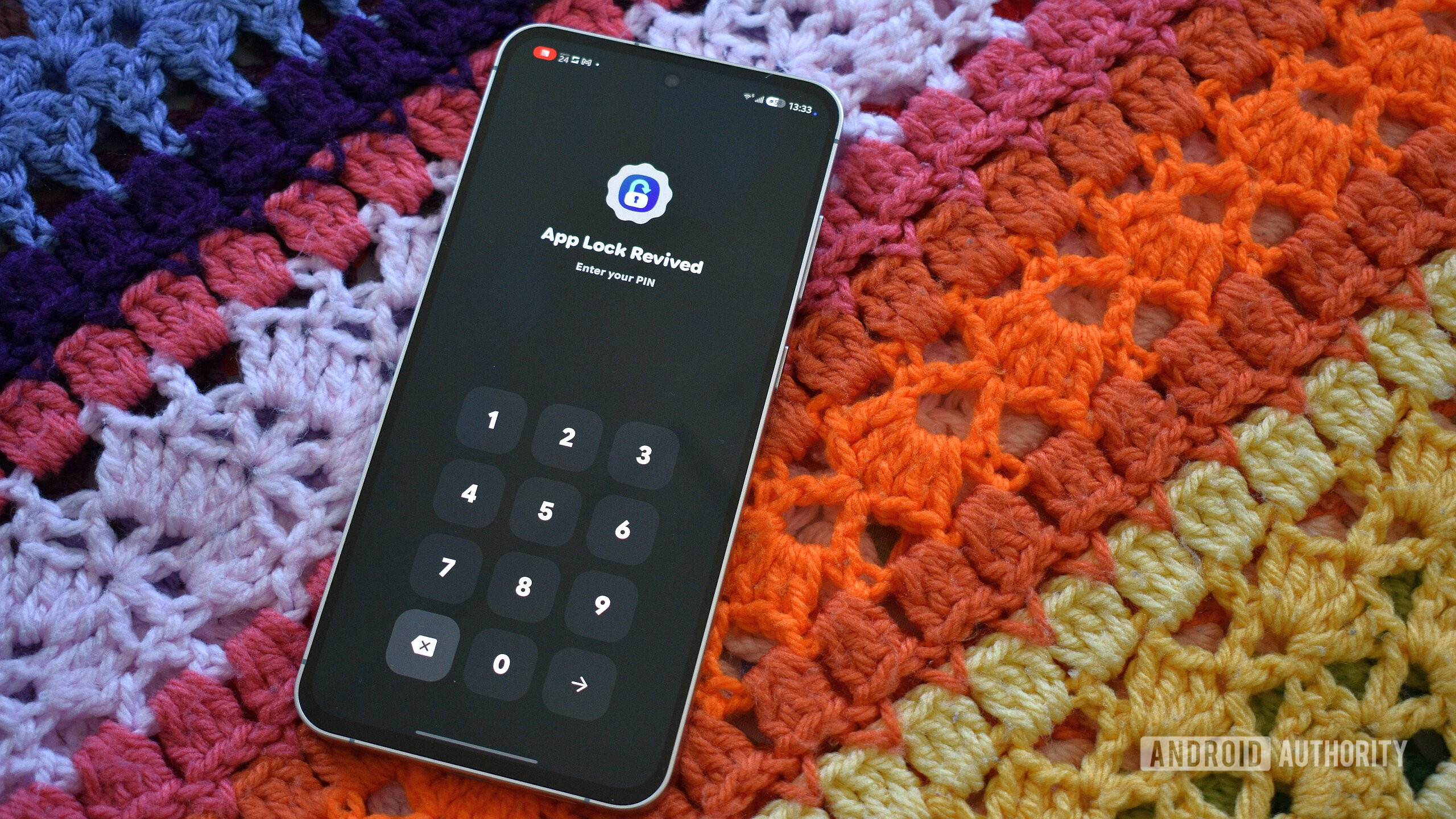
Samsung’s One UI 9.5 update introduced the ability to lock apps behind a password or biometric data, a feature most Android users do not have access to. However, a free solution exists in the form of AppLock Revived, an open-source app fork of the legacy AppLock project. This solution, available on GitHub, adds more polish and extra features to Samsung’s latest security feature.
Users can download AppLock Revived via GitHub or an app updater like Obtainium, which ensures regular updates. Once installed, users enable permissions and choose between three implementations: Android’s Accessibility service, usage statistics, or Shizuku. AppLock Revived allows users to lock multiple apps, set per-app settings, and organize apps into profiles with default unlock durations.
Additional features include biometric unlocks, trigger exclusions, uninstallation protection, and a Scramble PIN keypad. Intruder selfies can also be taken if incorrect credentials are entered. Although AppLock Revived lacks complete feature parity with One UI 9.5, it remains the easiest way to implement app lock on older Android devices.
Rewritten by urgent.news; may contain errors — check the original.
Source: androidauthority.com