Your NAS drive spin-down schedule is secretly shortening drive life, and one tweak fixes it
Adjust this setting and you might be protecting your data
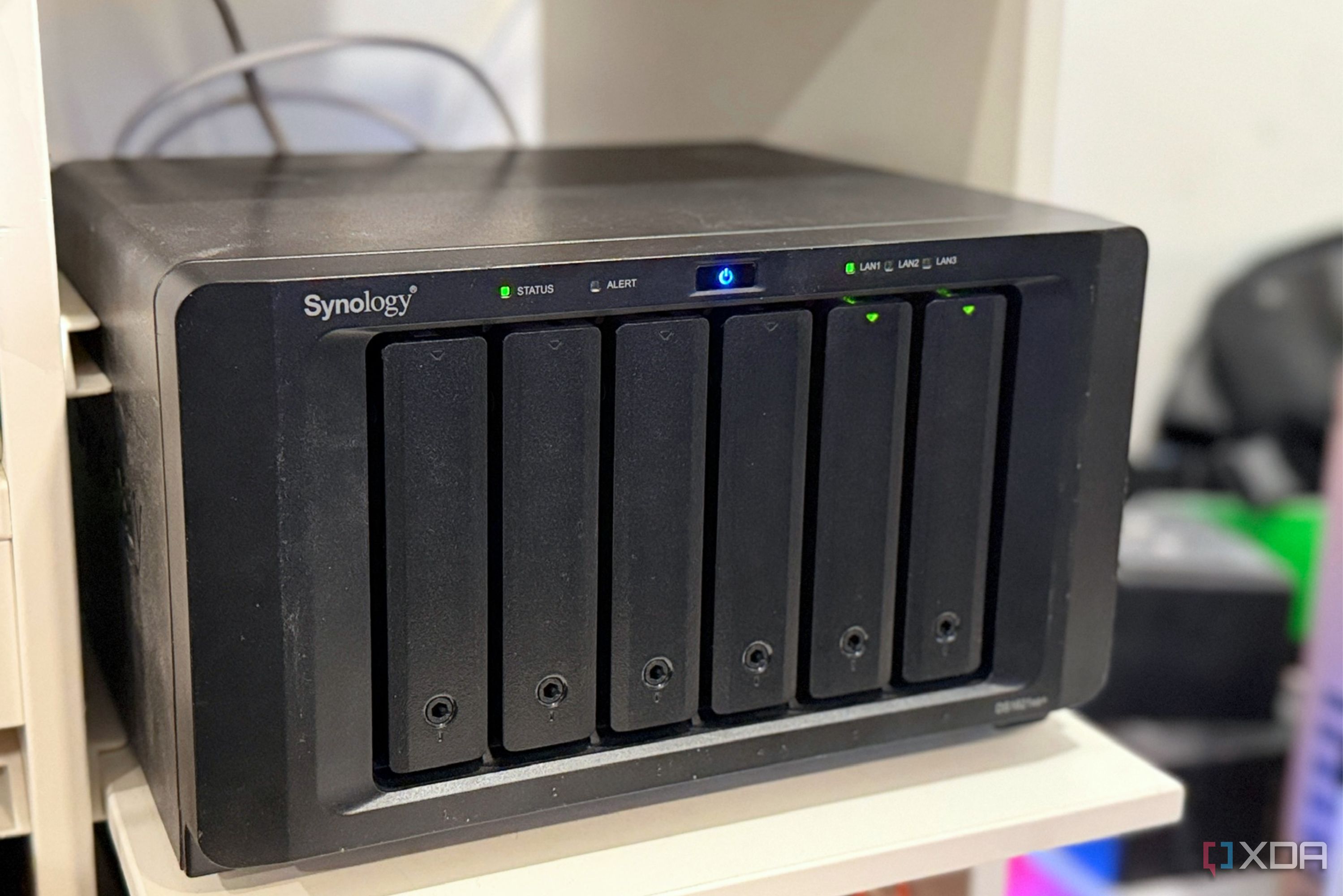
Aggressive spin-down schedules on NAS drives may shorten their lifespan due to increased mechanical wear and cycles. While spinning drives down saves a small amount of power, frequent start-stop cycles and head load/unload actions can cause wear over time. These cycles can be triggered by background NAS tasks like indexing, S.M.A.R.T. polling, and Docker/container logs.
The ideal solution is to either disable aggressive spin-down or increase the standby time to match actual access patterns. Checking SMART statistics and adjusting OS timers can help identify potential issues. Some NAS setups may benefit from disabling automatic spin-down or setting longer standby intervals, while others may require spinning drives continuously for efficiency.
Ultimately, balancing power savings with hardware longevity is key, and maintaining proper drive temperature, parity/redundancy, and a robust 3-2-1 backup strategy is essential.
Rewritten by urgent.news; may contain errors — check the original.
Source: xda-developers.com