Ignore the Play Store's star ratings; these filters find apps worth installing
In-depth reviews are what helps
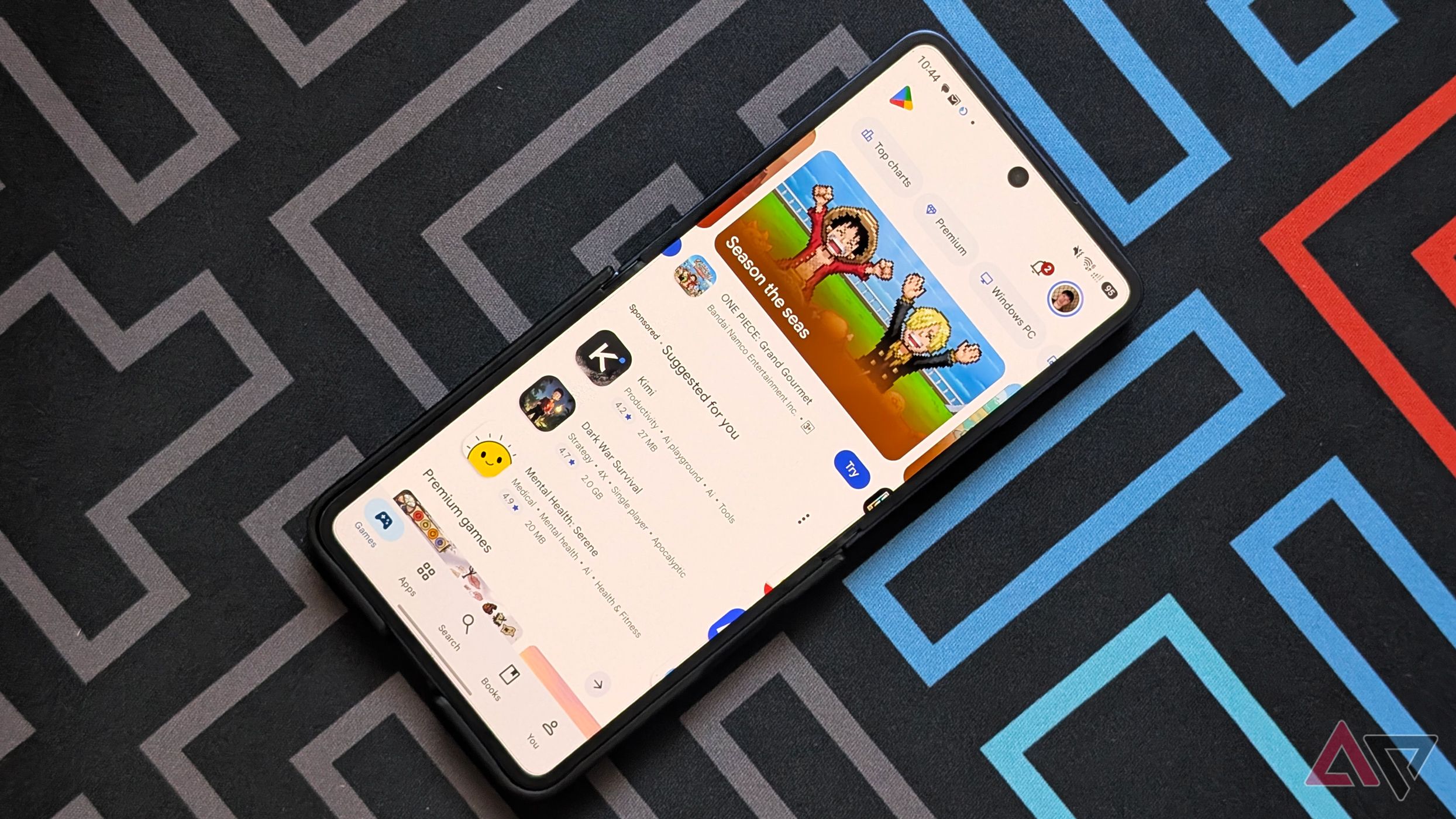
Navigating the Google Play Store can be a daunting task, but there are ways to discover worthwhile apps without relying on star ratings. Many users overlook the star rating system, which often proves unreliable in determining an app's quality. Despite an app's high rating, such as Amazon Photos' 4.7 stars, it may not meet your specific needs.
Instead, prioritize features that matter to you. For instance, Amazon Photos excels in unlimited photo storage for Prime members, but lacks essential features like locked folders and cleanup tools that Google Photos offers. To make informed decisions, utilize the Play Store's built-in filters and third-party tools. The review filters allow you to narrow down apps based on specific themes, such as photo storage capacity.
The version filter ensures you see relevant reviews that accurately reflect the latest app updates. Additionally, third-party services like AppBrain provide in-depth analyses of app reviews and ratings, helping you identify trends and changes over time. These tools offer a more nuanced understanding of an app's strengths and weaknesses, enabling you to make better choices.
Ultimately, when the Play Store's star ratings fall short, turn to filters and external resources to find the apps that truly meet your requirements.
Rewritten by urgent.news; may contain errors — check the original.
Source: androidpolice.com