I ran one Windows command and it showed me every Wi-Fi password I've used since 2019
Windows really needs to learn when to forget
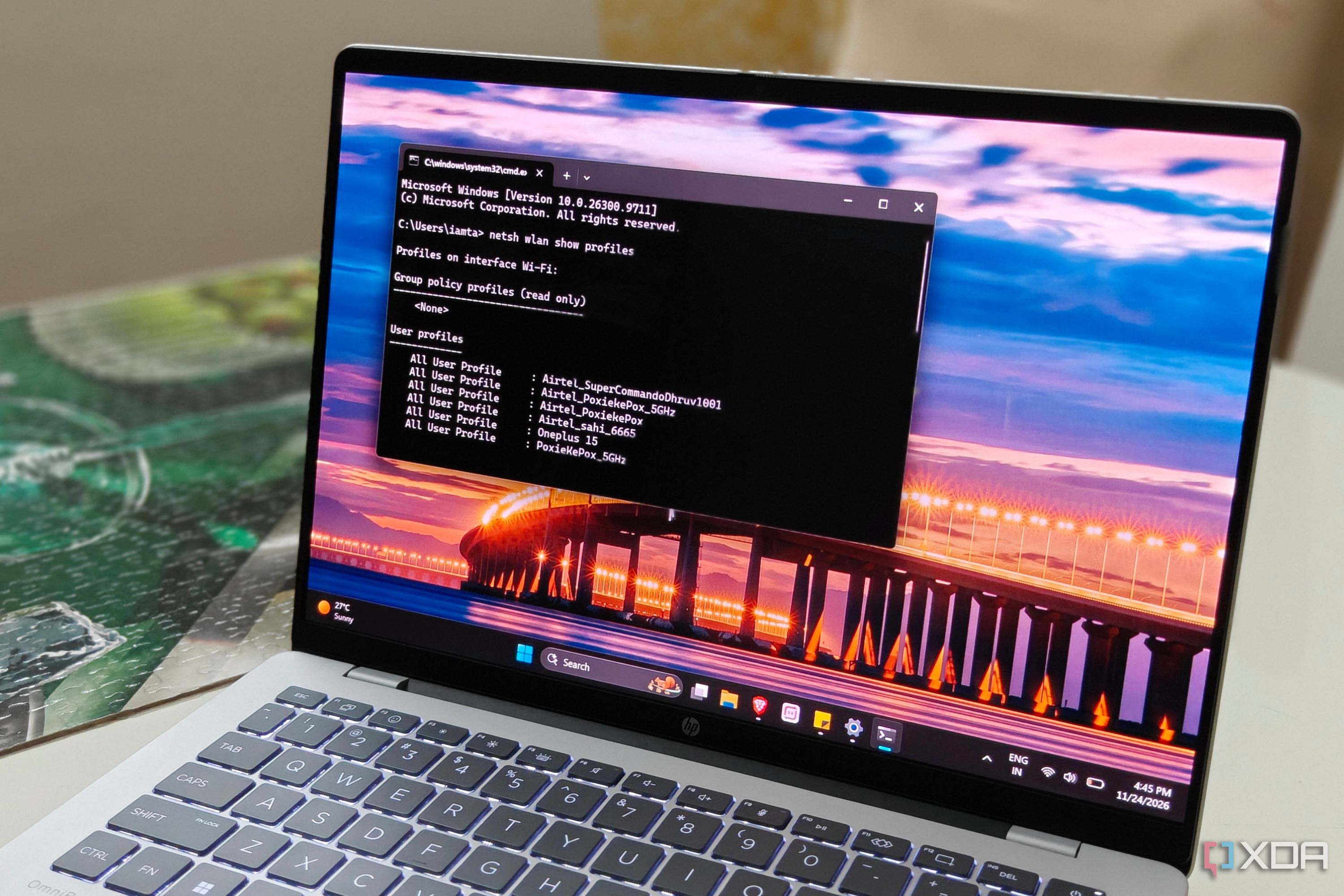
Windows has been quietly storing a digital record of every Wi-Fi network you've connected to since 2019, even if you don't remember why. To uncover these forgotten connections, simply open Command Prompt and run the netsh wlan show profiles command. This reveals a seemingly comprehensive list of saved Wi-Fi profiles, including those you haven't used in years.
By adding the netsh wlan show profile name="NETWORK-NAME" key=clear command, you can view the stored Wi-Fi password for each profile. It's essential to note that Windows only displays passwords for networks it has retained in saved profiles, depending on the network's authentication method and your permissions. Although these profiles can't be directly accessed as readable passwords, they can be retrieved by someone with access to your PC and appropriate permissions.
To maintain security and declutter your PC, it's advisable to remove obsolete Wi-Fi profiles using the netsh wlan delete profile name="NETWORK NAME" command. This command effectively eliminates the stored Wi-Fi credentials, reducing potential risks and keeping your device's memory streamlined.
Rewritten by urgent.news; may contain errors — check the original.
Source: xda-developers.com