GTA 6 is locked to 30fps on my PS5, but I found a way to play it at 60fps through my PC
I'd rather play through Leonida the way it's meant to be played.
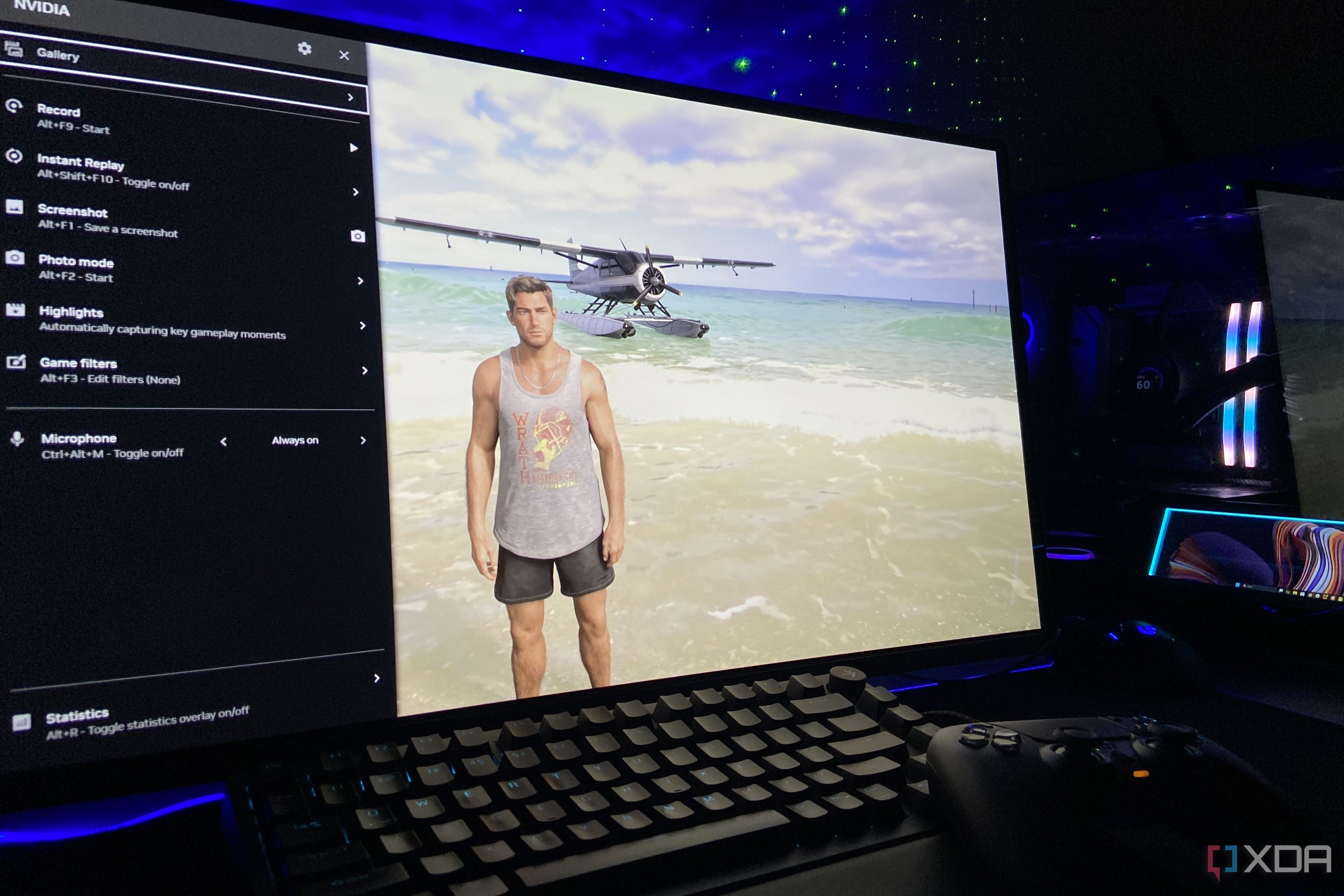
After the much-awaited release of Grand Theft Auto 6, Rockstar Games confirmed that even the PS5 Pro couldn't run the game at 60fps due to limited CPU resources. This prompted gamers to look for alternative solutions to improve the frame rate on their current-gen consoles. One individual attempted streaming the game from their PS5 to their PC using a capture card; however, they found the Remote Play app to be unreliable, crashing frequently and causing disconnections.
After days of troubleshooting, they discovered a free, open-source tool called Leonida that delivered a performance mode similar to what Rockstar never managed to ship. This software showcased a visually stunning game set in a richly detailed world filled with countless elements, but the locked 30fps proved detrimental to the overall experience.
Although 30fps is not an ideal setting, it is still higher than the 20-30 frames per second registered by the base PS5 during intense gameplay moments. The player then resorted to Remote Play using a free, open-source alternative called chiaki-ng, which also provided a better viewing experience than the official app. However, the generated frames still suffered from latency and interpolation artifacts, which negatively impacted the gameplay experience.
SmoovPlay, another free, open-source tool, proved to be the most suitable option, addressing both latency and graininess issues by utilizing AI interpolation models and Nvidia's RTX Video Super Resolution. With SmoovPlay, input delay felt minimal, and driving in the game became smooth and precise. Despite the added 18ms delay caused by the tool, SmoovPlay provided a more seamless experience compared to other methods.
Rewritten by urgent.news; may contain errors — check the original.
Source: xda-developers.com