Darktable is the free Lightroom rival I kept putting off, and I wish I'd switched years ago
Raw images never needed a subscription
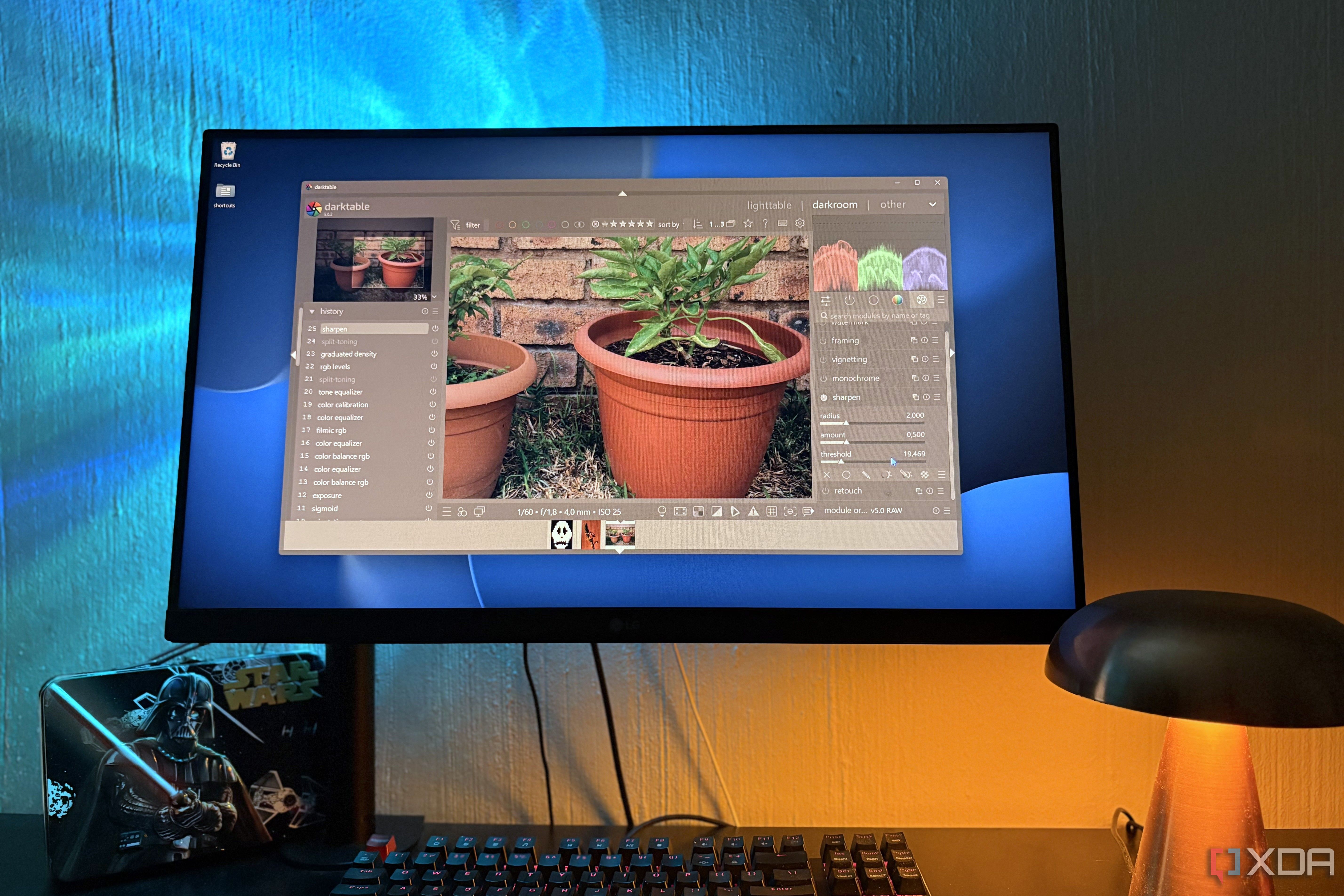
Darktable, a free alternative to Adobe Lightroom, has always been mentioned in discussions about cost-effective photo editing software. While it's often seen as quirky and underrated, it's still recommended by many users. Many find it easier to use after the initial learning curve, and this was true for me as well. I kept the software installed and occasionally used it, but I kept returning to Lightroom due to its user-friendly interface.
However, Adobe's recent price hike for its annual plan from $12 to $15 per month makes the switch less justifiable. Recently, Darktable released version 5.6, which has significantly improved its usability. The editing process primarily happens in the darkroom view, where the intimidating interface is broken down into module groups for easier navigation.
New users are now greeted with a welcome screen on first launch that helps set relevant settings before diving into the app. Darktable also features a condensed mode for panel controls, making sliders easier to spot. It has introduced AI features that users can opt-in to, offering masking, denoising, and upscaling capabilities. Some familiar editing tools from Lightroom, such as rotate and perspective detection, are present in Darktable.
Batch editing and styles, reminiscent of presets, help streamline the editing process. While Lightroom remains a powerful tool, Darktable offers a compelling desktop alternative for photo editing.
Rewritten by urgent.news; may contain errors — check the original.
Source: xda-developers.com