Windows 11 was quietly eating my RAM, so I switched off 4 features I never touched
I got rid of features I never used to free up much-needed RAM
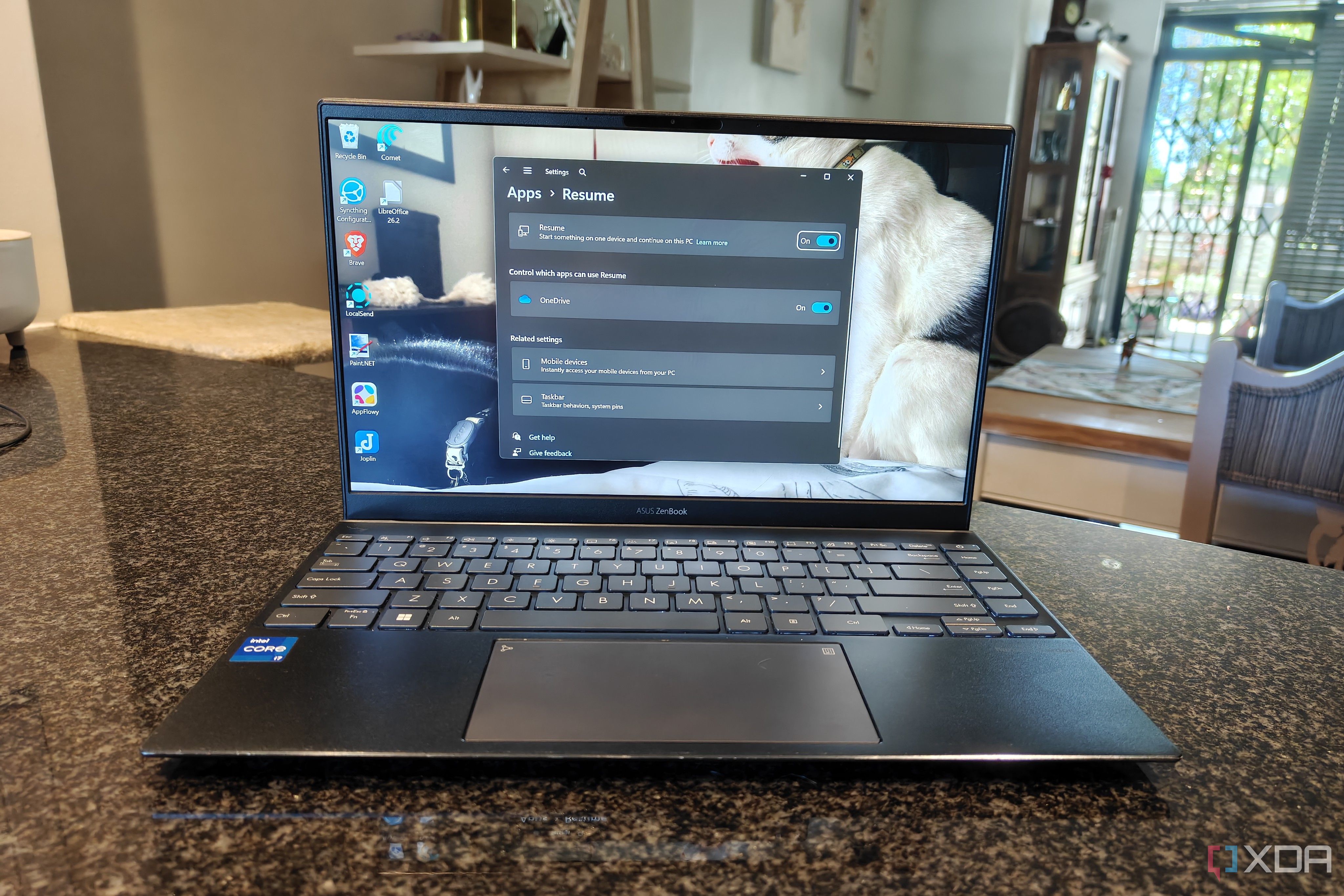
Windows 11 offers a range of features designed to enhance user experience, but these can also introduce unnecessary strain on your system if unused. In a recent case, a user found their aging PC suffering from sluggish performance, attributing some of the issues to background features they didn't utilize. By disabling these features, the user reported a significant improvement in system responsiveness.
One such feature, Cross-device Resume, allows seamless continuation of activities across devices. While convenient, it consumes RAM even when not in use, as experienced by the user who noticed a 5% RAM usage spike. Disabling the feature freed up resources, helping to alleviate system stuttering and freezing.
The Start menu's built-in recommendations also contributed to the slowdown. These include tips, new apps, shortcuts, and recent files, which can clutter the interface and consume additional resources. By turning off these recommendations, the user found the Start menu to be more responsive, without sacrificing any useful functionality.
The taskbar and lock screen widgets, while initially appealing, also proved to be resource-intensive. They require continuous loading of content, such as weather updates, quizzes, and event information, which can slow down the system. Disabling these widgets, both on the taskbar and lock screen, removed the extra load from the system, leading to a smoother user experience.
Microsoft Edge, despite being a less frequently used browser, continued to consume background processes even after the user was careful to avoid its features. To address this, they disabled startup processes and background extensions in Edge settings, preventing the browser from hogging system resources in the background.
For users located in the European Economic Area, uninstalling Edge entirely is an option, though it requires meeting certain regional requirements. Overall, by carefully evaluating and disabling unused features and services in Windows 11, users can achieve a more streamlined experience, freeing up valuable system resources for improved performance.
Rewritten by urgent.news; may contain errors — check the original.
Source: xda-developers.com