This hidden iOS 27 feature ensures you’ll never sleep through an alarm again
Say goodbye to accidentally silencing your alarms.
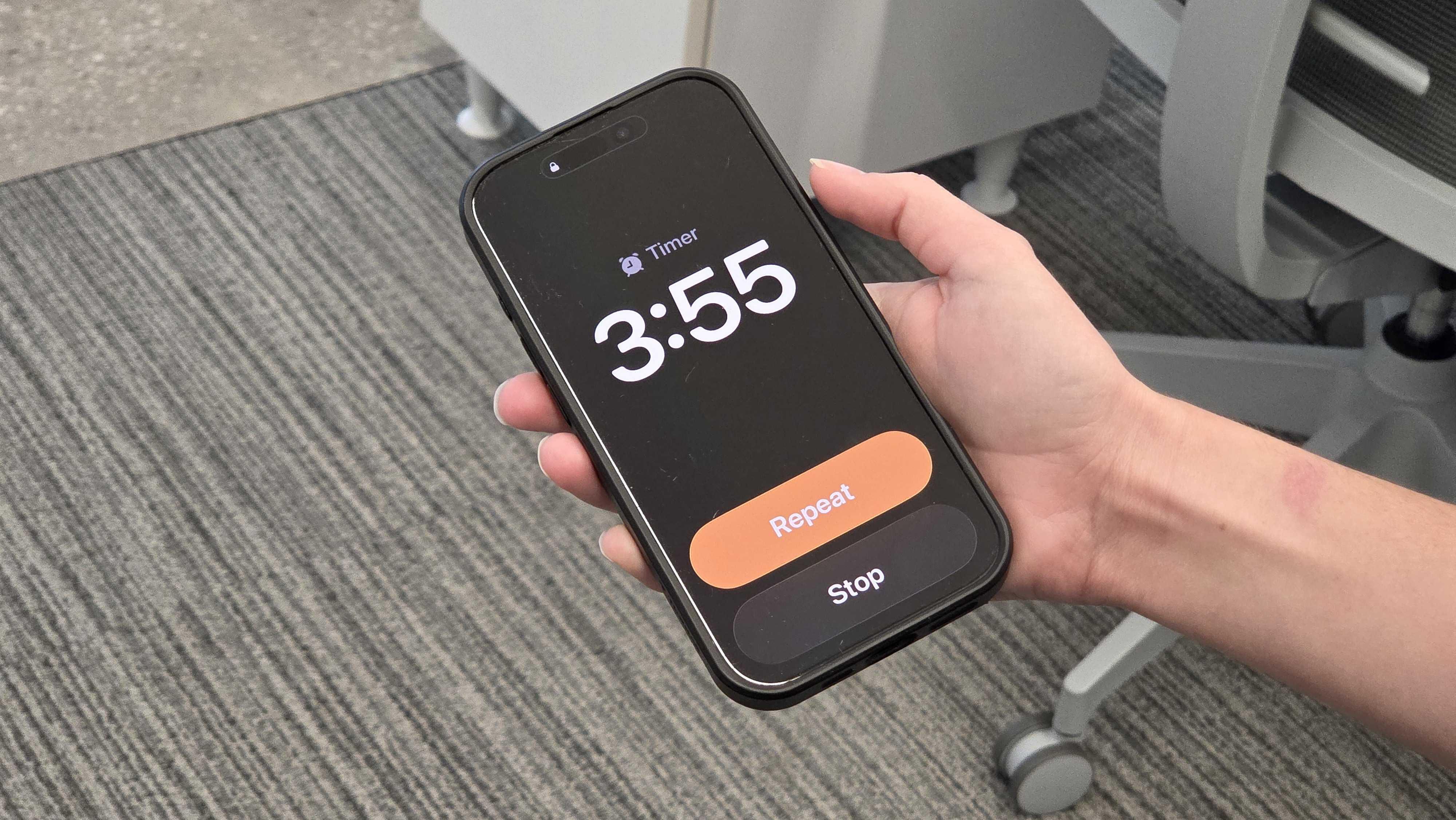
iOS 27 now offers a hidden feature that ensures you won't ever miss an alarm again. This innovative improvement allows for independent volume control of alarms, timers, and ringtones, distinct from your phone's general alerts and system sounds. Consequently, you can set your alarm volume to a level comfortable for you without compromising the volume of incoming calls and notifications.
The new feature represents a significant evolution from previous methods of adjusting alarm volume. Prior to this update, users could set a specific volume for their Sleep Schedule alarms, regardless of the overall volume of their iPhone. This was accomplished through a dedicated volume slider within the Sleep focus settings. However, these alarms shared the same volume level with all other alerts and system sounds.
The latest update takes this a step further, enabling users to set a unique volume specifically for alarms and timers. This adjustment is separate from the default setting that aligns all alarms, timers, alerts, and system sounds with your ringtone volume. To take advantage of this feature, you must first disable the option that synchronizes your alarm volume with your ringtone volume. Once this is done, you can freely adjust the volume for upcoming alarms without impacting the volume of other notifications and calls.
Rewritten by urgent.news; may contain errors — check the original.
Source: zdnet.com