Urgent.News

What's breaking now, across hundreds of outlets.

Tech

The biggest downsides to using Apple's Magic Mouse

Mac users have their reasons for ditching Apple's Magic Mouse despite its slick touch gestures. Knowing them can help you decide if it suits your desk.
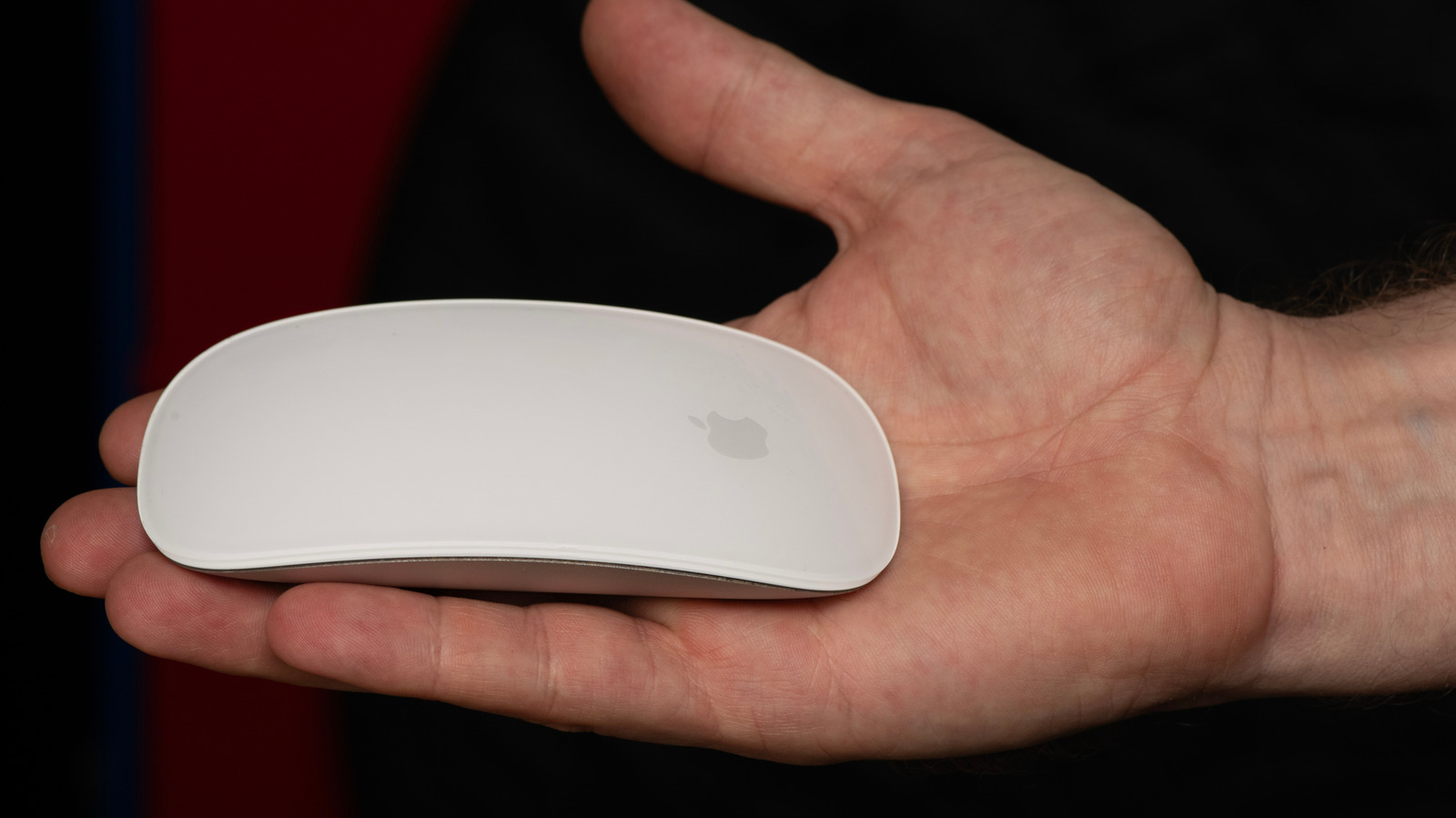
The biggest downsides to using Apple's Magic Mouse

Apple's Magic Mouse has garnered both praise and criticism since its initial release. One of the most contentious design choices is its USB-C port, which leaves the mouse vulnerable when the charging cable is plugged in. This can be a significant drawback, especially considering the mouse's primary function is to streamline computer use. Additionally, the mouse's slender, aluminum body offers limited palm support, which can be uncomfortable for extended use.

Even with its minimalist design and innovative touch gestures, the Magic Mouse's limitations can become apparent during prolonged use. The lack of a middle-click or programmable thumb button can be particularly problematic for users who work with CAD software, as these buttons are often used for panning around drawings. While third-party utilities can add some missing functionality, the need for additional software to access conventional features can be frustrating.

Accidental swipes on the Multi-Touch surface, due to the lack of physical controls, can also be an issue. Some users have reported stuttering and inconsistent tracking, which could be isolated incidents or related to software updates. Despite these drawbacks, the Magic Mouse has a dedicated fan base, particularly among users who appreciate its touch gestures and sleek design. However, for those who spend long hours using a mouse, the inconveniences it presents may outweigh its unique features.

Rewritten by urgent.news; may contain errors — check the original.

Source: engadget.com

Read the original at engadget.com →

Report a problem with this story

More in Tech

Fix a switch over serial when SSH is down

SSH to 192.0.2.10 is down. The console port on router1 still works. This walk-through uses JackedIN 1.2.1 to open that serial session in the window or from the command line, wait for the device…

  • Console port accessible on router when SSH is down
  • JackedIN program opens serial session via GUI or CLI
  • Connect to serial port using JackedIN's default settings

Total spending by category with one SUMIFS — no pivot table needed

Small shops often track income and expenses in one long list, then wonder where the money went. A pivot table works, but there is a lighter way: one SUMIFS per category on an Overview sheet.

  • Simple SUMIFS formula tracks spending by category without pivot table
  • Transactions sheet records date, description, category, amount
  • Overview sheet shows category totals with single cell month change

Contentlayer frontmatter can execute code inside the build

Contentlayer frontmatter can execute code inside the build CVE-2026-129948 affects @contentlayer/source-files through 0.3.4.

  • Contentlayer's frontmatter can execute JavaScript code during build process
  • Security vulnerability rated 8.8 on CVSS 3.1 scale
  • Mitigation includes disabling JavaScript, pinning versions, strict logging

Amazon Aurora PostgreSQL: The Complete Guide

Amazon Aurora PostgreSQL is AWS's managed PostgreSQL-compatible database, with compute instances that share a distributed storage volume.

  • Amazon Aurora PostgreSQL is AWS’s managed PostgreSQL service with distributed storage.
  • I/O-Optimized configuration reduces storage I/O charges by 90% for Graphite migration.

More from Tuesday 24 November →