iOS 27 adds new Messages app setting I instantly started using
iOS 27 brought several new features to the Messages app, including a setting that’s long been a popular request: the ability to customize or turn off the audio button. Here’s how to use it. more…
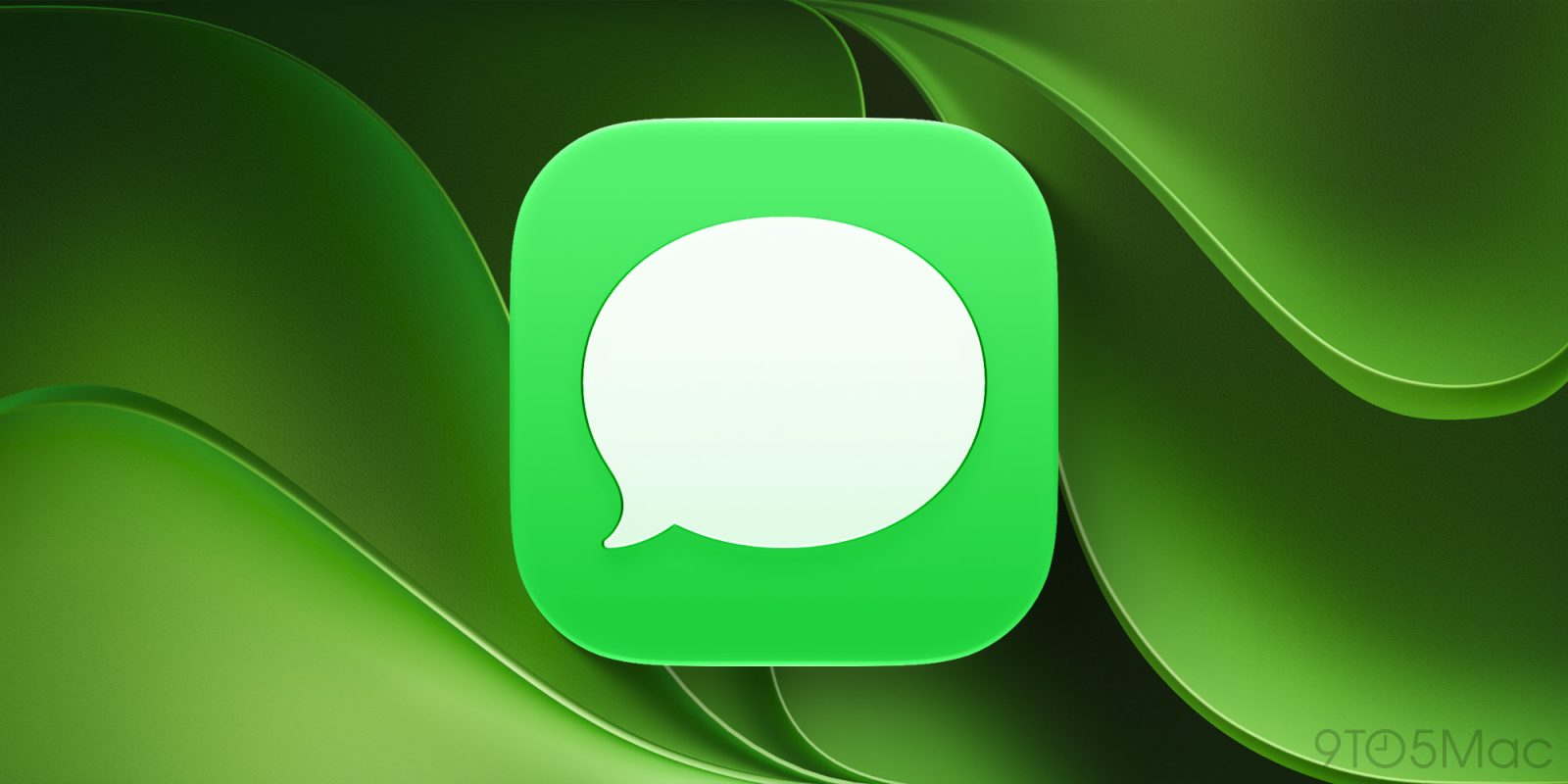
Apple's latest iOS 27 update has introduced a new Messages app setting that allows users to easily disable the audio button, a feature that has long been requested by many. This new setting provides the option to turn off the audio button, which is located on the right side of the text input field. The audio button has been a convenient tool for users, but it has also been a source of frustration for many who never use it, often accidentally activating it.
With iOS 27, Apple has addressed this common issue. By turning off the audio button, users can prevent accidental presses, which have been known to cause issues, such as with pop star Justin Bieber. Despite the audio button being disabled, users can still send audio messages by using the + button to open iMessage apps and selecting 'Audio.'
Alternatively, users who prefer to keep the button active can choose 'Record Audio' or 'Start Dictation' as its function, allowing them to set the button to their preference instead of it changing dynamically like before. The new setting is just one of many improvements in iOS 27, which has also fixed bugs and granted feature requests, such as the enhanced Siri AI.
Rewritten by urgent.news; may contain errors — check the original.
Source: 9to5mac.com