I used a VR trick to increase my DLSS 5 frame rate, and it's what everyone should be using
DLSS 5 finally learned to cut corners
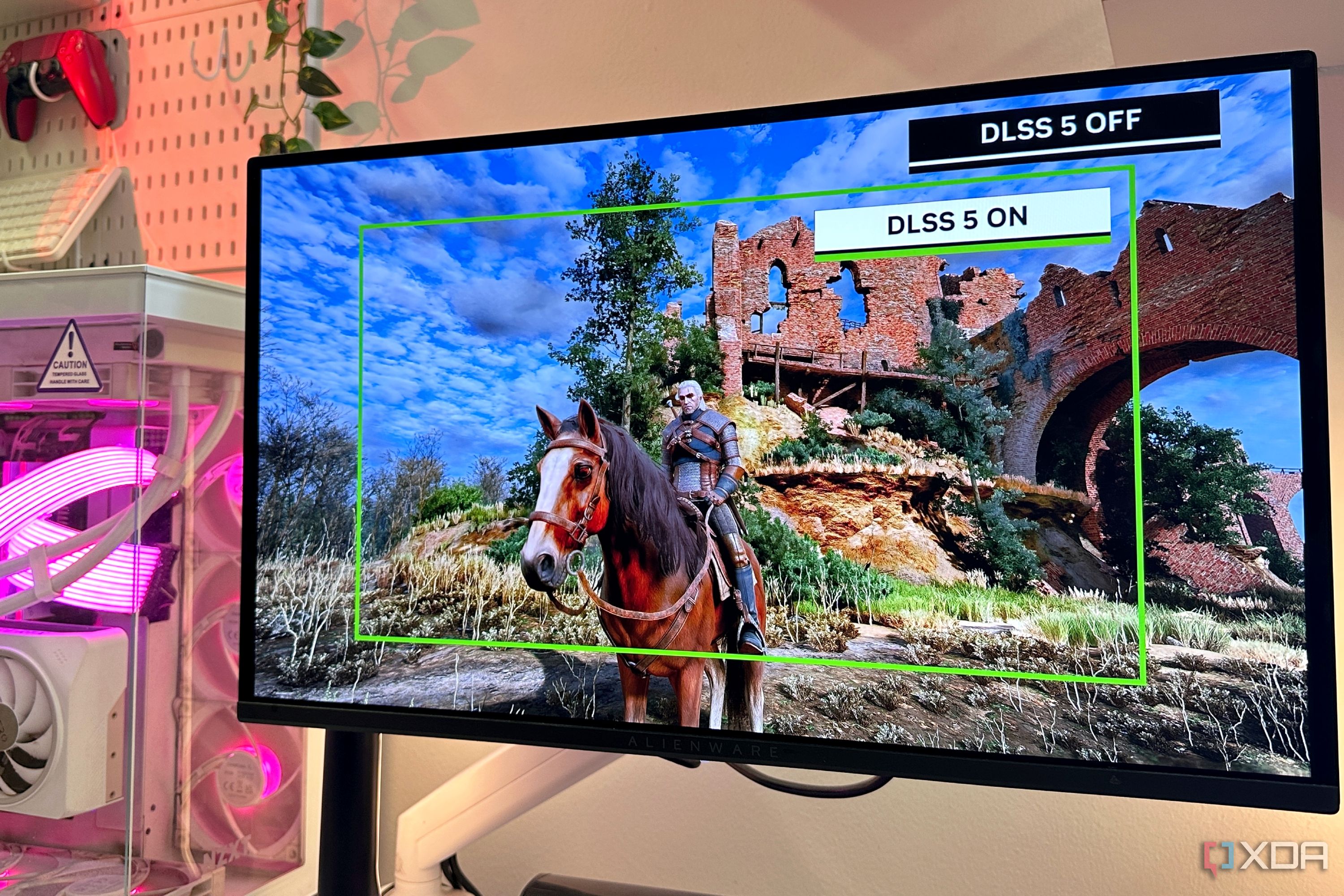
DLSS 5 has been a game-changer for visual fidelity, but its performance cost can be hard to swallow. After trying various methods to optimize its usage, I stumbled upon a unique approach that I believe could be the key to running DLSS 5 more efficiently. Instead of pushing the neural rendering to its limits, I discovered that focusing the processing on the most important areas of the screen could yield better results.
By applying foveated rendering to DLSS, I found that I could maintain a high frame rate while still enjoying the benefits of neural rendering. This method, implemented through the CheekyFoveatedDLSS project, allows users to control the size of the high-quality region and progressively reduce the computational load on peripheral areas.
By testing this technique in two games, I was able to recover significant performance without sacrificing visual quality. Foveated DLSS seems to be a more intelligent way to handle neural rendering, prioritizing the most visually significant parts of the screen while letting the rest take a lighter load. This approach not only saves performance but also enhances the overall gaming experience by ensuring that the most important elements receive the processing they deserve.
Rewritten by urgent.news; may contain errors — check the original.
Source: xda-developers.com