I gave Gemini access to my Wallet, and it immediately started saving me money
Gemini gave me a little tough love and told me what I needed to hear about my finances.
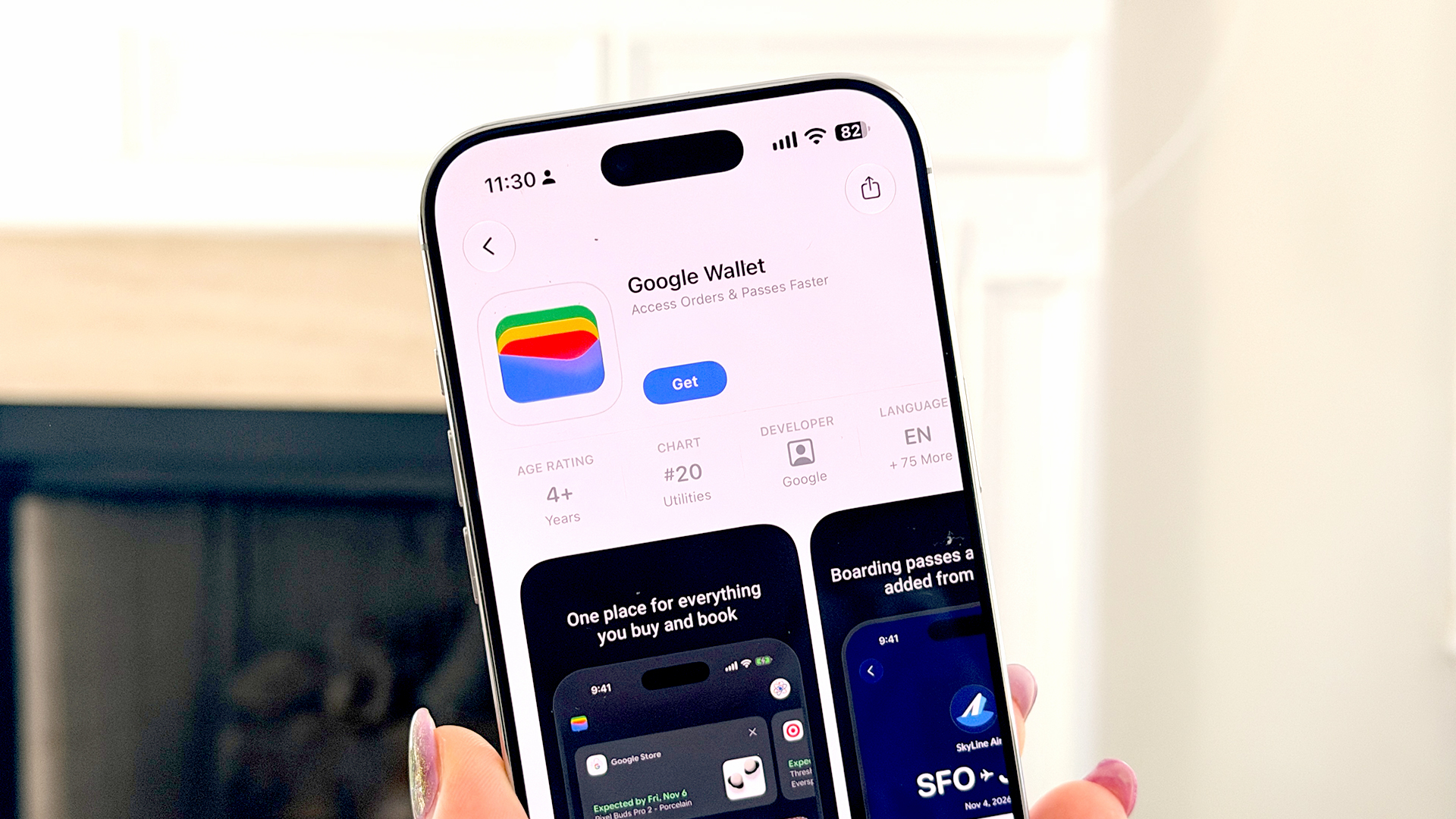
Google has introduced Wallet integration to Personal Intelligence in AI Mode on Google's platform. This new feature allows users to gain insights into their spending habits, plan budgets, maximize credit card rewards, and more, through simple searches. While Google cannot manage or move any money, it can provide tailored, personalized search results about finances.
To access this feature, users can visit Gemini's website, click on the Settings gear icon, and select "Personal Intelligence." From there, users can choose "Connected Apps" and opt for Wallet. Upon connecting Wallet, it may take a few minutes to fully sync. Once synced, users can ask questions through AI mode in Search.
During a test run, the author tried Personal Intelligence by asking, "Based on my spending, what's a quick way I can save money?" Google responded with an observation that the author frequently spends on fast food and specialty coffees. The AI estimated that reducing these expenses to two meals and two coffees a week could save around $30 weekly, or $1,500 annually.
Additionally, when querying recurring subscriptions, Google displayed a breakdown chart with subscription names, prices, categories, linked cards, and typical charging periods. The AI also suggested free alternatives for certain services. Given that Google has access to the cards linked to the user's Wallet, it can provide advice on the best cards to use for travel-related expenses, such as hotels and airfare.
Google's Personal Intelligence feature can access Gmail to gather more spending information, but it cannot access bank accounts. The only data it has on finances and spending comes from receipts in the user's inbox or from Wallet transaction history. Despite not being the primary payment method in stores, the feature's usefulness has prompted the author to consider using Wallet more often.
Rewritten by urgent.news; may contain errors — check the original.
Source: zdnet.com