I digitized my VHS library with a VCR and cheap adapter, and now I stream my old tapes on all my screens
I am finally able to save old-school VHS media to my NAS for keepsake.
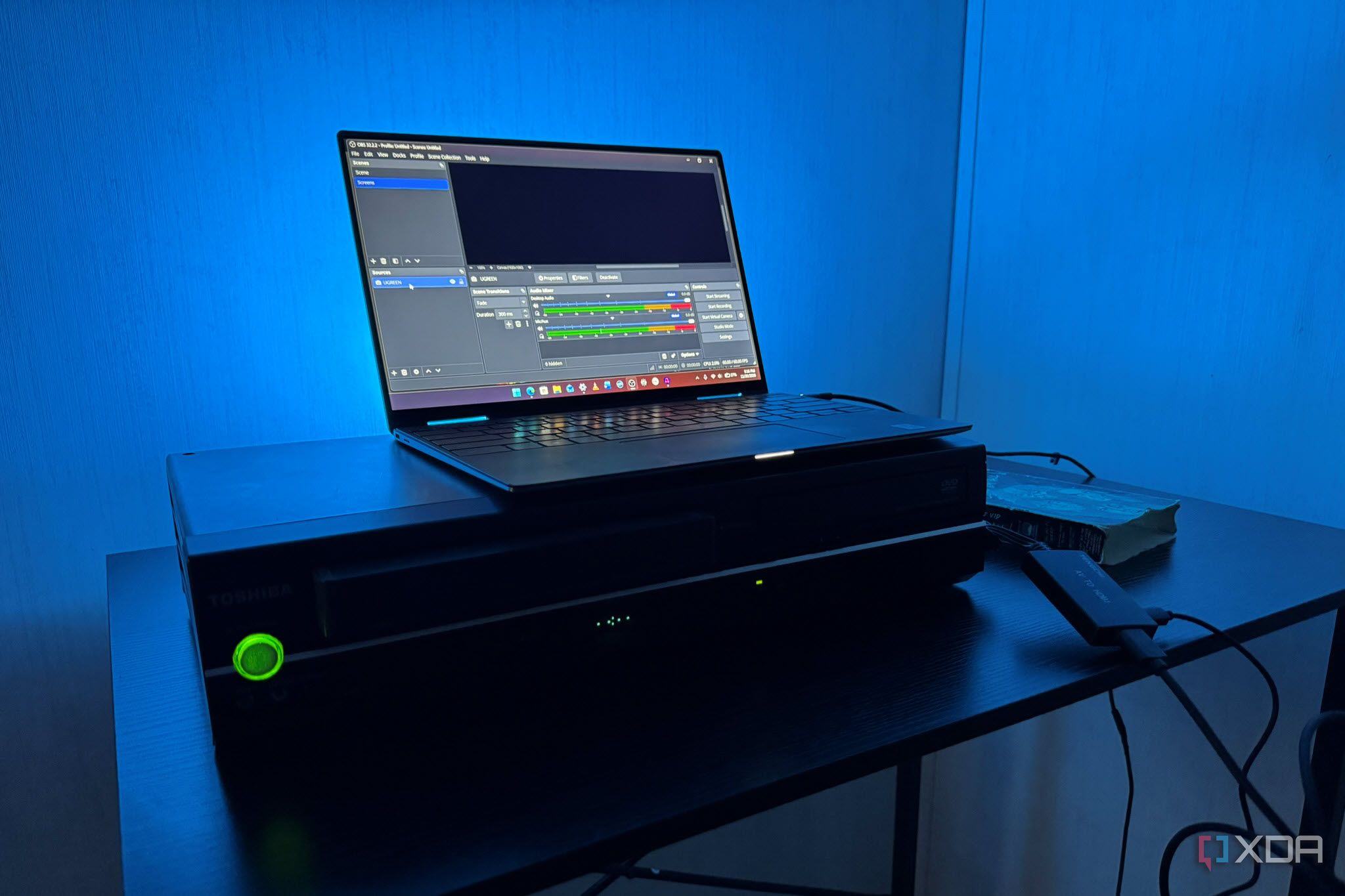
A man converted his collection of VHS tapes to digital files using a VCR, free video recording software, and a cheap adapter that he purchased on Amazon. This allowed him to stream the contents of the old tapes on any screen with Plex or Jellyfin. He reminisced about his first VHS tape, which he bought as a child after mowing lawns to pay for it.
Many people have forgotten VHS tapes in closets, containing personal and family memories that should be preserved. The man set up a server to make his digitized tapes part of his permanent library, viewable on the big screen. He connected an RCA-to-HDMI converter to his VCR and video capture device, then used OBS Studio to record the tapes.
He adjusted the settings in OBS Studio and recorded the tapes, which he later played through his speaker system. He also mentioned using recording software like VLC and suggested using video restoration tools like HandBrake or DaVinci Resolve for better results. However, the results will vary depending on the tape's condition. He set the recording output to a locally connected drive on his PC and copied the files to his NAS to avoid network issues.
He found the process engaging and enjoyable, reliving memories and discovering lost content. While he wouldn't digitize movies unless they were rare or unavailable on disc, the setup cost him only a few dollars and made his old tapes accessible on the big screen.
Rewritten by urgent.news; may contain errors — check the original.
Source: xda-developers.com