What the green flashing light on your Roku remote is telling you
Find out what your Roku remote's green light means, when it's harmless and when it signals a problem, plus what to do if your remote isn't working as it should.
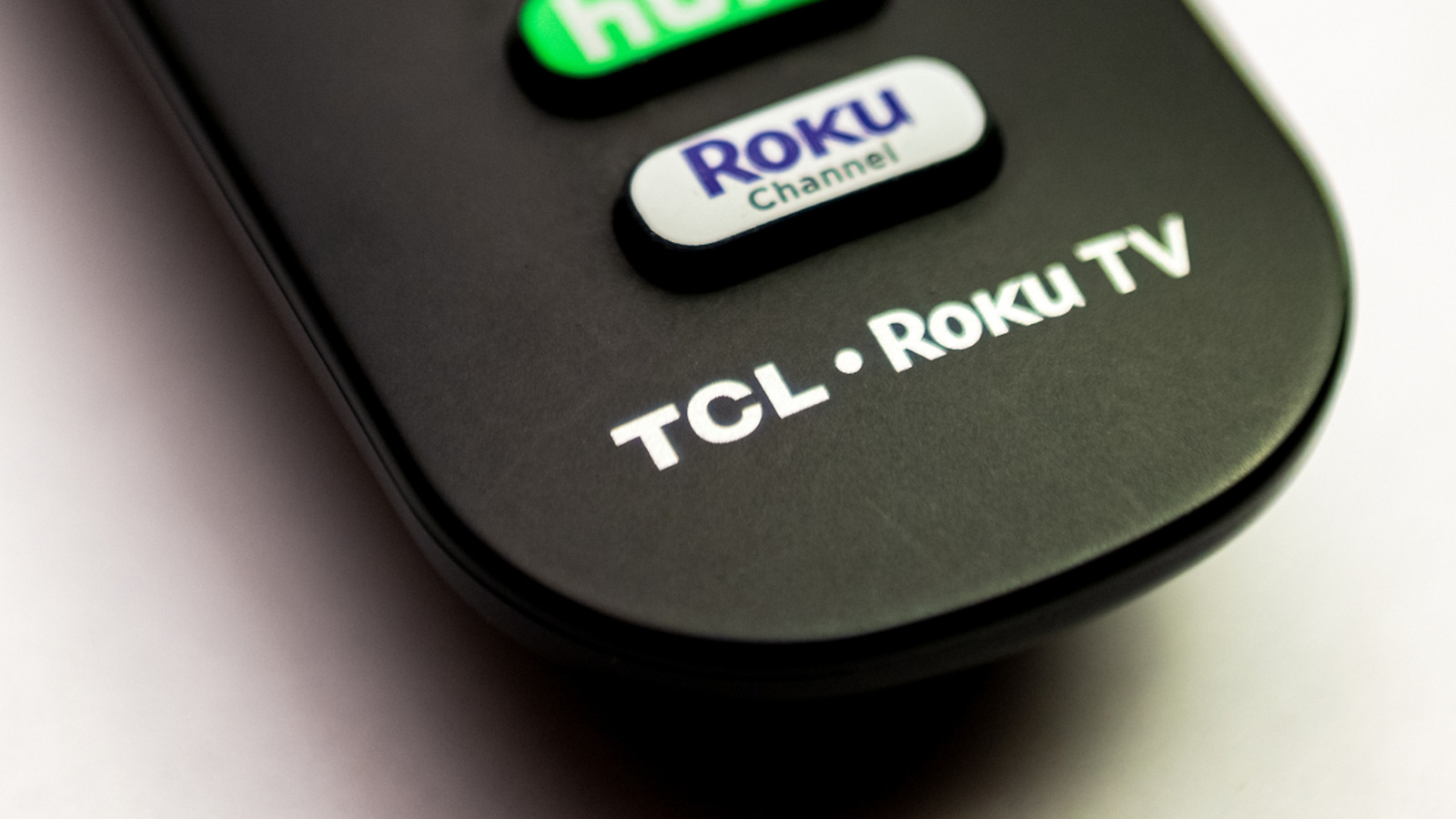
The green blinking light on your Roku remote often indicates low batteries or an issue with pairing. If the batteries are old, replacing them with fresh alkaline ones should resolve the problem, particularly if you're frequently experiencing this issue. Another scenario is when setting up a new remote, during which you may notice the green light flashing.
This can occur if you're using your old remote or if you're pairing the remote via the Roku app. The flashing light also appears when you trigger the remote's physical pairing controls by holding a specific button or the Back and Home buttons together for five seconds. While this is not a cause for concern, continued rapid flashing suggests that your remote might be faulty and needs replacement.
It's advisable to stick with Roku's official remotes for better support and features. If you've already tried replacing batteries, setting up a new remote, and resetting the remote, the final option is to restart it. To do this, remove the batteries (if applicable), press any two buttons, then reinsert the batteries with the negative sides facing up.
For remotes with built-in batteries, hold the physical pairing controls for 20 seconds. These steps should help resolve most green light issues, but if they don't, you might need to clear cache, update or reboot your Roku device or reset it entirely, which will require reconfiguration. Remember, a factory reset is not typically a solution for a green light issue, as it's usually related to battery levels or pairing problems, not software glitches.
In extreme cases, you might have to rely on your phone for remote control, but using the Roku app isn't always necessary. If your setup supports AirPlay from iPhone or MacBook or screen mirroring on Roku with your Android phone, you can control your TV or video playback using those methods instead.
Rewritten by urgent.news; may contain errors — check the original.
Source: engadget.com