Public vs. private IP addresses: what's the difference?
One identifies your network, the other identifies the devices using your network.
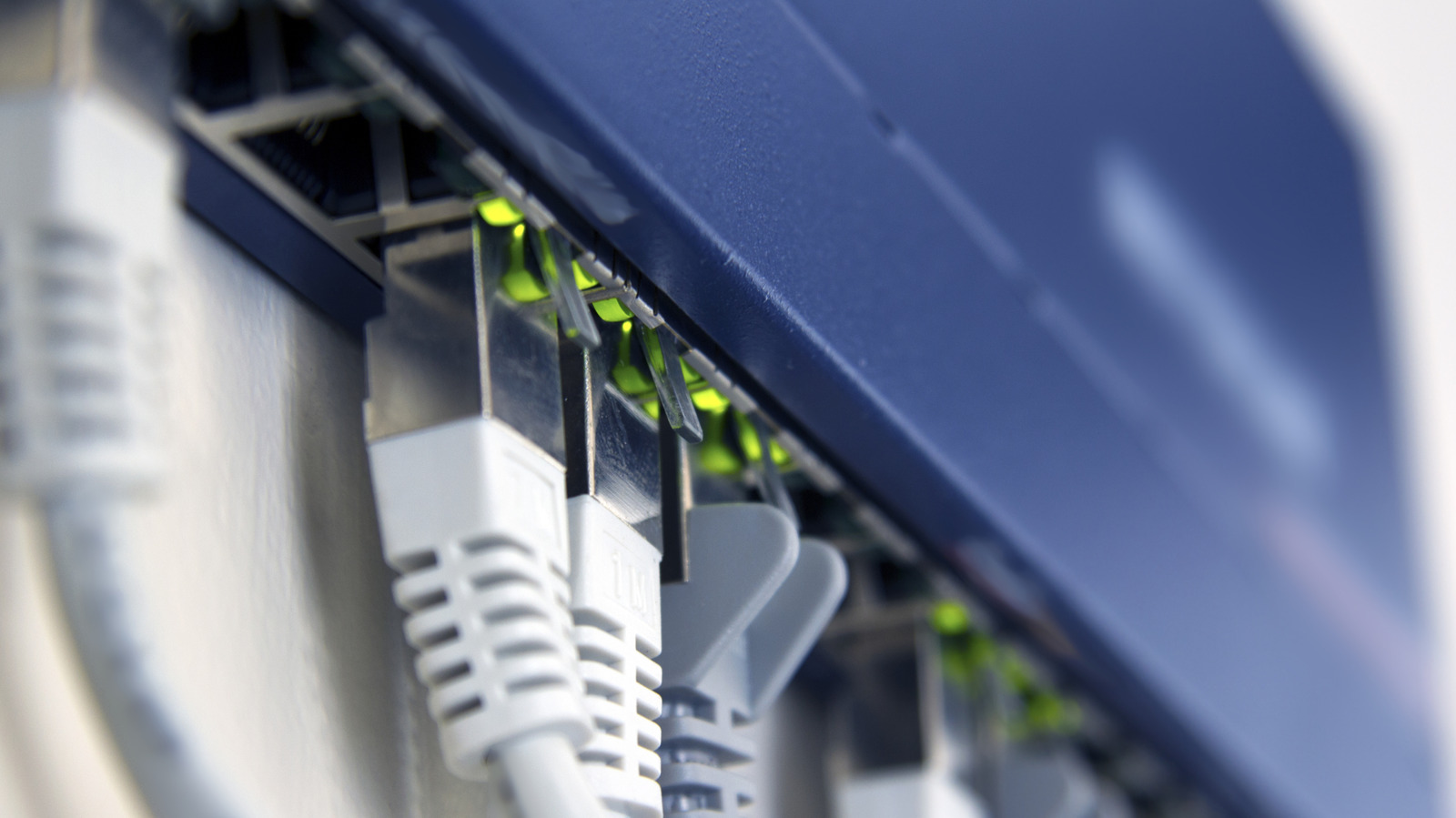
Public and private IP addresses serve distinct roles within a network. A public IP address identifies a network or a device connected to the internet, allowing communication between the device and the broader online world. Conversely, private IP addresses are unique identifiers for devices within a private network, such as a home or office setup.
Devices on private networks, like smartphones, computers, and smart home gadgets, use these private IP addresses to communicate with each other, but they cannot directly access the internet. This is where the public IP address comes into play, as it enables the devices to connect to the internet via a router.
Think of the public IP address like a street address for your house, which allows mail (internet data) to be delivered to your doorstep, while private IP addresses function as apartment numbers within your home. Each device connected to your router is assigned a unique private IP address, facilitating their communication with one another.
To find your network's public IP address, you can utilize an online IP checker tool or a command like "ifconfig" on a computer. Identifying private IP addresses involves accessing your router's settings, where you can view a list of connected devices and their respective private IP addresses. However, this method might not directly link an IP address to a specific device if hostnames aren't available.
In cases where device hostnames are missing, alternative methods like running "ipconfig" on Windows or specific commands on macOS and iOS can reveal the private IP address of each device. Public IP addresses are typically unique to each household or organization and are managed by internet service providers, whereas private IP addresses follow designated ranges such as 192.168.X.X, 10.X.X.X, and 172.16.X.X.
Recognizing the difference between public and private IP addresses aids in troubleshooting connectivity issues. For example, if a device receives an IP address from the 169.254.X.X range, it indicates that the device was unable to obtain an IP address from the router and may require troubleshooting at the router or ISP level. Understanding these concepts helps maintain network stability and security by ensuring that devices communicate correctly within their designated network spaces.
Rewritten by urgent.news; may contain errors — check the original.
Source: engadget.com