My old Android phone runs a full Linux desktop with Termux:X11
An aging Android handset transformed into a nimble Linux workstation through clever Termux and X11 tweaks and shortcuts.
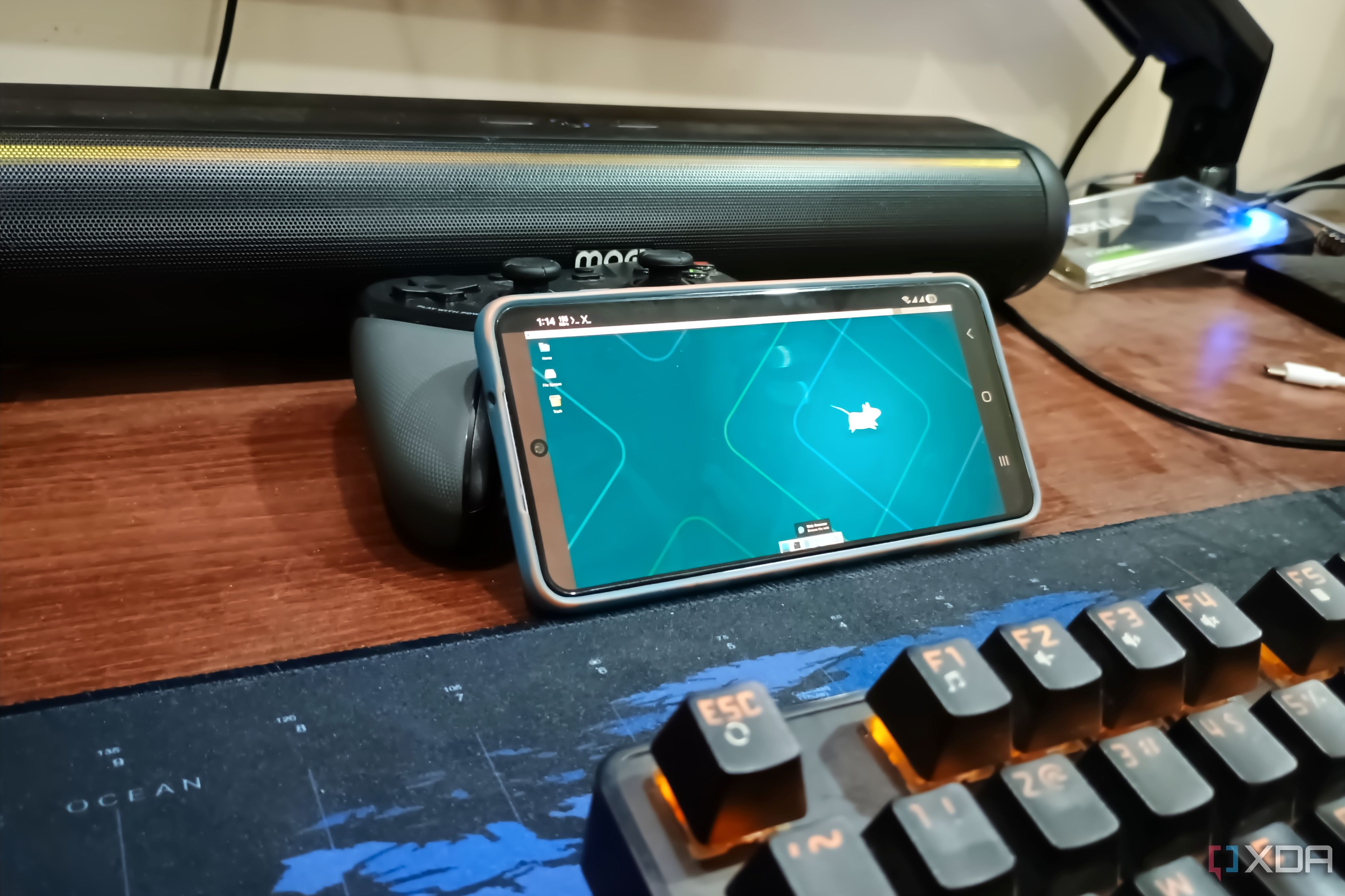
An Android phone can run a complete Linux desktop environment using Termux:X11. Termux is an application that provides a Linux-like command-line interface on an Android device, allowing self-hosting experiments without modifying the device's main OS. This setup leverages the PRoot-Distro tool to install a Linux distribution, such as Debian, and add necessary packages, all without rooting the phone.
The Termux:X11 app adds the X11 display server to the Linux distribution, enabling the display of graphical user interface (GUI) applications on the phone's screen. Installing two Android apps, available on GitHub and F-Droid, is the initial step. Termux and Termux:X11 require additional configuration, including adding the x11 repository, installing the proot-distro tool, and the server executable for Termux:X11.
After setting up the Linux environment, users can install the XFCE desktop environment, along with the X11 packages and desired GUI applications like LibreOffice, GIMP, and Firefox. While the desktop environment works reasonably well on moderately powerful Android devices, such as the Samsung Galaxy S21 FE, performance can be slower on weaker devices.
This setup enables users to run GUI applications, like web browsers and office suites, on their Android phones, albeit with some performance limitations and potential compatibility issues.
Rewritten by urgent.news; may contain errors — check the original.
Source: xda-developers.com