I run Windows 11 in a Proxmox VM as my daily desktop, and I don't miss bare metal at all
Windows 11 in a Proxmox VM handles my everyday work so well that I stopped wanting a dedicated PC
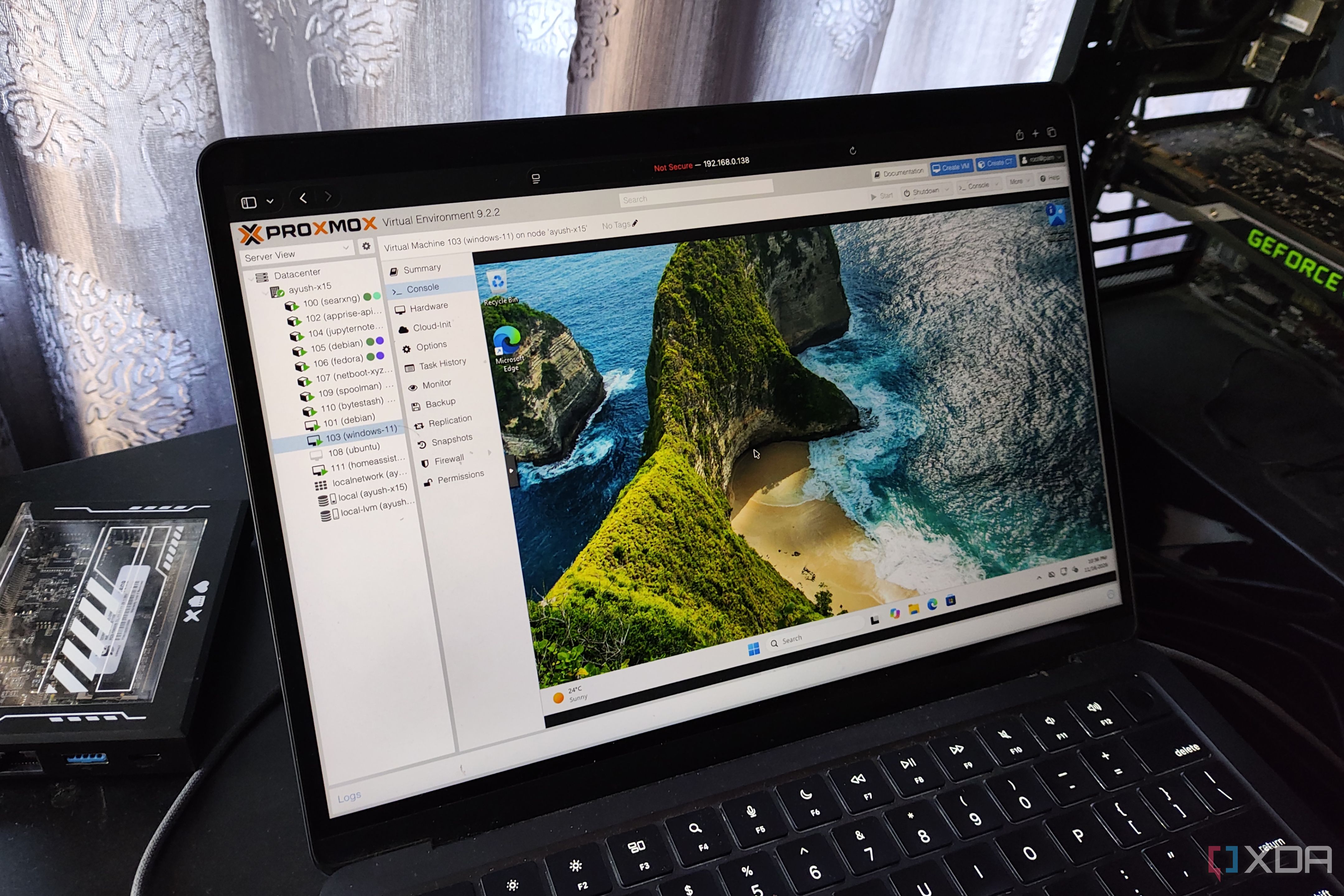
When authoring my first virtualized Windows 11 instance, I was pleasantly surprised by the ease of setup and the numerous possibilities it offered. Initially, I set up a Pro version to explore Hyper-V, GPE, and BitLocker encryption features. However, using the Remote Desktop Protocol proved to be the true game-changer for this project, as it significantly improved performance and even enabled clipboard sharing and audio playback.
This setup transformed my Windows 11 VM into a smooth and efficient testing ground for various productivity tools. While demanding tasks such as video editing and gaming suffered due to CPU-only processing, I managed to overcome these limitations by implementing GPU passthrough. This process, although slightly complex, allowed me to harness the power of dedicated graphics cards within my Windows 11 VM, resulting in smooth video-editing and gaming experiences.
Although certain games with anti-cheat technology still failed to function within the virtualized environment, my setup proved to be a viable alternative for single-player games and occasional multiplayer sessions. Overall, my Proxmox-powered Windows 11 VM offered an impressive balance between flexibility, performance, and accessibility, making it a compelling option for those seeking an alternative to traditional bare-metal setups.
Rewritten by urgent.news; may contain errors — check the original.
Source: xda-developers.com