I put Google Play on a cheap Fire tablet, and it became my favorite tablet for reading
With Google Play on my old Fire tablet, it turned out to be excellent for reading.
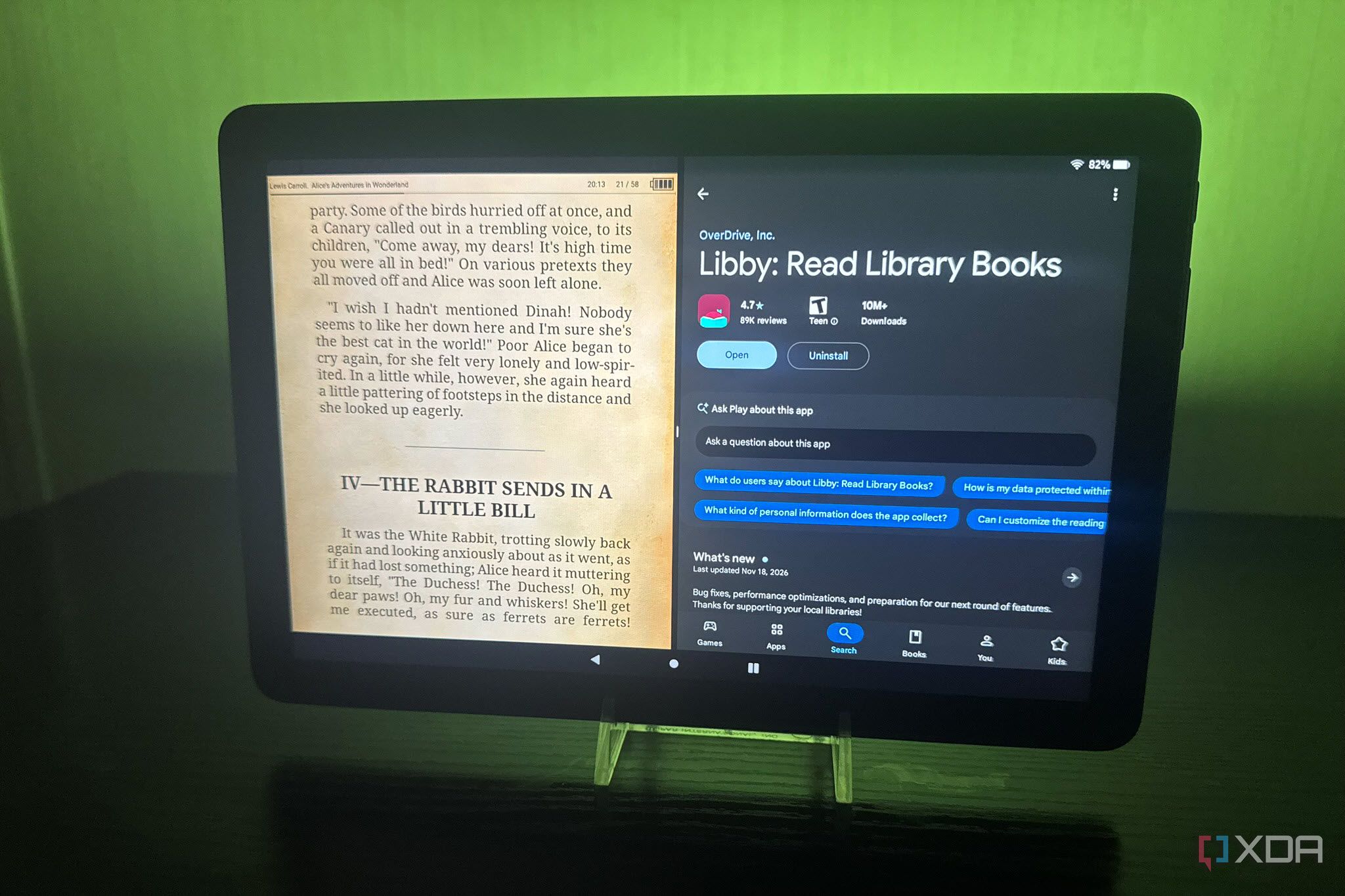
I have been using Fire HD tablets for entertainment, such as watching video, playing games, and listening to music. However, the tablet's large display is not well-suited for reading, as its default eBook library management is lacking compared to my Pixel phone. The Amazon App Store confines me to limited reading apps, and I dislike the restrictions on the reading apps I can use.
By installing the Google Play Store on my Fire tablet, I gained access to more choices in apps for books, magazines, and comics. This newfound flexibility has made my Fire tablet my preferred device for reading eBooks. Installing the Google Play Store on a Fire tablet is simple and doesn't require enabling developer options. I installed it on my Fire tablet to access better reading apps, like the open-source LxReader, for a more traditional ink-on-paper reading experience.
The process of installing the Play Store requires installing specific APKs in a particular order, and ensuring the correct app version for your tablet model. Some Fire OS tablet updates may break the Play Store installation, requiring a reinstallation. Although turning off OS updates is inconvenient, it can be done by using Fire Toolbox.
Now, I have more options for reading, including unrestricted EPUBs and various apps like LxReader, ReadEra, and Lithium. With the Play Store installed, my Fire tablet has become my favorite way to read eBooks and other documents. I can access Google Play books and upload EPUBs and PDFs to read on other devices, eliminating the need to manually transfer files between devices.
This increased flexibility allows me to curate a reading setup tailored to my preferences, and the larger display enhances my reading experience.
Rewritten by urgent.news; may contain errors — check the original.
Source: xda-developers.com