I let my Nvidia RTX GPU upscale my old DVD rips in VLC, and they hold up on a 4K TV
My DVDs just got an AI-powered glow-up
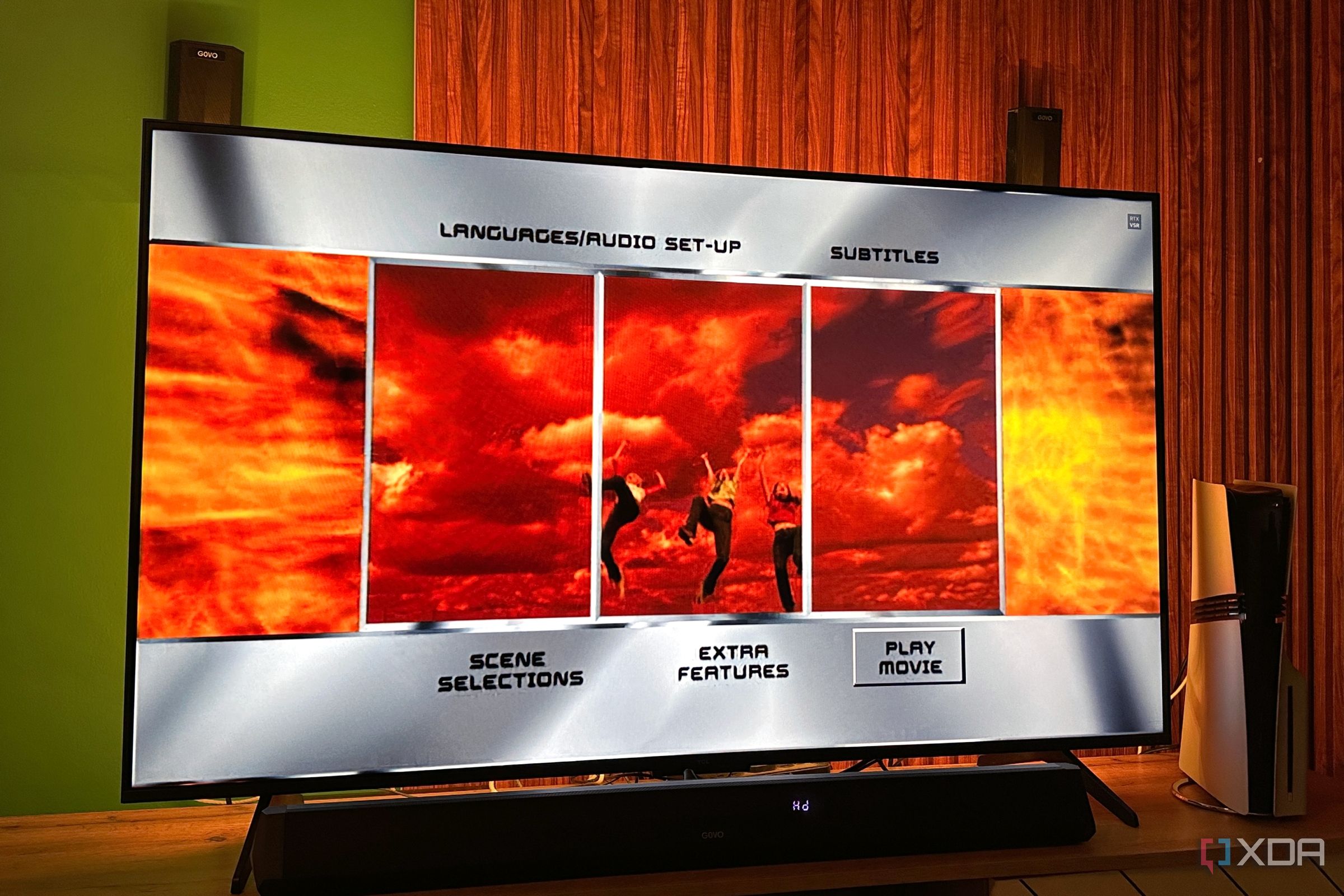
The author discovered they could upscale their old DVD rips to 4K quality using an Nvidia RTX GPU and VLC. This was achieved by taking advantage of Nvidia's RTX Video Super Resolution feature. The author first ensured their system was set up correctly by configuring their Nvidia Control Panel, enabling the appropriate VLC settings, and keeping their GPU driver up to date. They then tested this process with three of their DVDs: Alien, Austin Powers, and Charlie's Angels.
Alien presented some challenges due to its dark scenes, but the upscaling had a noticeable impact, improving the textures and details in the brighter parts of the movie. Austin Powers showcased a more impressive upgrade, with cleaner faces, defined textures, and brighter colors than the original DVD version. Charlie's Angels, on the other hand, had some limitations, particularly in action scenes where the upscaling struggled with smearing and reconstructing details.
Despite these limitations, the author found that RTX VSR significantly improved the appearance of their old DVD rips, making them watchable on a 4K TV without obvious artifacts. They emphasized that a proper 1080p or 4K remaster would always be superior, but the AI-upscaled DVD rips were still a good alternative if a higher quality version was unavailable.
Rewritten by urgent.news; may contain errors — check the original.
Source: xda-developers.com