Claude Code's hooks are its most underrated feature, and they stopped it from making the same mistakes twice
Less babysitting.
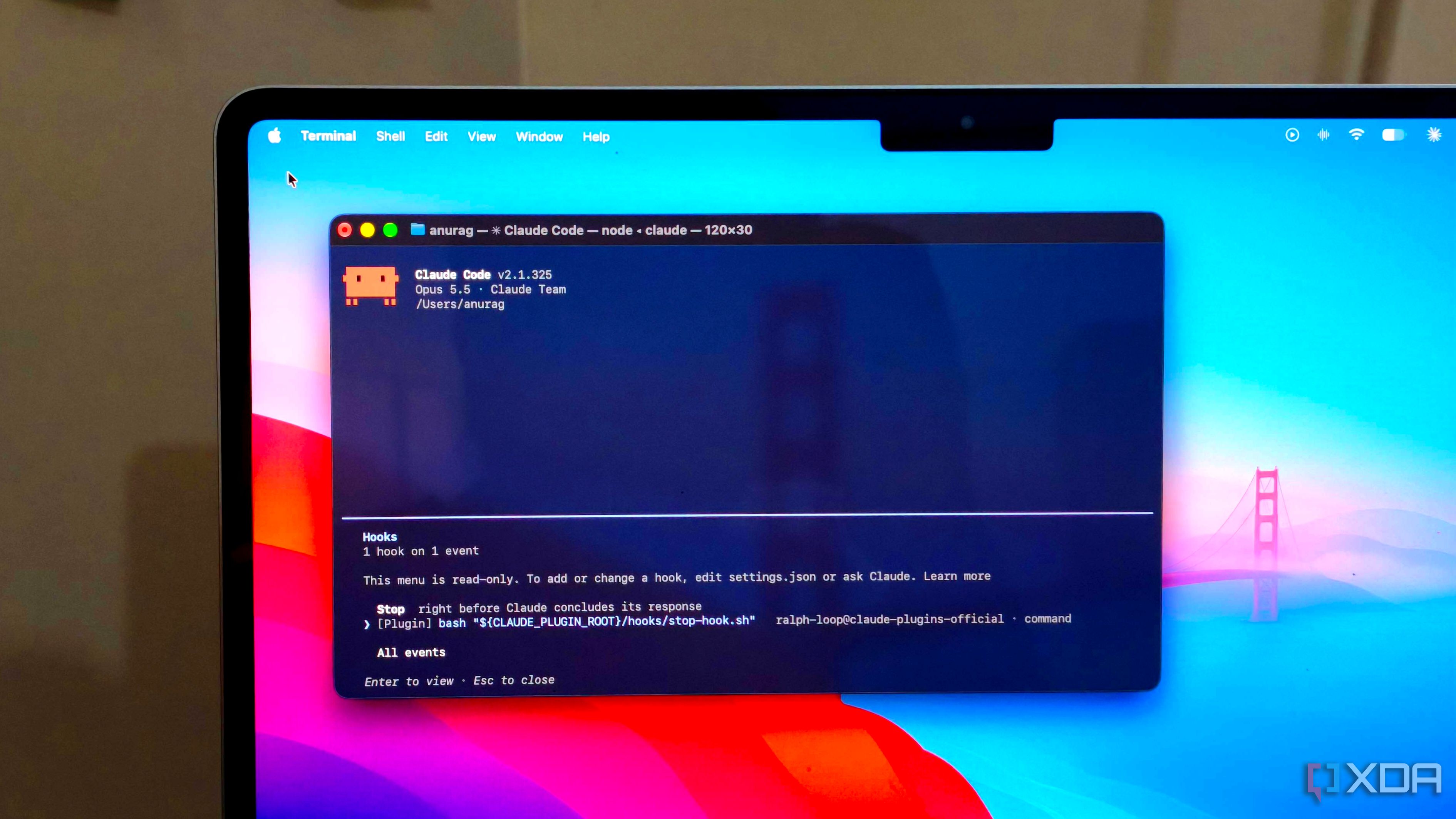
Claude Code's hooks feature is one of its most underrated functionalities, and it has helped prevent the model from repeating the same mistakes. These hooks allow users to execute commands or scripts before or after specific actions, or when Claude finishes a task. By configuring hooks once, Claude Code automatically triggers them whenever the associated events occur.
This automation helps catch errors, enforce project rules, and ensure Claude checks its own work without constant reminders. Hooks can be set up to block certain actions based on specific conditions. For instance, a script can be written to check file paths and prevent edits to protected files like .env. This level of control is particularly useful for consistently enforcing project rules and avoiding recurring mistakes.
In addition to preventing errors, hooks can also be used for automated validation, such as running Prettier or linters after file modifications. For more resource-intensive checks, like running a full test suite, it's better to wait until the task is complete. Claude Code can then execute these tests and prevent the task from being marked as finished if the tests fail, allowing for potential fixes.
The process of setting up hooks involves creating small scripts and configuring them in the project's .claude/hooks/ directory, referencing them through .claude/settings.json. Claude Code also provides commands to inspect the current hook configuration and to test the functionality by deliberately triggering failure conditions. While Claude Code can manage complex tasks with minimal user intervention, it still may require permissions for certain actions or ask questions before proceeding.
To address this, users can configure Notification hooks to receive desktop notifications when Claude Code needs attention, such as on macOS using the osascript command. Hooks can also be utilized to manage context during extended sessions. A SessionStart hook can be configured to run after Claude Code's context window has been compacted, allowing the model to be re-fed relevant project information, such as recent Git commits, unfinished tasks, or notes.
This ensures that Claude Code has the necessary information to continue working effectively. Hooks can be connected to other tools and services as well. For example, a hook could trigger a webhook with n8n when Claude Code completes a task, maintain a local activity log, or initiate another automation based on the events that occurred during the session.
Claude Code's hooks are just one of the customization options available. Users can build mods to track usage limits, customize status lines, integrate with other tools, and create shortcuts. Regular users of Claude Code are encouraged to explore these customization options to maximize the model's potential in their workflows.
Rewritten by urgent.news; may contain errors — check the original.