Back up Google Maps Timeline now or lose years of location history
Your Google Maps Timeline needs your attention
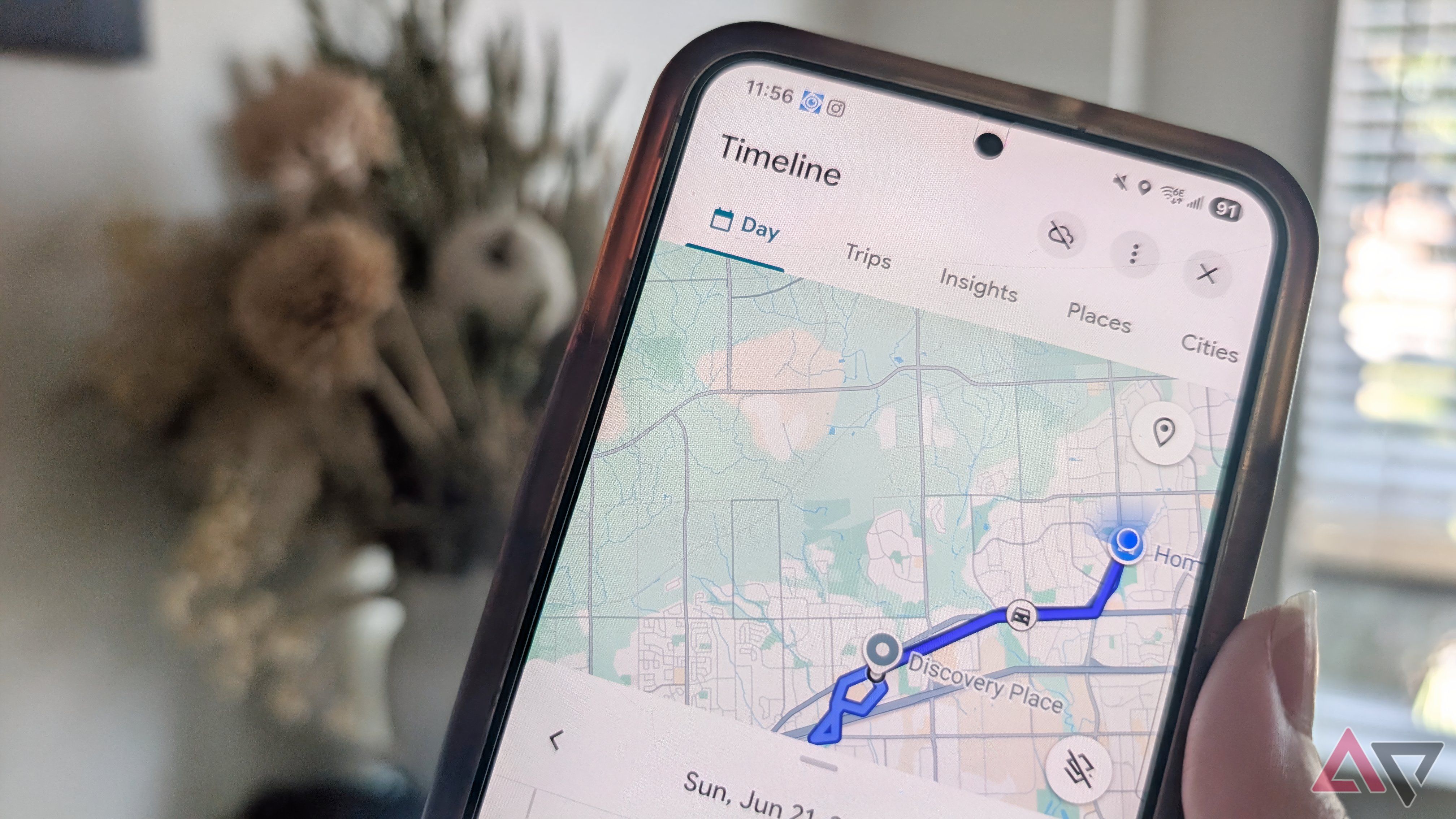
Google Maps Timeline offers a helpful feature that tracks users' past locations, paths, and destinations, allowing users to review their travel history whenever desired. However, users should be aware that much of their location history is stored on their phone, making it vulnerable to loss or deletion if they lose their device, factory reset it, or switch to a new phone.
To avoid losing years of valuable location history, users should enable the backup option in Google Maps Timeline, which creates an encrypted copy of the data on Google's servers. This backup can then be imported onto a different device, ensuring that users can still access their location history even if they lose or damage their phone.
It is essential to note that Timeline backup is not automatic or enabled by default, and users must manually activate it on each device where they want to keep Timeline history. Additionally, users need to turn off auto-delete before they can turn on backup. Once enabled, Google Maps will create an encrypted copy of the Timeline data, which users can access by following the backup steps in the app settings.
By taking a few minutes to back up their location history, users can safeguard their memories and avoid potential data loss.
Rewritten by urgent.news; may contain errors — check the original.