Streaming GTA 6? Turn this setting on so you dont get copyright strikes.
Don't get your YouTube or Twitch channel taken down. Here's how to stream GTA 6 without licensed music giving you copyright issues.
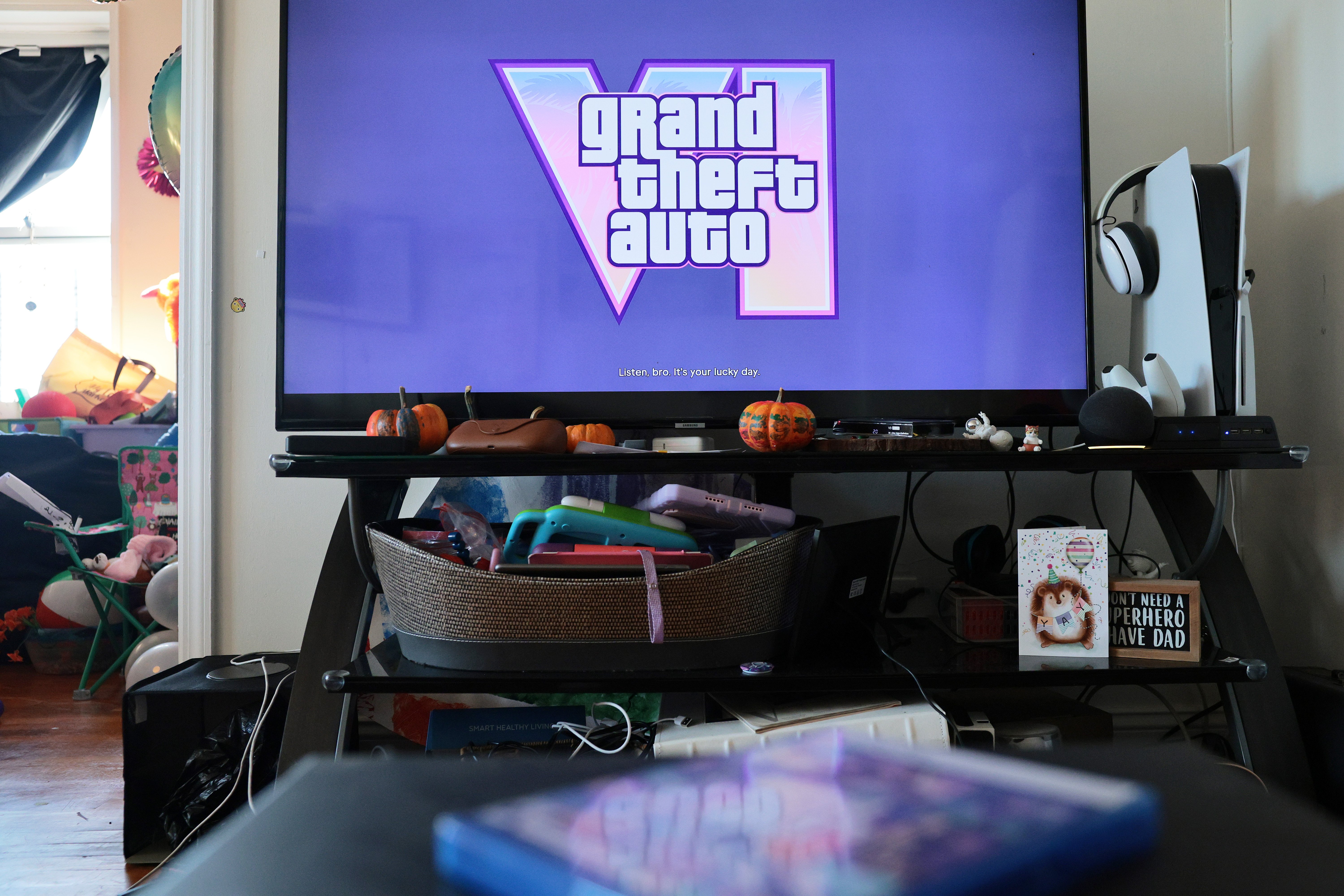
Rockstar Games' upcoming action-adventure title, Grand Theft Auto VI, boasts an impressive lineup of licensed music featuring the likes of Cardi B, Travis Scott, Dua Lipa, Justice, and Lana Del Rey across numerous in-game radio stations. This extensive selection of music, including viral moments like streamer caseoh singing along to Ariana Grande in the game, adds to the immersive experience for players.
However, this same feature can pose a risk for livestreamers, as YouTube or Twitch can issue copyright strikes for content featuring licensed music. Even though Rockstar Games permits creators to use original game music, it does not extend to licensed music from record labels and artists. To prevent these issues, Rockstar Games has provided a simple solution: a Mute Licensed Music setting.
This feature can be easily found by pausing the game, accessing the Settings menu, navigating to the Audio tab, and then toggling on Mute Licensed Music. By doing so, streamers and content creators can avoid copyright strikes and ensure their content remains safe from potential removals or demonetization. It's worth noting that Rockstar Games does not offer any royalty-free replacement music, so radio shows and original in-game songs will continue playing as usual.
Nonetheless, this Mute Licensed Music option offers peace of mind to those looking to avoid any potential copyright troubles while enjoying the sounds of Grand Theft Auto VI.
Written by urgent.news from Mashable's reporting — not their text. Machine-written — may contain errors; check the original before relying on it.